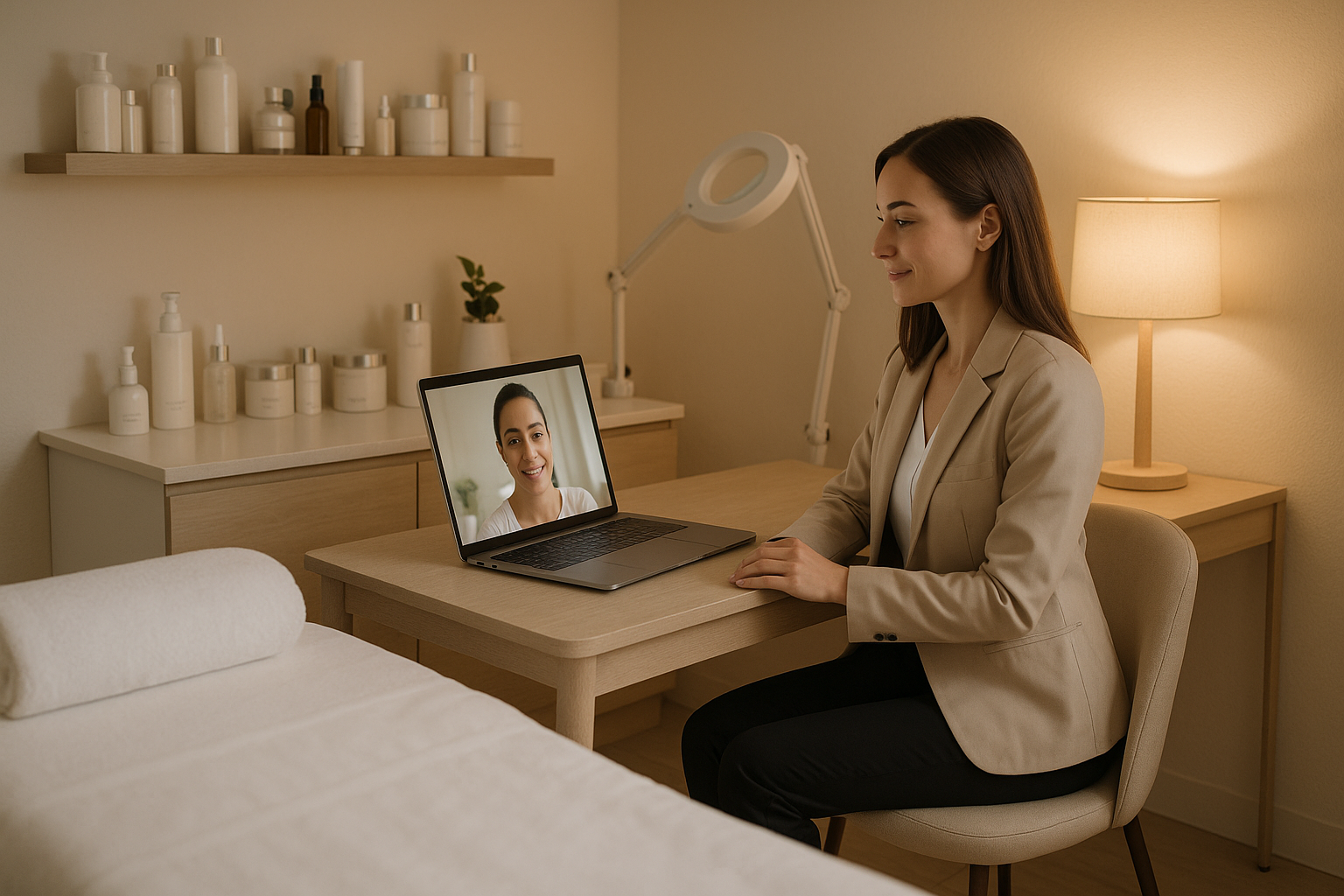
Most med spas are sitting on a leaky funnel and don’t know it.
Someone visits your website. They’re curious about Botox, a chemical peel, maybe laser resurfacing. They browse your services page, check the before/after gallery, and then — they leave. Not because they weren’t interested. Because the gap between “interested” and “booked” was too wide.
A phone call feels like a commitment. A contact form feels like a void. Walking into a clinic for a consultation they might not be ready for feels like pressure.
Virtual consultations close that gap. They give hesitant leads a low-friction, high-trust way to move forward — from the couch, on their schedule, without setting foot inside your spa. And for practices that set them up right, they convert at rates that look nothing like cold website traffic.
This guide breaks down how to build a virtual consultation program that fills your appointment book.
Why Virtual Consultations Work for Aesthetic Practices
Med spa decisions are deeply personal. Patients aren’t choosing between two brands of coffee — they’re thinking about their face, their body, their self-image. That kind of decision requires trust before it requires anything else.
Virtual consultations build trust faster than any other top-of-funnel tool because they’re human. Not a chatbot. Not a static FAQ. A real person — your practitioner or a trained coordinator — on a live video call with a patient who came to you already curious.
Here’s what that achieves:
It lowers commitment anxiety. A 15-minute video call is psychologically easier to book than a 45-minute in-person consultation. Once the patient has talked to someone they liked, the in-person visit feels like a natural next step rather than an intimidating leap.
It filters better-fit patients. A quick virtual screen quickly identifies who’s actually a good candidate for a procedure, who needs more education, and who’s ready to book. Your front desk isn’t fielding calls from people with unrealistic expectations.
It differentiates your practice. Most med spas in your area are still doing everything by phone and walk-in. Offering a slick, easy virtual consult experience signals professionalism and care before a patient ever meets you in person.
It expands your geographic reach. Patients who’d never drive 45 minutes for a first consultation will happily jump on a 15-minute video call. Once they’ve connected with your practice, the drive feels worth it.
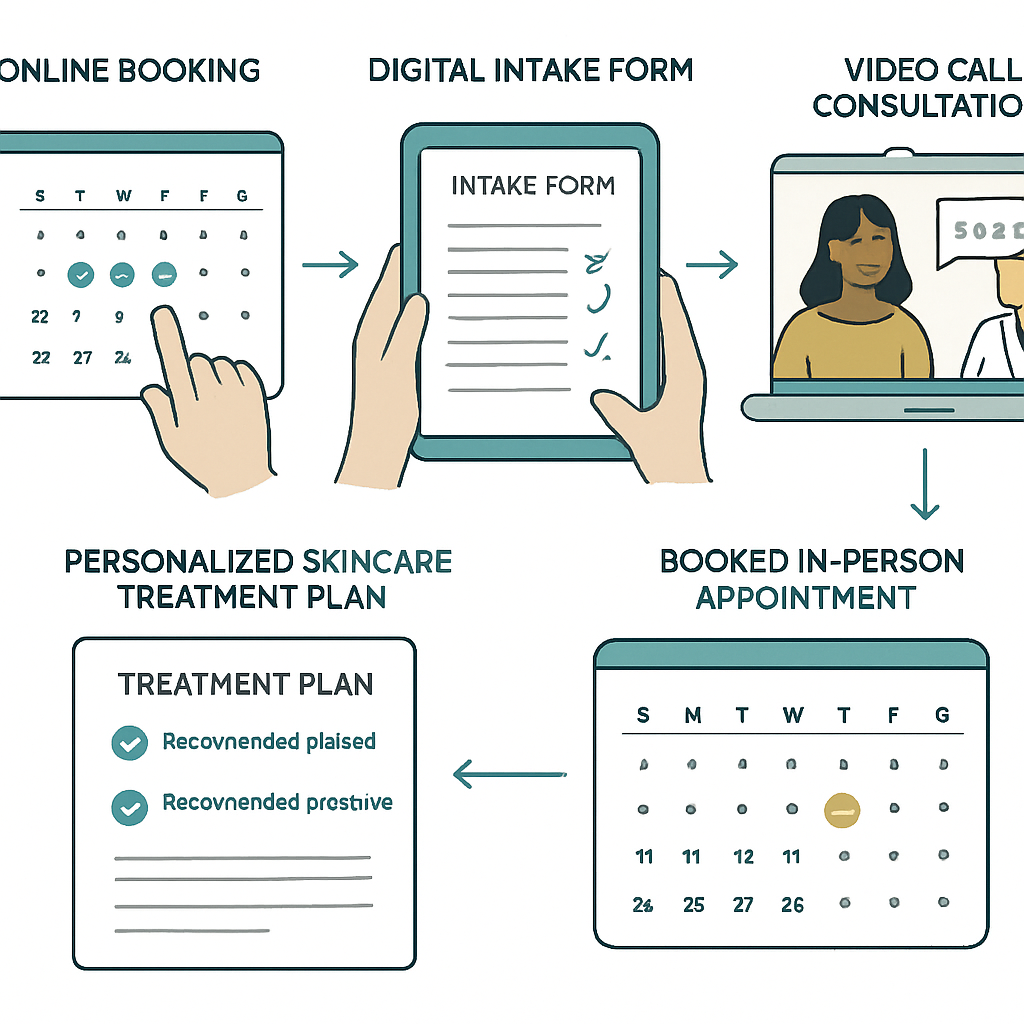
What a High-Converting Virtual Consultation Looks Like
Not all virtual consultations are equal. A disorganized video call does more damage than good. Here’s the anatomy of one that actually converts:
1. Frictionless Booking
The entry point should be dead simple. A “Book a Free Virtual Consultation” button — visible on your homepage, services pages, and any ad landing pages — goes directly to a scheduling tool (Calendly, Acuity, or your practice management system’s booking module).
The patient picks a time, fills in their name, email, phone, and ideally a brief intake — what they’re interested in, any past treatments, any skin concerns. That’s it. No PDF forms. No callback required.
2. A Confirmation That Builds Anticipation
The booking confirmation email shouldn’t read like a receipt. It should feel like the start of something. Include:
- A warm welcome message from your practice
- Who they’ll be speaking with (name, credentials, a friendly photo)
- What to expect in the call (15 minutes, no pressure, they’ll walk away with a personalized plan)
- A link to your before/after gallery and treatment pages to keep them warm
Bonus: Send a video message from your lead practitioner — even 60 seconds of “I’m looking forward to connecting with you” moves the needle significantly on show rates.
3. The Consultation Itself
Virtual consultations work best when they’re structured but feel natural. A typical flow:
- 2 minutes: Warm introduction. Who you are, how this works, what you can help with.
- 5 minutes: Listening. What are they looking to address? What’s their history? What concerns do they have?
- 5 minutes: Assessment and recommendation. Based on what they’ve shared and what you can observe on camera, what do you recommend? Be specific — name procedures, explain the outcomes.
- 2 minutes: The ask. “The natural next step is to come in for a full in-person assessment and then we’ll put together your personalized treatment plan. I have a few spots this week — what works for you?”
The critical element: end with a clear call to action. A virtual consultation that concludes with “think it over and give us a call” has a 40% lower conversion rate than one that ends with a confirmed appointment on the calendar.
4. Same-Day Follow-Up
Send a personalized follow-up email within 2 hours of the call. Include:
- A summary of what was discussed
- The specific treatments you recommended, with brief descriptions and links to learn more
- A direct booking link for the in-person appointment
- Your contact info for any questions
Automate this with your CRM or a simple email template. The difference in conversion when a follow-up hits within 2 hours vs. the next day is significant — don’t let that window close.
Setting Up Your Tech Stack
You don’t need expensive custom software. Most practices get excellent results with tools they probably already have:
Video platform options:
- Zoom (most familiar to patients, works on any device)
- Google Meet (no download required — reduces friction)
- Doxy.me (HIPAA-compliant, purpose-built for healthcare)
- Your EHR or practice management system’s telehealth module (if available)
For HIPAA considerations, consult your compliance officer. Most aesthetic-only consultations where no treatment is prescribed fall outside strict HIPAA requirements, but telehealth-specific BAAs are worth having regardless — see our guide on HIPAA-compliant marketing for aesthetic practices.
Scheduling: Calendly, Acuity, or your existing booking system. What matters most: the booking page should be embeddable on your website and require zero login from the patient.
CRM & automation: Once the consultation is booked and completed, your CRM should handle the follow-up automatically. A simple sequence — confirmation email, pre-call reminder, post-call summary, 48-hour follow-up — can be set up in under an hour using any of the major small business CRM platforms. See our CRM automation guide for setup guidance.
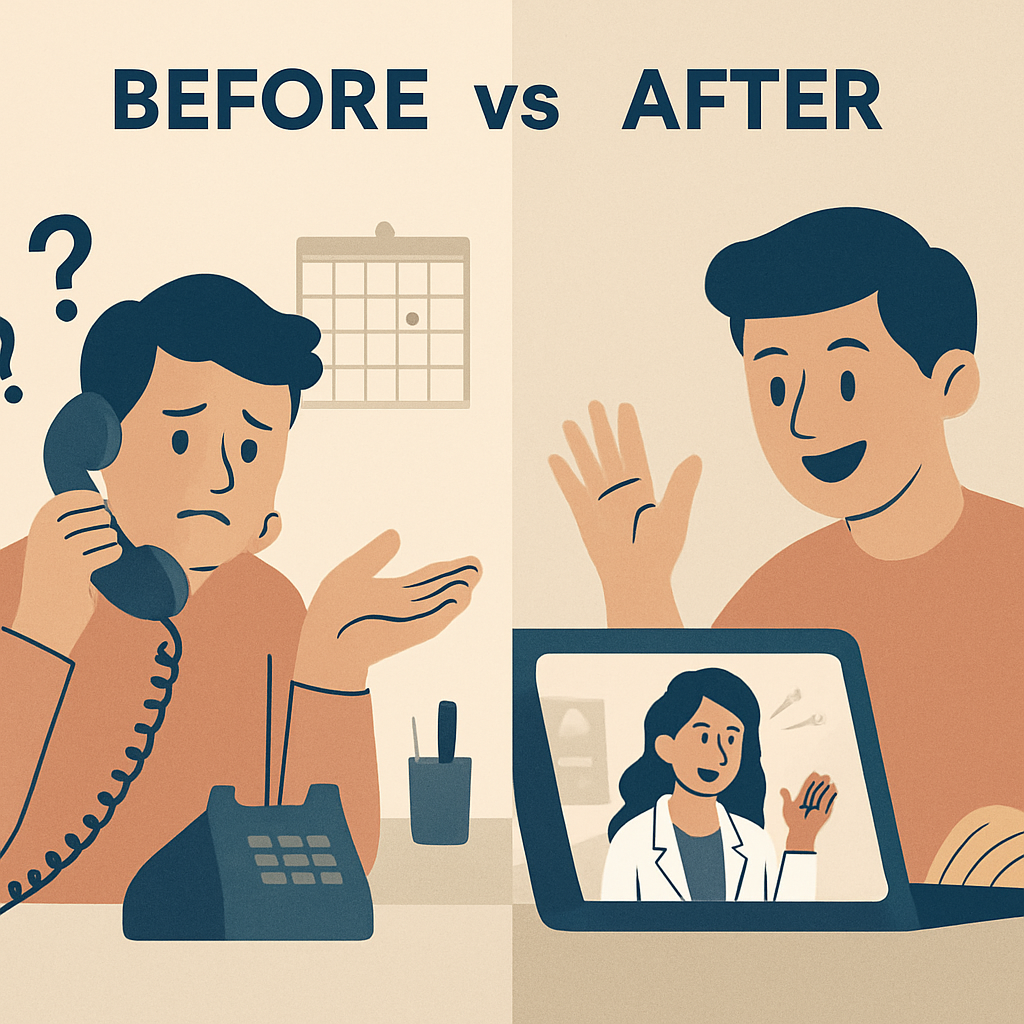
How to Promote Your Virtual Consultation Program
A great virtual consultation program doesn’t help if no one books it. Promotion needs to be active, not passive:
Your Website
- Hero section CTA: “Book a Free 15-Minute Virtual Consultation” — above the fold on the homepage
- Services pages: Individual CTAs on each treatment page (“Curious about Botox? Book a free virtual consult to find out if you’re a good candidate”)
- Popup or exit intent: Trigger a virtual consult offer when visitors are about to leave treatment pages
Paid Ads
Virtual consultations are a perfect lead generation offer for paid social. Facebook and Instagram ads targeting women 35–55 in your service area with a “Free 15-Minute Virtual Consult” offer dramatically outperform direct “book now” ads — there’s less commitment resistance. The ad sends to a dedicated landing page (not your homepage) with a single CTA: book the call.
Email Campaigns
If you have an email list of past leads who never converted, a virtual consultation reactivation campaign is one of the highest-ROI emails you can send. Subject line: “We’d love to catch up — 15 minutes on us.” Works especially well for patients who inquired in the past but never booked. This pairs well with a formal patient reactivation strategy.
Existing Patients
Existing patients who’ve expressed interest in additional treatments are your warmest leads. When a patient mentions during checkout or in a follow-up message that they’re thinking about a new treatment, offer a virtual consult with your provider rather than leaving them to “just call when you’re ready.”
Social Media
Short-form video content showing what a virtual consultation looks like — demystifying the process, showing the friendly, low-pressure tone — builds comfort and drives bookings. A 30-second “here’s what to expect” reel can be one of your highest-converting social posts.
Measuring What’s Working
Like any practice investment, virtual consultations need to be tracked. The metrics that matter:
Virtual consult booking rate: Of all the leads who see your virtual consult offer (website visitors, ad clicks), what percentage actually books? Below 2% suggests a friction problem in the booking flow. Above 5% is excellent.
Show rate: What percentage of booked virtual consultations actually happen? Below 60% means your reminders or confirmation experience needs work. Industry target: 75–85%.
Virtual-to-in-person conversion rate: Of all virtual consultations completed, what percentage convert to an in-person appointment? This is the money metric. A well-run program should hit 40–60%.
Revenue attributable to virtual consults: Track it per patient — the lifetime value of a patient who came through virtual consult vs. cold booking tends to be higher, because they chose your practice more deliberately.
Set these up in your CRM dashboard and review monthly. For deeper funnel tracking, Google Analytics 4 can track which pages drive virtual consult bookings, which ad campaigns are working, and where in your funnel patients are dropping off.

Common Mistakes That Kill Conversion
Making it too formal. Virtual consultations that feel like job interviews convert poorly. Train whoever conducts them to be warm, conversational, and genuinely curious about the patient’s goals.
Offering free consults with no structure. “Book a free consultation” without specifying format, duration, or outcome leaves patients unsure what they’re getting. Name it: “15-minute virtual skin assessment” is far more bookable than “free consultation.”
No follow-up system. If your virtual consult workflow relies on someone remembering to send a follow-up, it will fail. Automate it. Every completed consult should trigger an immediate follow-up sequence.
Forgetting mobile. Most patients will book via their phone. Your booking page, intake form, and video link all need to work perfectly on mobile. Test it — you’ll be surprised how often this is broken.
Not offering alternatives. Some patients will watch a video about virtual consultations and still not book. Have a fallback — a direct call option, a chat widget, a contact form. AI chatbots are increasingly useful here for after-hours lead capture.
Getting Started This Week
You don’t need to build a perfect system before you launch. Start with:
- Pick a time slot — block 3–4 slots per week for virtual consultations (even 1-2 per day is enough to learn what works)
- Set up booking — create a Calendly or Acuity booking page specifically for virtual consultations, 15 minutes
- Add one CTA — put a “Book a Free Virtual Consult” button on your homepage header
- Build two emails — a confirmation email and a post-consult follow-up; can be written in an hour
- Run one test — do a dozen virtual consultations yourself before handing them off; you’ll learn more in a week than any guide can teach you
The practices growing fastest in 2026 aren’t the ones with the flashiest equipment. They’re the ones that make it easiest for hesitant, interested leads to say yes. Virtual consultations are the most reliable tool for doing exactly that.
Ready to build a system that turns your web traffic into booked appointments? Talk to the Monsoft team — we help med spas and aesthetic practices set up the automation infrastructure that makes this work at scale.