
Your phone rings at 2 AM. A potential customer in another time zone wants to know if you offer same-day service. By the time you see the missed call in the morning, they’ve already booked with your competitor.
This scenario plays out thousands of times daily across small businesses. The solution isn’t hiring night staff—it’s deploying an AI chatbot that never sleeps, never gets frustrated, and handles routine inquiries while your team focuses on work that actually requires a human touch.
In this guide, you’ll learn exactly how AI chatbots work for small businesses, what they cost, and how to implement one without a technical background.
What AI Chatbots Actually Do (And Don’t Do)
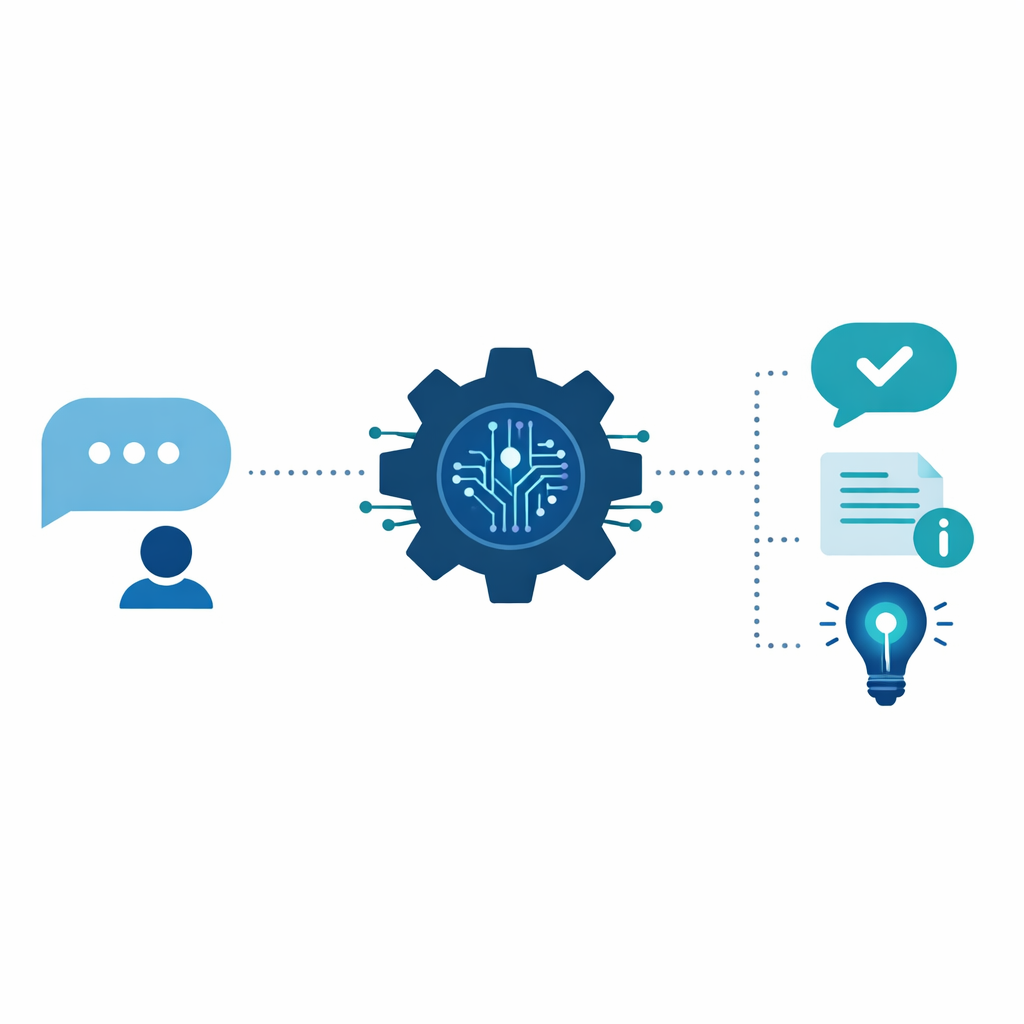
Let’s clear up the confusion first. Modern AI chatbots aren’t the clunky “press 1 for sales” systems from the 2010s. They’re conversational AI that understands natural language, learns from interactions, and can handle surprisingly complex conversations.
What They Excel At
Answering frequently asked questions. What are your hours? Do you serve my area? How much does X cost? These questions make up 60-80% of customer inquiries for most small businesses. A chatbot handles them instantly, 24/7.
Qualifying leads. Before a human ever gets involved, chatbots can ask the right questions: What’s your budget? When do you need this done? What’s your main concern? By the time a lead reaches your team, you already know if they’re worth pursuing.
Booking appointments. Integration with your calendar means customers can see availability and book directly. No back-and-forth emails, no phone tag.
Collecting information. Need customers to fill out an intake form? The chatbot walks them through it conversationally, which feels less tedious than a wall of form fields.
What They Shouldn’t Handle Alone
Complex complaints. When a customer is genuinely upset, they need human empathy. Chatbots should recognize frustration signals and escalate quickly.
High-stakes decisions. A chatbot can explain your service packages, but closing a $50,000 contract? That’s a human conversation.
Anything requiring nuance. Medical advice, legal questions, sensitive personal matters—these need human judgment.
The key is knowing where to draw the line. The best chatbot implementations handle the routine 80% and seamlessly hand off the complex 20% to humans.
The Real ROI: Numbers That Matter
Small business owners are practical. You need to know what this costs and what you get back. Here’s the honest breakdown:
Implementation Costs
Basic chatbot platforms: $50-200/month for small businesses. These include tools like Tidio, Intercom Starter, or Drift’s small business tier. They offer pre-built templates and no-code setup.
Custom AI chatbots: $500-2,000 setup plus $100-500/month. These use GPT-4 or similar models with custom training on your business data. More powerful, but require some technical setup.
Enterprise solutions: $1,000+/month. Overkill for most small businesses, but necessary if you’re handling sensitive data or need complex integrations.
Measurable Returns
Reduced response time. Average first response time drops from hours to seconds. For businesses where speed matters (emergency services, real estate, medical practices), this directly translates to won deals.
After-hours capture. Most businesses see 20-35% of inquiries come outside business hours. Previously, these were lost opportunities. Now they’re captured and either resolved or queued for morning follow-up.
Staff time savings. A typical small business with 2-3 customer-facing staff can save 10-15 hours weekly on routine inquiries. That’s time redirected to activities that grow revenue.
Improved lead quality. Pre-qualification means your team only talks to prospects who are actually ready to buy. Sales teams report 30-50% higher close rates on chatbot-qualified leads.
Break-Even Analysis
For a typical small business paying $150/month for a chatbot:
- If it saves 10 hours of staff time monthly at $25/hour = $250 saved
- If it captures just 2 after-hours leads monthly that convert = potentially thousands in new revenue
- Break-even is almost immediate for most implementations
Choosing the Right Platform for Your Business
Not all chatbots are created equal. Your choice depends on your technical comfort level, budget, and specific needs.
For Non-Technical Owners
Tidio offers the gentlest learning curve. It’s drag-and-drop chatbot building with templates for common scenarios. Starts at $29/month and includes live chat alongside the bot.
ManyChat excels if your customers primarily reach you through Facebook or Instagram. It’s built for social media automation and integrates seamlessly with Meta’s platforms.
Zendesk Answer Bot works well if you already use Zendesk for support. It learns from your existing help center articles and previous tickets.
For Technically Comfortable Owners
Botpress is open-source and incredibly flexible. Steeper learning curve, but you can build exactly what you need. Great for businesses with unique workflows.
Voiceflow uses a visual builder but supports sophisticated conversation design. Good middle ground between simplicity and power.
For Maximum AI Capability
Custom GPT implementations through OpenAI’s API or similar providers. This is where you train the AI on your specific business documentation, FAQs, and conversation history. Most expensive and complex, but produces the most human-like interactions.
Key Features to Prioritize
Regardless of platform, look for these capabilities:
- Human handoff: Seamless transition to live agents when needed
- CRM integration: Syncs with your existing customer database
- Analytics dashboard: Shows conversation patterns and common questions
- Multi-channel support: Works on your website, social media, and messaging apps
- Training interface: Easy way to improve responses over time
Implementation: A Week-by-Week Playbook
Let’s get practical. Here’s how to go from zero to functioning chatbot in four weeks without disrupting your operations.

Week 1: Document Your FAQs
Before touching any software, gather intelligence:
- Review the last 3 months of customer emails. What questions appear repeatedly?
- Talk to your front-line staff. What do they answer most often?
- Check your website analytics. Which pages do visitors hit before contacting you?
- Compile your top 20-30 questions with ideal answers.
This document becomes your chatbot’s brain. Don’t skip this step—it’s the foundation of everything.
Week 2: Choose and Configure Your Platform
Based on the criteria above, select a platform. Then:
- Set up your account and connect your website.
- Create your welcome message. Make it friendly but clear about what the bot can help with.
- Build flows for your top 10 questions. Start simple. You can expand later.
- Configure human handoff rules. When should the bot escalate? Keywords like “angry,” “speak to someone,” or “manager” are good triggers.
Week 3: Internal Testing and Training
Don’t launch publicly yet:
- Have your team test extensively. Try to break it. Ask weird questions. Find the gaps.
- Refine responses based on what feels awkward or unhelpful.
- Train on edge cases. What happens when someone asks something completely off-topic?
- Set up notifications so humans are alerted to handoff requests immediately.
Week 4: Soft Launch and Optimization
Roll out gradually:
- Enable the chatbot during business hours only at first. This lets you monitor and intervene quickly.
- Review every conversation for the first few days. Note what works and what doesn’t.
- Expand to 24/7 once you’re confident in the bot’s responses.
- Schedule weekly reviews of conversation logs to continuously improve.
Common Mistakes (And How to Avoid Them)
We’ve seen dozens of chatbot implementations. Here’s what trips people up:
Trying to Automate Everything
The goal isn’t zero human interaction. It’s optimizing human interaction. Bots handle routine queries so humans can focus on high-value conversations. If you try to remove humans entirely, customer experience suffers.
Ignoring the Handoff Experience
The transition from bot to human is critical. If there’s a long wait or the human has to ask the customer to repeat everything, you’ve created frustration, not convenience. Ensure handoffs include full conversation history.
Setting It and Forgetting It
Chatbots need maintenance. Language evolves. Your business changes. New questions emerge. Schedule monthly reviews of conversation logs and update responses accordingly.
Hiding the Fact It’s a Bot
Some businesses try to pass their chatbot off as human. Customers aren’t fooled, and they feel deceived when they figure it out. Be upfront: “Hi! I’m the Acme virtual assistant. I can help with most questions, and I’ll connect you with a team member for anything complex.”
Not Measuring Results
If you can’t measure improvement, you can’t justify the investment. Track metrics from day one: response time, resolution rate, handoff frequency, customer satisfaction scores.
What’s Next: Emerging Capabilities
AI chatbot technology is advancing rapidly. Here’s what’s becoming possible in 2026:
Voice integration is becoming standard. Your website chatbot can now accept voice messages and respond with synthesized speech, making it accessible to more users.
Predictive engagement means bots that initiate conversations at the right moment—like when a visitor has been on your pricing page for 3 minutes without acting.
Deeper personalization uses purchase history and browsing behavior to customize responses. Return customers get a different (better) experience than new visitors.
Multi-modal understanding allows bots to process images. A customer can send a photo of a broken product and get relevant troubleshooting steps.
Getting Started This Week
You don’t need to implement everything at once. Here’s your action plan:
- This week: Create your FAQ document. Review customer emails and talk to your staff.
- Next week: Sign up for free trials of 2-3 chatbot platforms. Test their interfaces.
- Following week: Choose your platform and build flows for your top 5 questions.
- Week four: Launch internally, then to customers.
The businesses that thrive aren’t necessarily the ones with the biggest budgets—they’re the ones that make smart use of available tools. An AI chatbot is one of the most accessible, highest-ROI tools available to small businesses today.
Ready to explore AI chatbots for your business? Contact us for a free consultation on which solution fits your needs, or explore our AI automation services to see how we help small businesses implement practical AI tools.