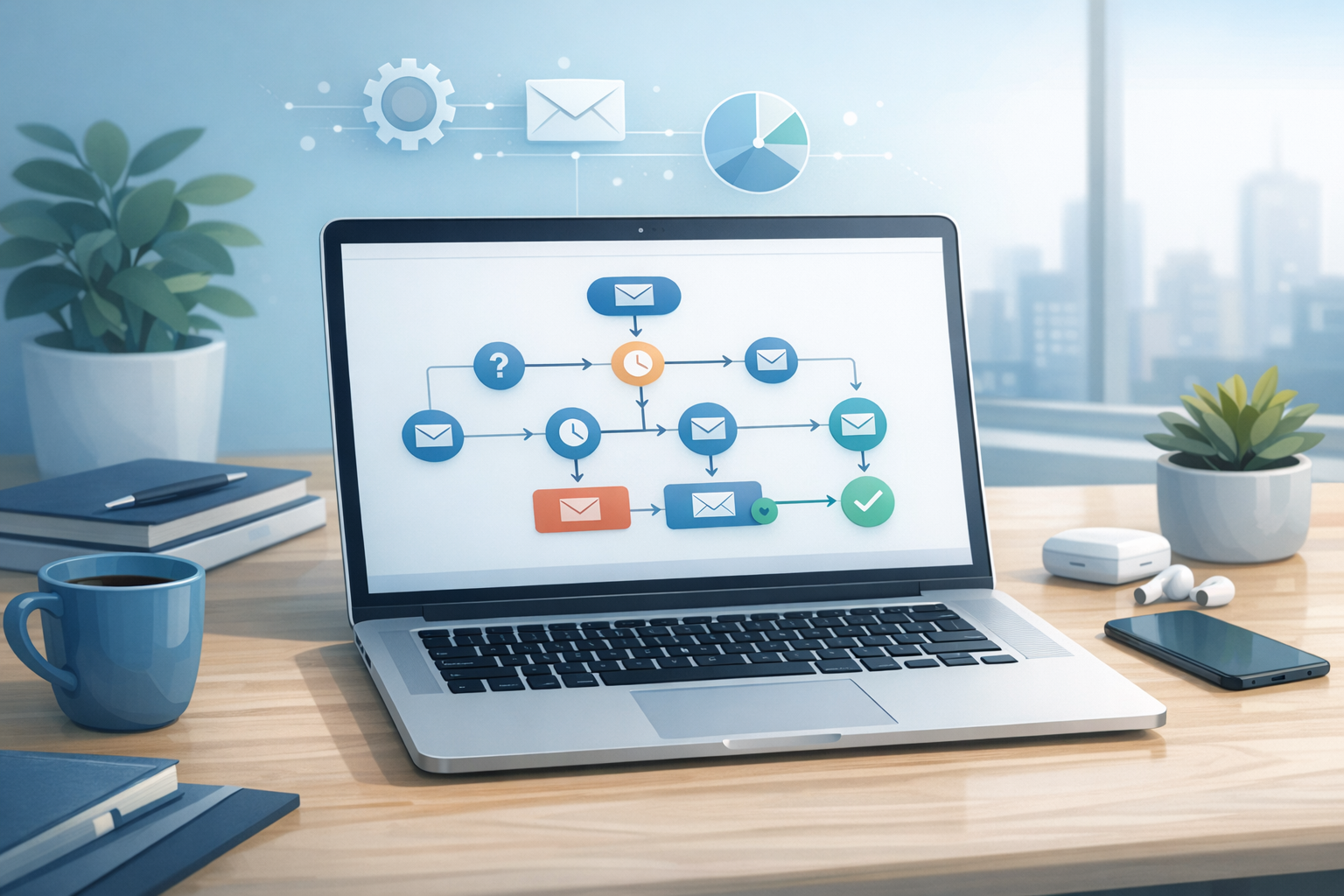
A potential customer fills out your contact form at 8 PM on a Thursday. You see the notification Friday morning, respond by noon, and hear nothing back. Sound familiar?
Here’s what happened in those 16 hours: they contacted two of your competitors, got an instant reply from one, and already booked. Speed-to-lead studies consistently show that responding within 5 minutes makes you 21 times more likely to qualify a lead than waiting just 30 minutes. Not hours. Minutes.
The problem isn’t that you don’t care about follow-up—it’s that you’re one person (or a small team) running an entire business. You can’t be glued to your inbox 24/7. That’s exactly where automated follow-up sequences come in: they respond instantly, nurture consistently, and convert reliably while you focus on actually doing the work.
This guide walks you through building follow-up sequences that feel personal, move leads toward a decision, and work for any business—whether you’re a plumber in Fort Myers or a plastic surgeon in Naples.
What Is an Automated Follow-Up Sequence?
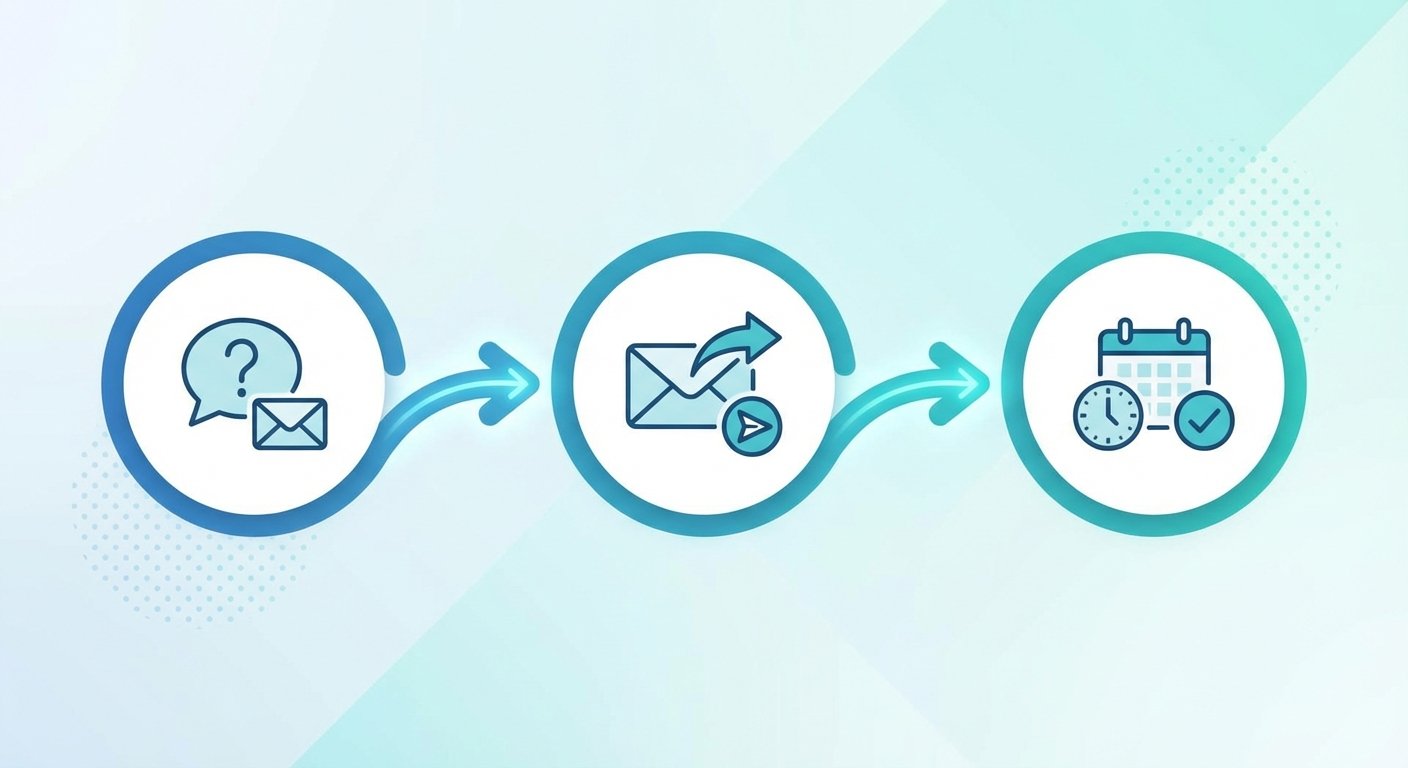
An automated follow-up sequence is a pre-built series of messages—emails, texts, or both—that triggers automatically when a lead takes a specific action. Instead of manually remembering to follow up with every inquiry, the system does it for you on a predictable schedule with personalized content.
Think of it as a conversation you’ve already planned out. When someone requests a quote, books a consultation, or downloads a resource, the sequence kicks in and guides them toward the next step—whether that’s confirming an appointment, answering common objections, or simply staying top of mind until they’re ready to buy.
Why Most Businesses Fail at Follow-Up
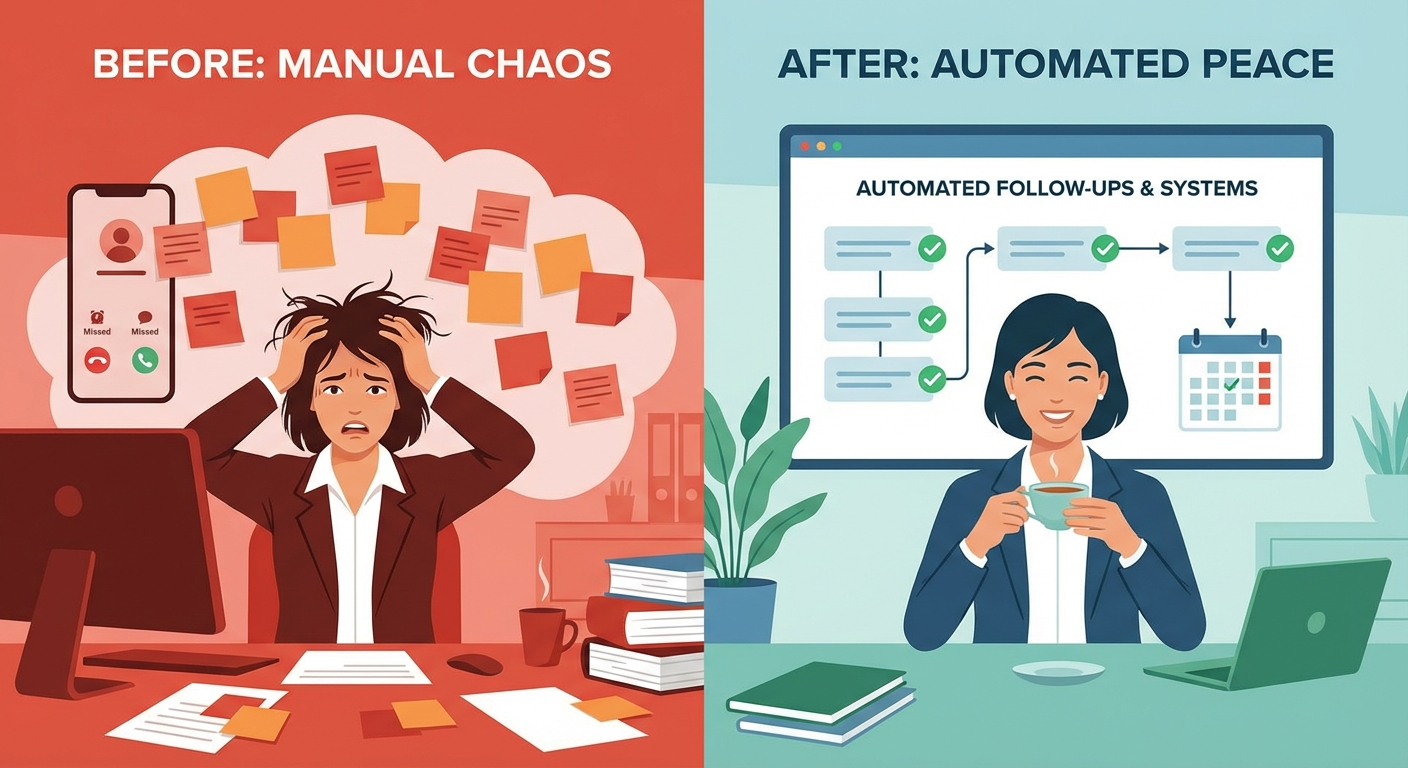
Before building sequences, it helps to understand why manual follow-up breaks down:
- Inconsistency. When things get busy—a rush of jobs, a packed surgery schedule—follow-up is the first thing that slips.
- Slow response times. Even “same day” replies often lose to competitors who responded in minutes.
- No system. Most small businesses rely on memory, sticky notes, or a spreadsheet that no one actually updates.
- Fear of being annoying. Business owners often stop after one follow-up, worried they’ll seem pushy. In reality, most sales require 5-8 touches.
The data backs this up: 48% of salespeople never make a single follow-up attempt, and 80% of sales require at least five follow-ups after initial contact. The gap between “should follow up” and “actually follows up” is where automated sequences thrive.
If you’re already using AI chatbots to handle initial inquiries, follow-up sequences are the natural next step—they pick up where the first conversation left off.
The 5 Follow-Up Sequences Every Business Needs
Not every lead needs the same sequence. Here are the five essential types that cover your entire customer journey:
1. The Instant Response Sequence
Trigger: New lead submits a form, calls, or sends an inquiry Timeline: Immediate → 1 hour → 24 hours
This is your most critical sequence. The first message goes out within seconds:
- Message 1 (Immediate): Acknowledge the inquiry, confirm you received it, set expectations for next steps.
- Message 2 (1 hour): Provide something useful—a link to FAQs, pricing overview, or portfolio. Positions you as helpful, not just selling.
- Message 3 (24 hours): Personal check-in. “Did you get a chance to look at what I sent? Happy to answer any questions.”
For aesthetic practices, this might look like confirming a consultation request and sending a link to your before-and-after gallery. For a roofing company, it could be a link to your recent project photos with an estimate timeline.
2. The Appointment Confirmation Sequence
Trigger: Appointment or consultation booked Timeline: Immediately → 24 hours before → 2 hours before
No-shows kill revenue. This sequence keeps them committed:
- Confirmation message with date, time, location, and what to bring.
- Reminder at 24 hours with a “reply to confirm” prompt.
- Day-of reminder with directions and parking info.
We’ve covered this in depth in our guide on automating appointment reminders—practices that implement these see no-show rates drop by up to 80%.
3. The Nurture Sequence (Not Ready Yet)
Trigger: Lead inquired but didn’t book or buy Timeline: Day 3 → Day 7 → Day 14 → Day 30
Not everyone is ready to commit immediately. This sequence stays in their orbit:
- Day 3: Share a relevant blog post, case study, or testimonial.
- Day 7: Address a common objection or FAQ.
- Day 14: Social proof—review, testimonial, or “what other [audience] are saying.”
- Day 30: Soft check-in with a limited-time offer or seasonal relevance.
During snowbird season in Southwest Florida, this sequence is especially valuable—visitors researching services in Naples or Cape Coral may not be ready to act until they arrive, but they’ll remember the business that stayed in touch.
4. The Post-Service Follow-Up
Trigger: Service completed or product delivered Timeline: Day 1 → Day 7 → Day 30
This is where you turn customers into advocates:
- Day 1: Thank them, ask if everything met expectations, provide any aftercare info.
- Day 7: Request a review (link directly to your Google Business Profile). Our review generation guide covers how to time and phrase these requests for maximum response rates.
- Day 30: Check in, offer a related service, or share a referral incentive.
5. The Re-Engagement Sequence
Trigger: Customer hasn’t booked or purchased in 90+ days Timeline: Day 90 → Day 120 → Day 180
Win back lapsed customers before they forget you:
- Day 90: “We miss you” message with what’s new.
- Day 120: Special offer or loyalty incentive.
- Day 180: Last-chance message—if no response, move to a less frequent cadence.
How to Build Your First Sequence: Step by Step
Ready to build? Here’s the practical walkthrough:
Step 1: Map Your Customer Journey
Before you write a single message, document how leads currently move through your business:
- Where do they find you? (Google, referral, ad, social media)
- What action do they take first? (form, call, DM, walk-in)
- What happens next? (you call back, send a quote, book a consultation)
- Where do you lose them? (no response after quote, no-show to appointment, ghost after first visit)
The “where do you lose them” step is the most important. That’s where your first automated sequence should live.
Step 2: Write Your Messages
Keep each message:
- Short. Under 100 words for email, under 160 characters for SMS.
- Personal. Use their first name. Reference their specific inquiry when possible.
- Valuable. Every message should give them something—information, reassurance, or a clear next step.
- Single CTA. One message, one action. Don’t ask them to call, email, and visit your website in the same text.
Example first message for a local service business:
Hi {first_name}, thanks for reaching out to [Business Name] about {service}! We typically respond with a detailed quote within 2 hours during business hours. In the meantime, here’s a look at some recent projects: [link]. Talk soon — [Your Name]
Example first message for an aesthetic practice:
Hi {first_name}, thank you for your consultation request at [Practice Name]. We’ve received your inquiry about {procedure} and our patient coordinator will reach out within the hour. While you wait, you might find our preparation guide helpful: [link]. We look forward to meeting you.
Step 3: Choose Your Timing
Timing rules of thumb:
| Sequence Type | First Message | Follow-Up Cadence | Total Messages |
|---|---|---|---|
| Instant Response | Immediately | 1 hour, 24 hours | 3 |
| Appointment Confirm | At booking | 24 hours before, 2 hours | 3 |
| Nurture | Day 3 | Weekly, then biweekly | 4-6 |
| Post-Service | Day 1 | Day 7, Day 30 | 3 |
| Re-Engagement | Day 90 | Monthly | 3 |
Step 4: Set Up the Automation
You don’t need enterprise software. Here are practical options by budget:
- Free/Low cost: Mailchimp (email), Google Workspace + Zapier (basic workflows)
- Mid-range ($50-150/month): GoHighLevel, HubSpot Starter, ActiveCampaign—these handle email + SMS + scheduling in one platform
- Full automation: Custom workflows combining email marketing automation with AI-powered responses and CRM integration
For most small businesses, a mid-range CRM with built-in automation handles everything in this guide. The key is choosing a tool you’ll actually use.
Step 5: Test Before You Launch
Before going live:
- Send test messages to yourself. Check formatting, links, and personalization tokens.
- Test the trigger. Fill out your own form and make sure the sequence fires correctly.
- Check the timing. Ensure messages don’t send at 3 AM (set business-hours delivery windows).
- Have someone outside your business read the messages. They’ll catch jargon, confusing steps, or missing context that you’re too close to see.
Making Automation Feel Personal (Not Robotic)
The biggest fear with automation: “Won’t it feel impersonal?” Here’s how to avoid that:
- Use merge fields beyond first name. Reference their specific service interest, location, or how they found you.
- Write like a human. Contractions, casual tone, even a well-placed emoji. If you wouldn’t say it face-to-face, don’t put it in an automated message.
- Mix channels. Don’t send 5 emails in a row. Alternate between email and SMS. If they opened the email but didn’t click, try a text next.
- Build in escape routes. Every message should make it easy to reply, unsubscribe, or skip ahead (“Already booked? Just reply STOP and we’ll update your file.”)
- Have real humans monitor replies. Automation handles the outreach; a real person should handle responses. The worst thing is an automated reply to a genuine question.
Measuring What’s Working
Track these metrics for each sequence:
- Open rate: Are people reading your messages? Below 20% means your subject lines or send times need work.
- Click rate: Are they engaging with your links and CTAs? Below 2% means your content isn’t compelling enough.
- Reply rate: For SMS sequences, replies are gold. High reply rates mean your messages feel conversational.
- Conversion rate: How many sequence recipients take the desired action (book, buy, show up)?
- Unsubscribe rate: Above 1% per email means you’re sending too frequently or the content isn’t matching expectations.
Review these monthly. Kill sequences that aren’t performing and double down on what works.
Common Mistakes to Avoid
- Too many messages, too fast. Three emails in one day feels like spam. Space them out.
- Generic content. “Just checking in!” with no value is worse than silence. Every message needs a reason to exist.
- Ignoring mobile. Over 60% of emails and nearly all texts are read on phones. Keep messages scannable.
- Setting and forgetting. Sequences need maintenance. Update seasonal references, check that links work, refresh offers quarterly.
- No segmentation. A first-time inquiry and a repeat customer shouldn’t get the same sequence. Even basic segmentation (new vs. returning, service type) dramatically improves results.
Getting Started This Week
You don’t need to build all five sequences at once. Here’s your priority order:
- Start with the Instant Response Sequence. This has the highest ROI because speed-to-lead directly impacts conversion. Even just an automated “We got your message, here’s what happens next” puts you ahead of most competitors.
- Add Appointment Confirmation if no-shows are a problem.
- Build out Nurture and Post-Service sequences once the first two are running smoothly.
If you’re already capturing leads with an after-hours system, automated follow-up is the natural extension—it ensures those captured leads don’t just sit in a spreadsheet.
Frequently Asked Questions
How many follow-up messages should I send before giving up?
Research suggests 5-8 touchpoints before a lead converts, though the exact number depends on your industry and price point. High-ticket services like cosmetic procedures may need more nurturing over a longer timeline, while urgent local services like plumbing may convert in 2-3 touches. Monitor your data and stop when response rates drop below 1%.
Can I use automated follow-ups for existing customers?
Absolutely. Post-service follow-ups and re-engagement sequences are specifically designed for current and past customers. These sequences drive repeat business, generate reviews, and create referral opportunities—often with higher ROI than new lead sequences since these contacts already trust you.
Will automated messages hurt my brand if they feel impersonal?
Only if you make them impersonal. Well-crafted automated sequences that use personalization, provide genuine value, and sound like your actual voice consistently outperform manual follow-up because they’re timely and reliable. The key is writing messages you’d actually send yourself, then letting automation handle the timing.
What’s the best tool for setting up follow-up sequences?
It depends on your budget and needs. For most small businesses in Southwest Florida, a mid-range CRM like GoHighLevel or HubSpot Starter ($50-150/month) covers email, SMS, and scheduling. The best tool is one your team will consistently use—an expensive platform that sits untouched helps no one.
Ready to stop losing leads to slow follow-up? Automated sequences are one of the highest-impact changes you can make to your sales process—and you can start with a single three-message sequence this week. Get in touch with our team to discuss building follow-up automation tailored to your business, or explore how our automation services can transform your lead conversion process.