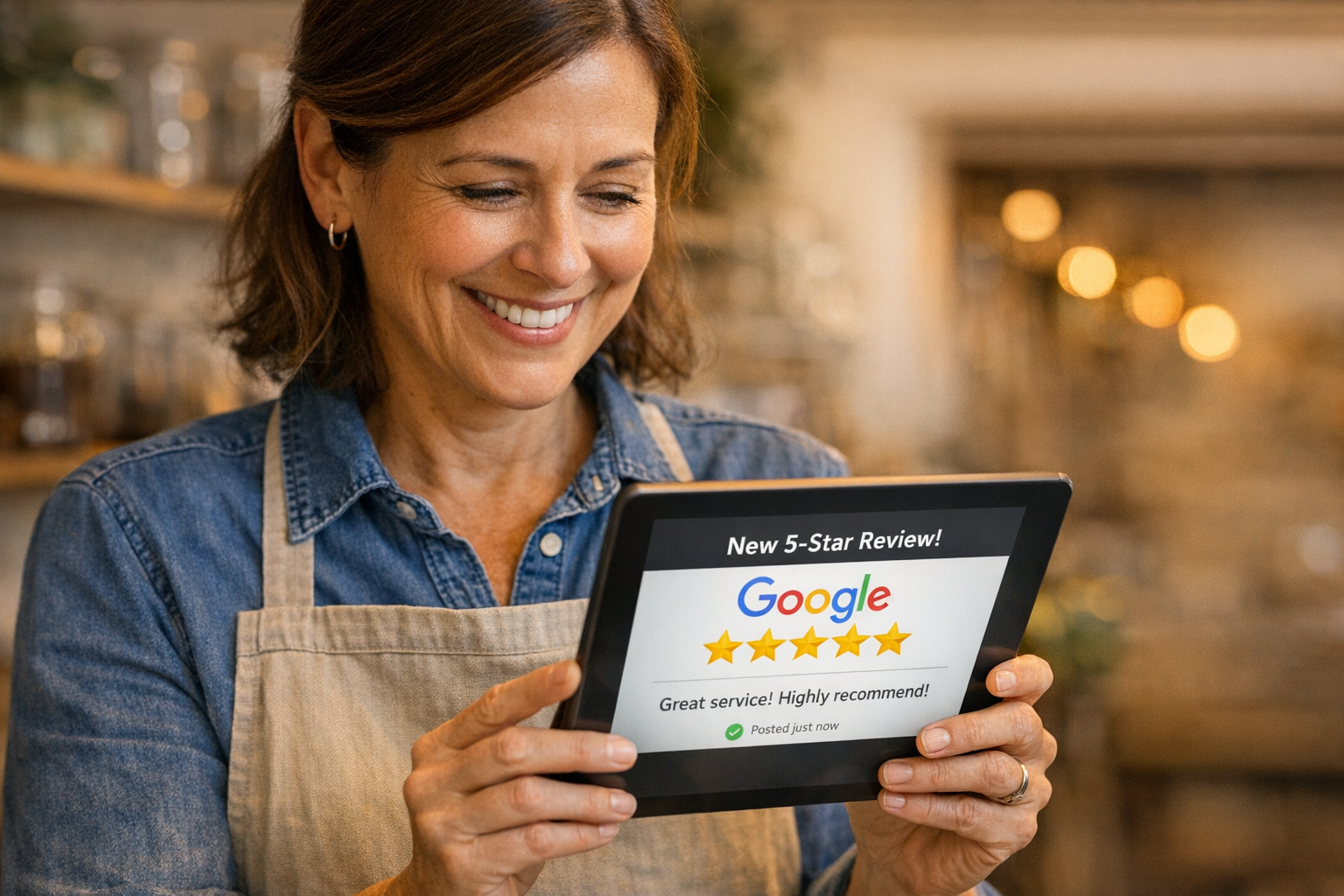
A customer walks out of your shop thrilled with your work. They tell you they’ll “definitely leave a review.” You smile, say thanks, and never hear from them again.
Sound familiar? You’re not alone. Research shows that while 70% of customers are willing to leave a review when asked, fewer than 10% actually follow through without a prompt. That gap between intention and action is costing local businesses thousands of dollars in lost revenue—because in 2026, your Google reviews are often the first thing a potential customer sees before deciding whether to call you or your competitor.
The good news: automating your review generation process can close that gap without adding a single task to your already-packed day. In this guide, you’ll learn exactly how to set up a system that consistently turns satisfied customers into 5-star reviews on autopilot.
Why Google Reviews Matter More Than Ever
Before diving into automation, let’s talk about why reviews deserve your attention. If you’re a local business owner in Naples, Fort Myers, or anywhere in Southwest Florida, you’re competing for visibility in “near me” searches—and Google reviews are one of the biggest ranking factors.
Here’s what the numbers say:
- 93% of consumers read online reviews before choosing a local business
- Businesses with 4.0+ stars earn 12x more revenue from search than those below 3.5
- Google’s local pack (the top 3 map results) heavily weighs review quantity and recency
- A single-star improvement on your rating can increase revenue by 5-9%
Think about your own behavior. When you search for a plumber, restaurant, or salon, do you click the listing with 8 reviews or the one with 147? The answer is obvious—and your customers think the same way.
The challenge isn’t getting great service. If you’re reading this, you probably already deliver excellent work. The challenge is converting that satisfaction into public proof before your customer gets distracted by dinner, kids, or the next thing on their to-do list.
The Review Generation Framework That Actually Works
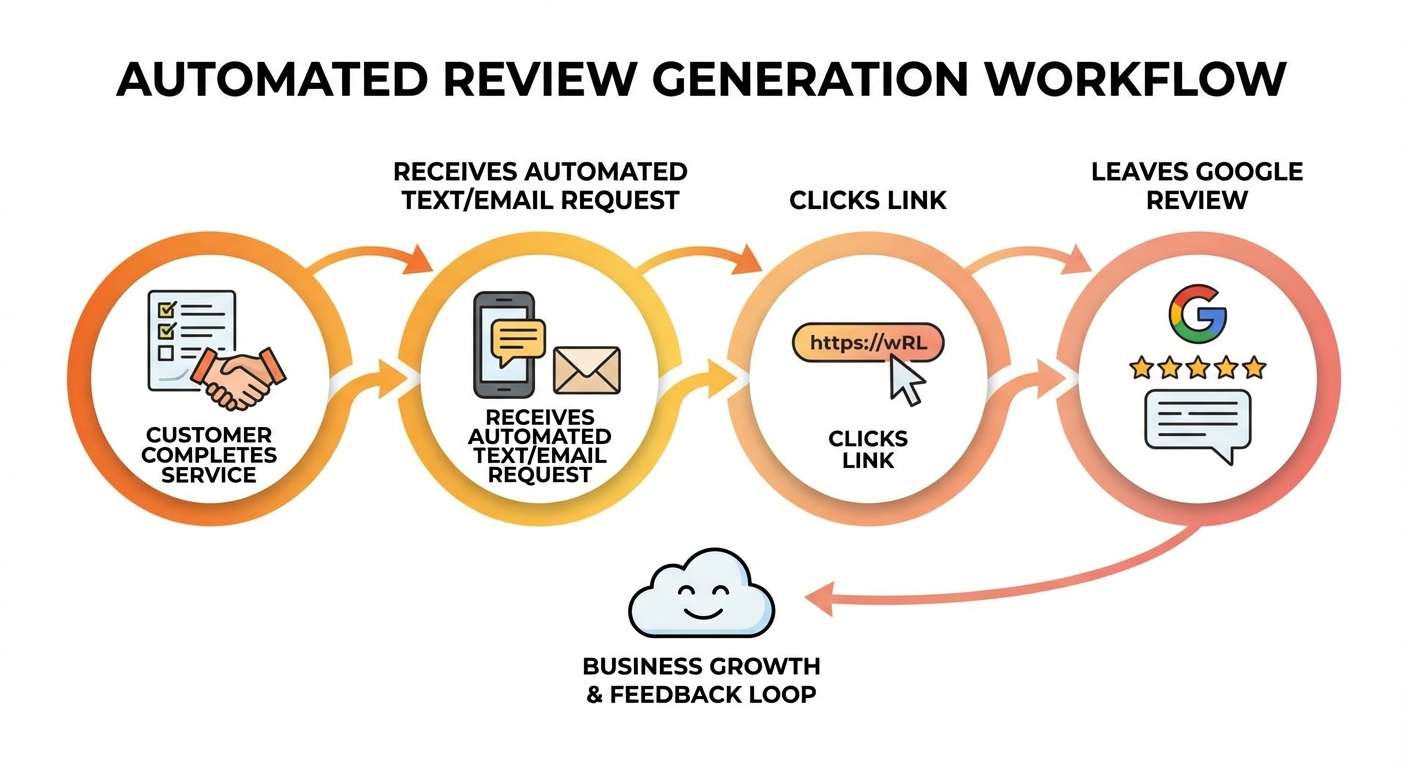
Effective review automation follows a simple principle: ask the right person, at the right time, in the right way. Here’s how to build a system that does all three without manual effort.
Step 1: Identify the Right Moment
Timing is everything. Ask too early and the customer hasn’t experienced your full service. Ask too late and the emotional high has faded. The sweet spot depends on your business:
- Home services (plumbing, HVAC, landscaping): 1-2 hours after job completion
- Restaurants and cafés: Same day, ideally within 2-3 hours of the visit
- Salons and spas: 24 hours later (when they’ve had time to enjoy the results)
- Professional services (accounting, legal): 2-3 days after delivering results
- Retail: 1-3 days after purchase
The key is catching customers while satisfaction is still high but they’ve had enough time to appreciate the outcome.
Step 2: Make It Ridiculously Easy
Every extra step between your request and a published review loses you roughly 50% of respondents. Your automated message needs to include a direct link that opens Google’s review form with your business pre-selected—no searching, no navigating, no guessing.
Here’s how to create your direct review link:
- Search for your business on Google
- Click “Write a review” on your listing
- Copy the URL from your browser
- Or use this format:
https://search.google.com/local/writereview?placeid=YOUR_PLACE_ID
You can find your Place ID using Google’s Place ID Finder. Include this link in every automated review request.
Step 3: Craft the Right Message
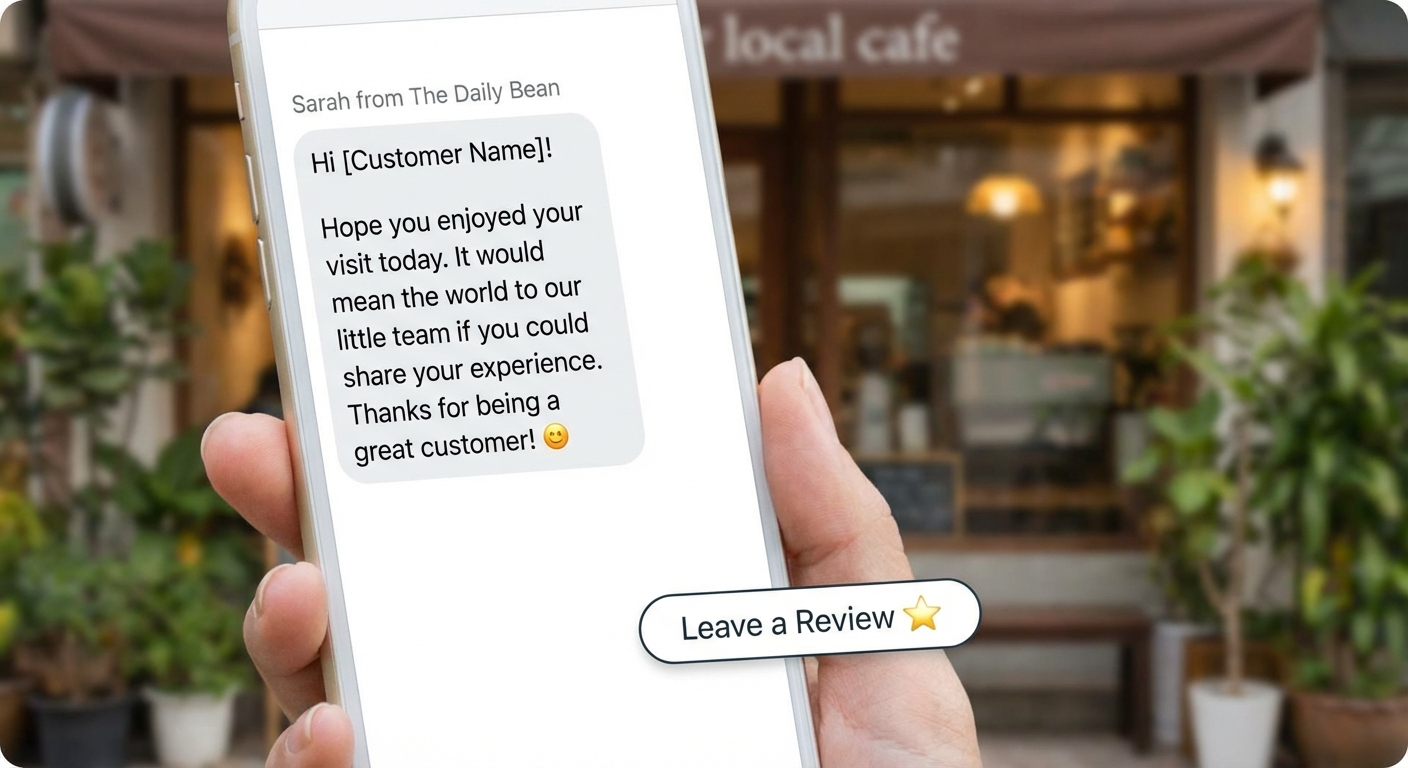
Your review request should feel personal, not transactional. Here’s a template that consistently performs well:
Text message example:
“Hi [Name], thanks for choosing [Business Name] today! If you have a moment, we’d love to hear about your experience. Your feedback helps other folks in [City] find us: [Direct Review Link]. Thank you! — [Your Name]”
Notice what makes this work:
- Personal greeting with their name
- Gratitude first, request second
- Community angle (“helps other folks in Naples find us”)
- Low pressure (“if you have a moment”)
- Direct link (one tap to review)
- Signed by a person, not a brand
Step 4: Set Up the Automation
Now let’s connect the pieces. You have several options depending on your current tech stack:
Option A: CRM-based automation If you use a CRM like Jobber, Housecall Pro, or ServiceTitan, most have built-in review request features. Enable them and customize the message template with your direct review link.
Option B: Dedicated review platforms Tools like Podium, Birdeye, or NiceJob specialize in review generation. They integrate with your existing systems and send requests via text, email, or both.
Option C: DIY with Zapier or Make Connect your booking/invoicing system to an SMS service (like Twilio) or email platform. Trigger a review request automatically when a job is marked complete or an invoice is paid.
Option D: Custom automation For businesses wanting full control, a custom workflow can integrate directly with your systems, personalize messages at scale, and track results. This is where our automation services come in—we build review generation systems that run themselves.
Regardless of which option you choose, the principle is the same: no manual steps required after initial setup.
How to Respond to Reviews (And Why It Matters)
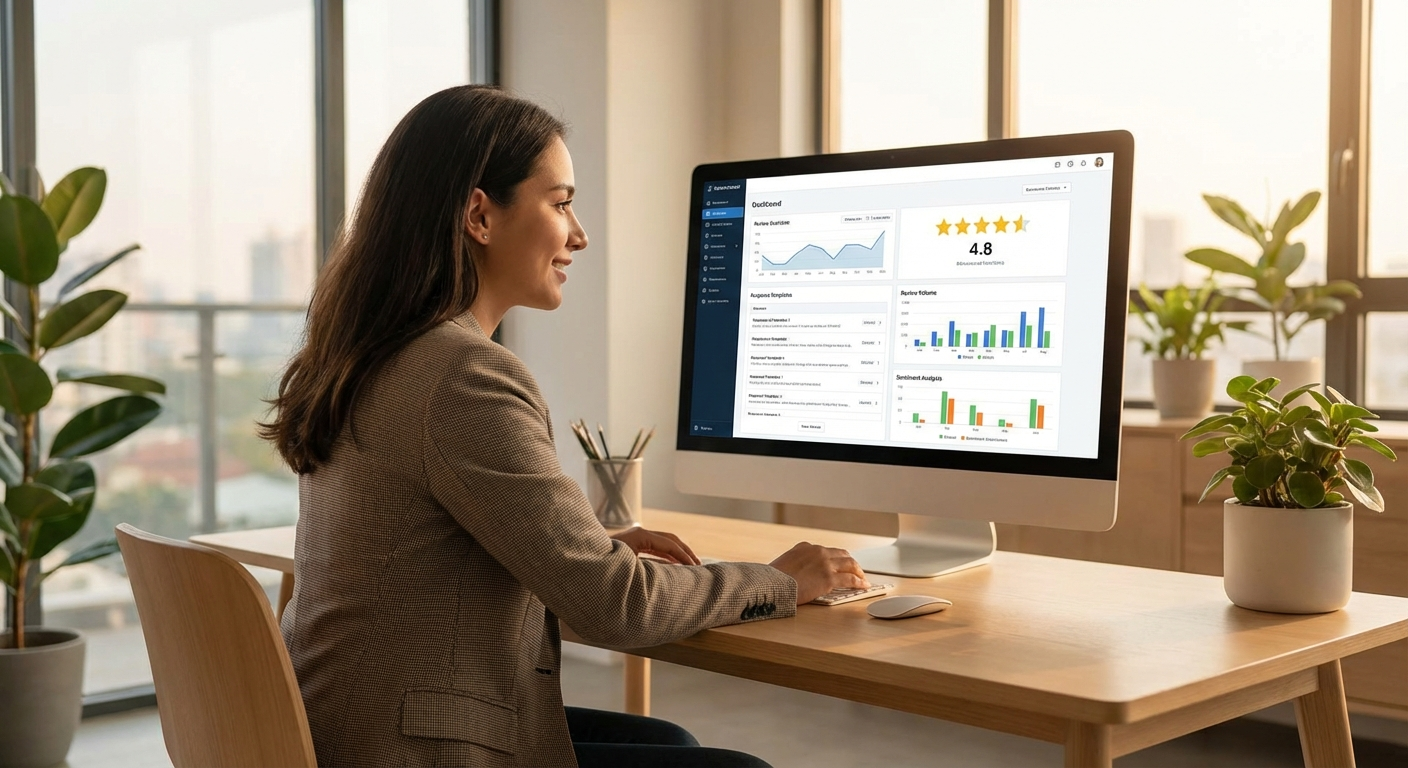
Generating reviews is only half the equation. How you respond to them signals to both Google and potential customers that you’re an active, caring business.
Responding to Positive Reviews
Many business owners skip this, thinking a 5-star review speaks for itself. But responding to positive reviews:
- Increases customer loyalty (they feel appreciated)
- Shows potential customers you’re engaged and responsive
- Gives Google fresh content associated with your listing
- Creates an opportunity to mention services or specialties naturally
Good response example:
“Thank you so much, Sarah! We’re glad the kitchen renovation turned out exactly how you envisioned it. It was a fun project—that tile backsplash really brought the whole room together. We appreciate you trusting us with your home!”
What to avoid:
“Thanks for the review!” (Too generic—doesn’t build connection)
Responding to Negative Reviews
Negative reviews feel personal, but your response is really for the hundreds of future customers who will read it. Stay calm, be empathetic, and take it offline.
Framework for negative review responses:
- Acknowledge the issue (don’t be defensive)
- Apologize for their experience (even if you disagree)
- Offer to make it right privately
- Provide your direct contact information
Good response example:
“Hi Mark, I’m sorry to hear about the scheduling issue. That’s not the experience we aim for, and I’d like to understand what happened so we can make it right. Could you give me a call at [phone] or email [email]? I want to personally ensure this is resolved. — [Owner Name]“
Automating Review Responses
You can partially automate responses too. Set up templates for common positive review themes (speed, quality, friendliness) and customize them quickly. Some review management platforms offer AI-assisted response drafting that you can review and approve before posting.
The goal isn’t to automate away the human touch—it’s to make responding fast enough that you actually do it consistently.
Advanced Strategies to Maximize Review Volume
Once your basic automation is running, these strategies can significantly increase your review count:
The Two-Step Ask
Instead of a single review request, use a two-step approach:
- First message (satisfaction check): “Hi [Name], how was your experience with us today? Reply 1-5.”
- If they reply 4-5: Send the review link with a thank-you
- If they reply 1-3: Route to a private feedback form (keep negative experiences off Google)
This approach typically increases positive review conversion by 40-60% because you’re only directing satisfied customers to Google while capturing valuable feedback from dissatisfied ones privately.
QR Codes at Point of Service
Physical businesses can boost reviews by placing QR codes at checkout counters, on receipts, or on job completion forms. When a customer is standing right there telling you how happy they are, having a QR code ready turns that enthusiasm into a review in under 60 seconds.
The Follow-Up Nudge
Not everyone opens your first message. A gentle follow-up 3-5 days later can capture another 15-20% of reviews:
“Hi [Name], just a quick follow-up—we’d still love to hear about your recent visit if you have a moment: [Direct Review Link]. No worries if you’re busy! 😊”
Only send one follow-up. More than that crosses into annoying territory.
Leverage Your Email List
If you have an email newsletter, include a review request section periodically. Not every email—but once a quarter, a dedicated “Help us grow” email to recent customers can generate a burst of reviews.
What NOT to Do: Review Generation Mistakes
Before you start, know the boundaries. Google has clear policies, and violating them can get your reviews removed—or worse, your listing suspended.
Never do these:
- ❌ Offer incentives for reviews (discounts, freebies, entries in drawings)
- ❌ Buy fake reviews (Google’s AI catches these and penalizes you)
- ❌ Ask only for positive reviews (you must not discourage negative reviews)
- ❌ Review gate on Google specifically (the two-step ask should route negative feedback to private channels, not block reviews)
- ❌ Post reviews from your own devices (Google tracks device IDs)
- ❌ Ask employees to leave reviews (conflict of interest)
Always do these:
- ✅ Ask all customers equally for honest feedback
- ✅ Make it easy but not mandatory
- ✅ Respond to all reviews (positive and negative)
- ✅ Report fake or spam reviews through Google’s tools
- ✅ Focus on service quality first—automation amplifies what already exists
Measuring Your Review Generation Success
Track these metrics monthly to gauge your automation’s effectiveness:
| Metric | Good Benchmark | Great Benchmark |
|---|---|---|
| Review request send rate | 80% of customers | 95%+ of customers |
| Review conversion rate | 10-15% | 20-30% |
| Average star rating | 4.2+ | 4.5+ |
| Response rate to reviews | 50%+ | 90%+ |
| New reviews per month | 5-10 | 15-30+ |
| Time to respond | Within 48 hours | Within 24 hours |
Most businesses see a noticeable jump in review volume within the first 30 days of implementing automation. The compound effect is powerful—more reviews lead to better rankings, which lead to more customers, which lead to more reviews.
Getting Started This Week
You don’t need to build a perfect system on day one. Here’s your action plan for this week:
- Today: Create your direct Google review link
- Tomorrow: Write your review request message template
- Day 3: Choose your automation method (CRM feature, dedicated tool, or DIY)
- Day 4-5: Set up and test the automation with a few customers
- Day 6-7: Monitor results and adjust timing or messaging
Within a month, you should see a steady stream of new reviews coming in without lifting a finger.
If you need help optimizing your Google Business Profile to make the most of those new reviews, we’ve got you covered. And for a more comprehensive local search strategy, check out our guide on SEO strategies that actually work for small businesses.
Frequently Asked Questions
How many reviews do I need to rank well locally?
The ideal number depends on your market and competitors, but most local businesses see significant ranking improvements after reaching 30-50 reviews. More important than total count is consistency—Google values businesses that receive steady, recent reviews over those with a burst of old ones.
Can I ask customers to update or change their review?
You can politely ask a customer to reconsider their review after resolving an issue, but never pressure them. Simply solve the problem and let them know you’d appreciate an updated review if they feel the situation was handled well. Many customers will update voluntarily.
What’s the best platform for sending review requests—text or email?
Text messages consistently outperform email for review requests, with open rates above 95% compared to email’s 20-30%. For local service businesses in Southwest Florida, text is almost always the better choice. Email works well as a secondary channel for professional services.
Ready to put your review generation on autopilot? Whether you’re a home services company in Cape Coral or a salon in Naples, automated review systems can transform your online presence. Get in touch with our team to build a custom review automation system that works while you focus on what you do best—serving your customers.