You’re running a business, serving customers, managing operations—and somehow you’re also supposed to post consistently on four different social platforms at optimal times throughout the day. Something’s got to give.
Automating social media scheduling means using tools and systems to plan, create, and publish content across platforms without manual posting. Done right, it transforms social media from a time-consuming daily chore into a strategic weekly activity that runs on autopilot. The businesses winning on social media in 2026 aren’t posting more—they’re posting smarter.
Why Manual Social Media Posting Is Killing Your Productivity
Let’s be honest about what manual social media management actually costs you. The average small business owner spends 6-10 hours per week on social media activities—time that could go toward billable work, customer service, or actually growing the business.
The hidden costs of manual posting include:
- Interruption tax: Every time you stop to post, it takes 23 minutes on average to refocus on your previous task
- Missed optimal times: You’re in a meeting when your audience is most active
- Inconsistency: Life happens, and posts get skipped
- Platform hopping: Logging into four apps means four sets of distractions
- Creative drain: Thinking up content on the spot produces lower-quality posts
For local businesses in Southwest Florida—whether you’re an HVAC company in Cape Coral or a salon in Naples—these hours add up. That’s 300-500 hours per year spent on something that could largely run itself.
The Core Components of Social Media Automation
Effective social media automation isn’t just about scheduling posts in advance. It’s a system with several interconnected components:
1. Content Planning
Before you can automate, you need a plan. What are you posting, and why?
- Content pillars: 3-5 themes that align with your business (for a dentist: oral health tips, behind-the-scenes, patient success stories, community involvement, special offers)
- Content ratio: A balanced mix (e.g., 40% educational, 30% entertaining, 20% promotional, 10% curated)
- Posting frequency: Realistic schedules you can actually maintain
2. Content Creation Batching
Create content in batches rather than one-off posts:
- Set aside 2-3 hours once per week for content creation
- Produce a week’s worth (or month’s worth) of posts at once
- Maintain consistent quality and messaging
- Reduce daily decision fatigue
3. Scheduling and Publishing
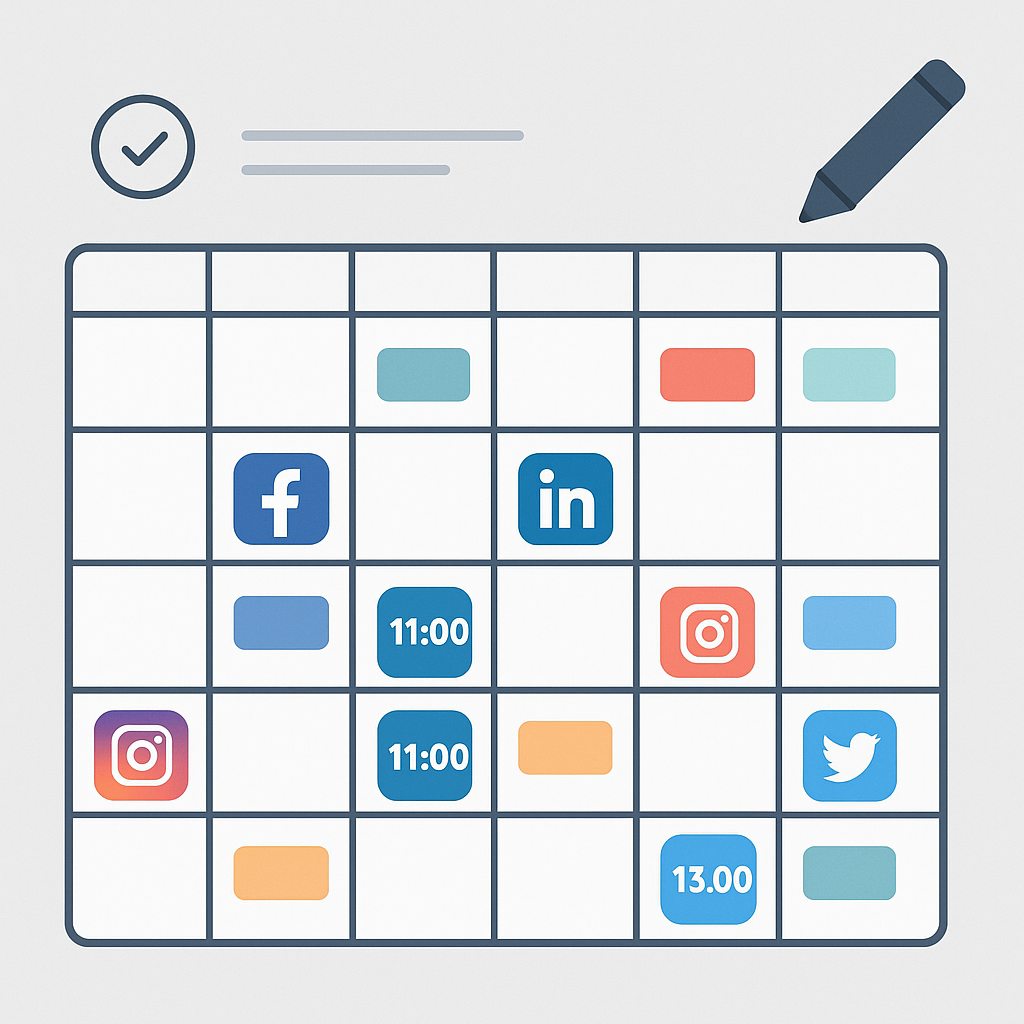
The actual automation—scheduling posts to go live at optimal times across platforms without manual intervention.
4. Engagement Monitoring
Automation doesn’t mean abandoning your accounts. You still need to:
- Respond to comments and messages
- Monitor mentions and tags
- Engage with your community
The difference: you do this in dedicated time blocks, not constantly throughout the day.
Choosing the Right Scheduling Tools
Not all scheduling tools are created equal. Your choice depends on your platforms, budget, and needs.
For Small Businesses (Under $50/month)
Buffer — Best for beginners
- Clean, intuitive interface
- Supports Instagram, Facebook, Twitter/X, LinkedIn, Pinterest
- Free plan available (3 channels, 10 scheduled posts)
- Paid plans from $15/month
Later — Best for visual brands
- Excellent Instagram features including visual planner
- Linkin.bio for Instagram traffic
- Strong Pinterest support
- Free plan available, paid from $18/month
Metricool — Best value
- Generous free tier (up to 50 posts/month)
- Competitor analysis included
- Good analytics
- Paid plans from $22/month
For Growing Businesses ($50-150/month)
Hootsuite — Industry standard
- Comprehensive platform support
- Team collaboration features
- Built-in content curation
- Starts at $99/month for professionals
Sprout Social — Best for analytics
- Deep reporting and insights
- Social listening capabilities
- CRM integration
- Premium pricing ($249/month+)
SocialBee — Best for content recycling
- Evergreen content categories
- AI content generation
- Excellent for repurposing
- From $29/month
For Healthcare and Aesthetics
For medical practices that need HIPAA-compliant solutions, see our guide on HIPAA-compliant social media marketing. Standard scheduling tools work for general content, but patient-related posts require additional safeguards.
Setting Up Your Automation System: Step by Step
Here’s a practical framework for implementing social media automation:
Week 1: Audit and Plan
Day 1-2: Audit current performance
- Which platforms drive actual business results?
- What content types get the most engagement?
- When is your audience most active?
Day 3-4: Define your strategy
- Choose 2-3 priority platforms (more isn’t always better)
- Establish content pillars
- Set realistic posting frequency
Day 5: Choose and set up your tool
- Sign up for your chosen scheduling platform
- Connect your social accounts
- Familiarize yourself with the interface
Week 2: Build Your Content Library
Batch creation sessions:
- Day 1: Write/capture 10-15 pieces of content
- Day 2: Edit and format for each platform
- Day 3: Create or source images
- Day 4: Schedule first two weeks of posts
- Day 5: Review and adjust
Week 3-4: Optimize and Refine
Monitor and adjust:
- Check performance metrics
- Note what’s working and what isn’t
- Adjust posting times based on engagement data
- Build templates for recurring content types
Optimal Posting Times: When Your Automation Should Publish
Timing matters, but optimal times vary by platform and audience. Here are general guidelines for 2026:
| Platform | Best Days | Best Times (Local) | Post Frequency |
|---|---|---|---|
| Tue-Fri | 11am-1pm, 7-9pm | 1x daily | |
| Wed-Fri | 1-4pm | 1x daily | |
| Tue-Thu | 7-8am, 5-6pm | 3-5x weekly | |
| Twitter/X | Mon-Thu | 8-10am, 12-1pm | 3-5x daily |
Important: These are starting points. Use your platform analytics to find when your specific audience is most active. A restaurant’s optimal posting time will differ from an accounting firm’s.
For local businesses in SWFL, consider the seasonal audience shift. During snowbird season (November-April), your audience demographics change—and so might optimal posting times.
Content Ideas That Work on Autopilot
Some content types are perfect for automation because they’re predictable, repeatable, and don’t require real-time context:
Evergreen Content (Schedule and Repeat)
- Tips and how-tos related to your industry
- FAQ answers as individual posts
- Customer testimonials (with permission)
- Behind-the-scenes glimpses
- Team spotlights
- Industry statistics and facts
- Motivational quotes relevant to your niche
Recurring Series (Template Once, Repeat Weekly)
- Monday Motivation: Industry-specific inspiration
- Tip Tuesday: Quick actionable advice
- Throwback Thursday: Project highlights or company history
- FAQ Friday: Address common customer questions
Content That Shouldn’t Be Automated
Some things still need human timing and touch:
- Responses to current events or trends
- Crisis communications
- Real-time event coverage
- Engagement replies and comments
- Time-sensitive announcements
Measuring Success: Analytics That Matter
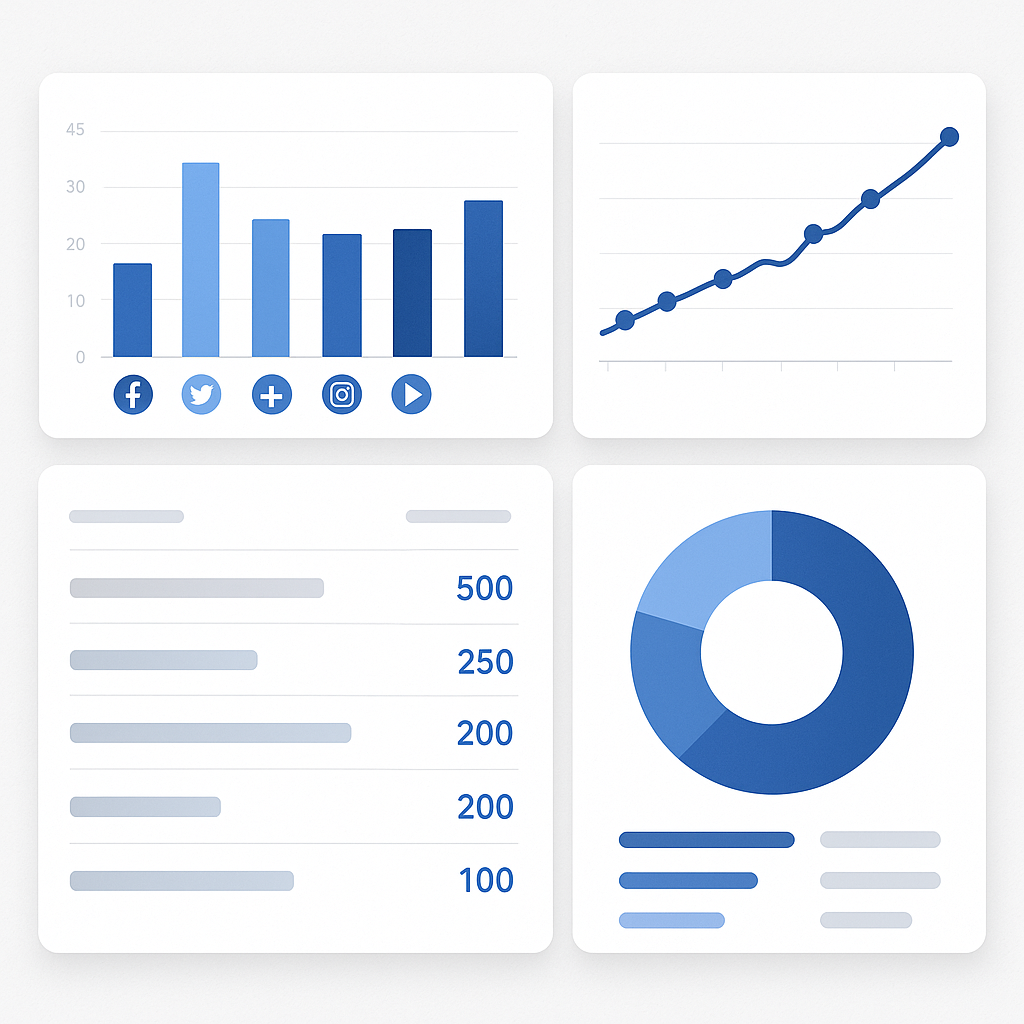
Automation should improve results, not just save time. Track these metrics:
Engagement Metrics
- Engagement rate: (Likes + Comments + Shares) / Followers × 100
- Click-through rate: For posts with links
- Saves and shares: High-value actions indicating content worth
Growth Metrics
- Follower growth rate (month over month)
- Reach and impressions trends
- Profile visits
Business Metrics
- Website traffic from social
- Lead form submissions
- Direct messages requesting service
- Mentions and tags
Automation-Specific Metrics
- Time spent on social media weekly (should decrease)
- Posting consistency (should increase)
- Response time to comments/messages (aim to maintain or improve)
Most scheduling tools include analytics dashboards. Compare your metrics before and after implementing automation to quantify the impact.
Advanced Automation: AI-Powered Features
In 2026, basic scheduling is table stakes. Here’s what advanced automation looks like:
AI Caption Generation
Tools like Buffer, Hootsuite, and SocialBee now include AI writing assistants that can:
- Generate caption variations from a single idea
- Suggest hashtags based on content
- Adapt tone for different platforms
- Create alt text for images
Best practice: Use AI as a starting point, then personalize. AI-generated content that sounds generic hurts more than it helps.
Smart Scheduling
AI-powered optimal timing features analyze your historical performance and automatically schedule posts when your specific audience is most active. This beats generic “best times” advice because it’s customized to your followers.
Content Recycling
Evergreen content shouldn’t be posted once and forgotten. Advanced tools can:
- Automatically resurface top-performing posts
- Vary captions while keeping the core message
- Space out repeats to avoid audience fatigue
Cross-Platform Adaptation
The same content often needs adjustments for different platforms:
- Shorter text for Twitter
- Hashtags for Instagram
- Professional tone for LinkedIn
Some tools now automatically adapt a single piece of content across platforms, saving you from manual reformatting.
Common Automation Mistakes (and How to Avoid Them)
Mistake 1: Set It and Forget It Completely
The problem: You schedule a month of posts and never check back. Meanwhile, a post about “our upcoming summer sale” goes live in February.
The fix: Review scheduled content weekly. Set calendar reminders to check your queue, especially around holidays, events, or business changes.
Mistake 2: Over-Automation Leading to Robotic Presence
The problem: Every post feels templated and impersonal. Your audience senses there’s no human behind the account.
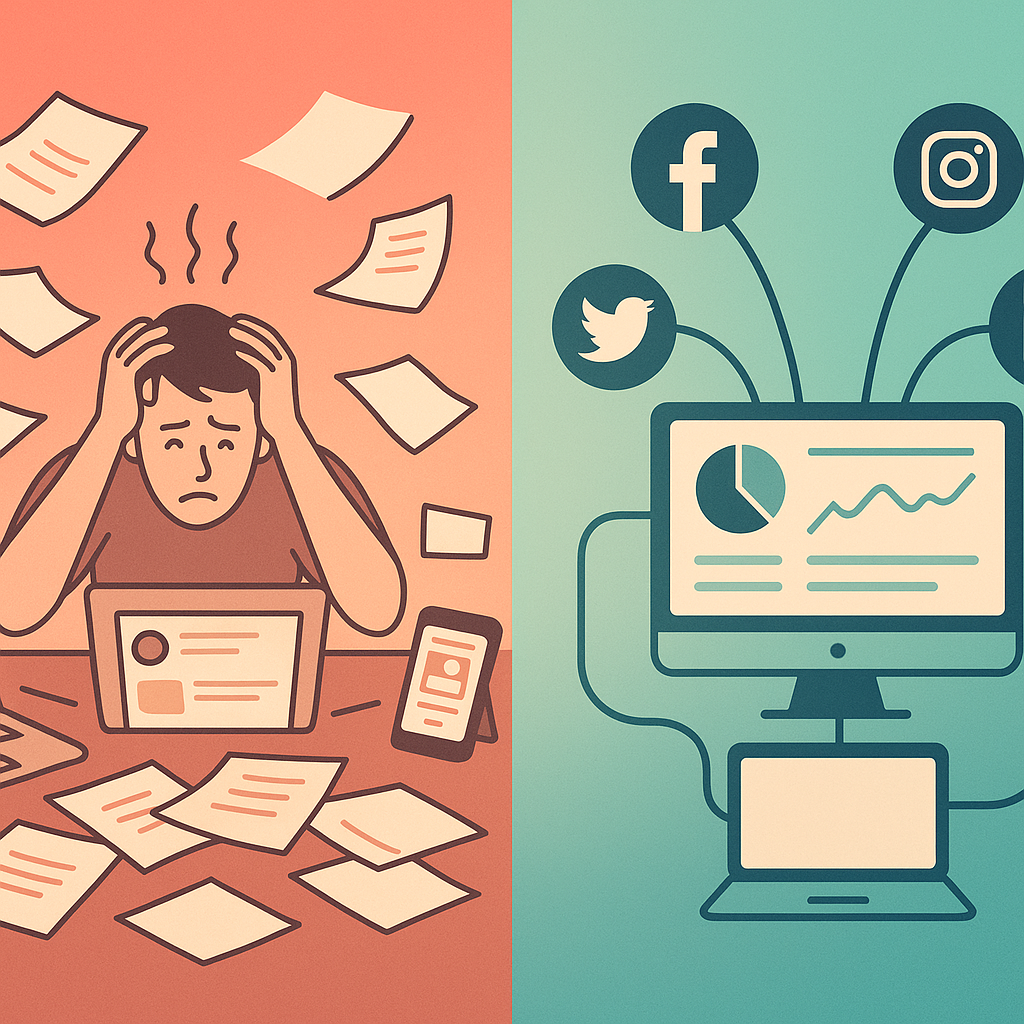
The fix: Mix scheduled content with real-time posts. Jump into stories or spontaneous updates. Let your personality show.
Mistake 3: Ignoring Platform-Specific Best Practices
The problem: You schedule the exact same post across all platforms. A professional LinkedIn article appears as an Instagram caption with no visual interest.
The fix: Adapt content for each platform. At minimum, adjust caption length, hashtag usage, and tone.
Mistake 4: Automating Engagement (Don’t)
The problem: Using bots to auto-comment or auto-like posts. This violates platform terms of service and alienates real followers.
The fix: Automate publishing, but handle engagement personally. Consider using our automation services to set up notification systems that alert you when engagement needs attention.
Mistake 5: Neglecting to Update Evergreen Content
The problem: You’re still posting statistics from 2023 because they’re in your evergreen rotation.
The fix: Quarterly review of your content library. Update facts, refresh examples, retire outdated posts.
Integrating Social Media with Your Overall Automation Strategy
Social media scheduling is just one piece of a comprehensive business automation strategy. Consider how it connects with:
Email Marketing
- Share email content on social (with modifications)
- Promote newsletter signups through social posts
- Use consistent messaging across channels
See our email marketing automation guide for integration strategies.
Customer Communication
- Automated responses to common social DMs
- Routing inquiries to the right team members
- Following up with leads who engage
Review Management
Your social presence and online reputation work together. Positive social engagement can encourage reviews, and great reviews make excellent social content.
Getting Started This Week
Here’s your action plan for implementing social media automation:
Today:
- Audit your current social media time investment
- Identify your two highest-priority platforms
This Week:
- Sign up for a scheduling tool (start with a free tier)
- Connect your accounts
- Schedule your first week of posts
This Month:
- Establish your content pillars and posting schedule
- Create a batch of evergreen content
- Set up analytics tracking to measure improvement
Ongoing:
- Weekly: Review performance, adjust scheduling
- Monthly: Refresh evergreen content, analyze trends
- Quarterly: Evaluate tool fit, consider upgrades
Frequently Asked Questions
How far in advance should I schedule posts?
Schedule 1-2 weeks ahead for optimal balance between planning efficiency and flexibility. Some evergreen content can be scheduled further out (a month or more), but leave room to add timely content. Avoid scheduling more than 30 days ahead for anything tied to current events or trends.
Will automation hurt my reach or engagement?
No—scheduling through official tools doesn’t penalize your posts. Platforms like Instagram, Facebook, and LinkedIn have their own scheduling features or approved partner integrations. What hurts reach is inconsistent posting, which automation actually prevents.
Should I use the same content across all platforms?
Adapt rather than duplicate. Start with a core message, then adjust for each platform’s format, tone, and audience expectations. A LinkedIn post might be 200 words with professional insights, while the Instagram version is a punchy caption with relevant hashtags.
How do I handle time-sensitive industry news or trends?
Keep 10-20% of your content calendar flexible for real-time posts. When something relevant happens in your industry, you can add a timely post without disrupting your scheduled content. Most tools let you post immediately alongside your scheduled queue.
Is it worth paying for scheduling tools or should I use free options?
Start free, upgrade when you hit limitations. Free tiers of Buffer, Later, or Metricool are sufficient for most small businesses starting out. Upgrade when you need more scheduled posts, additional team members, advanced analytics, or extra platforms.
Stop Posting Manually, Start Growing Strategically
Social media automation isn’t about being less present—it’s about being consistently present without sacrificing the rest of your business. The 10+ hours you’ll save each week can go toward what actually generates revenue: serving customers, developing new services, or simply having a life outside work.
Start small. Pick one platform and one tool. Schedule a week of posts. Experience the freedom of knowing your social presence is handled while you focus on what matters.
Ready to automate more than just social media? Contact us to explore how comprehensive automation can transform your business operations—from lead capture to customer communication to marketing.