
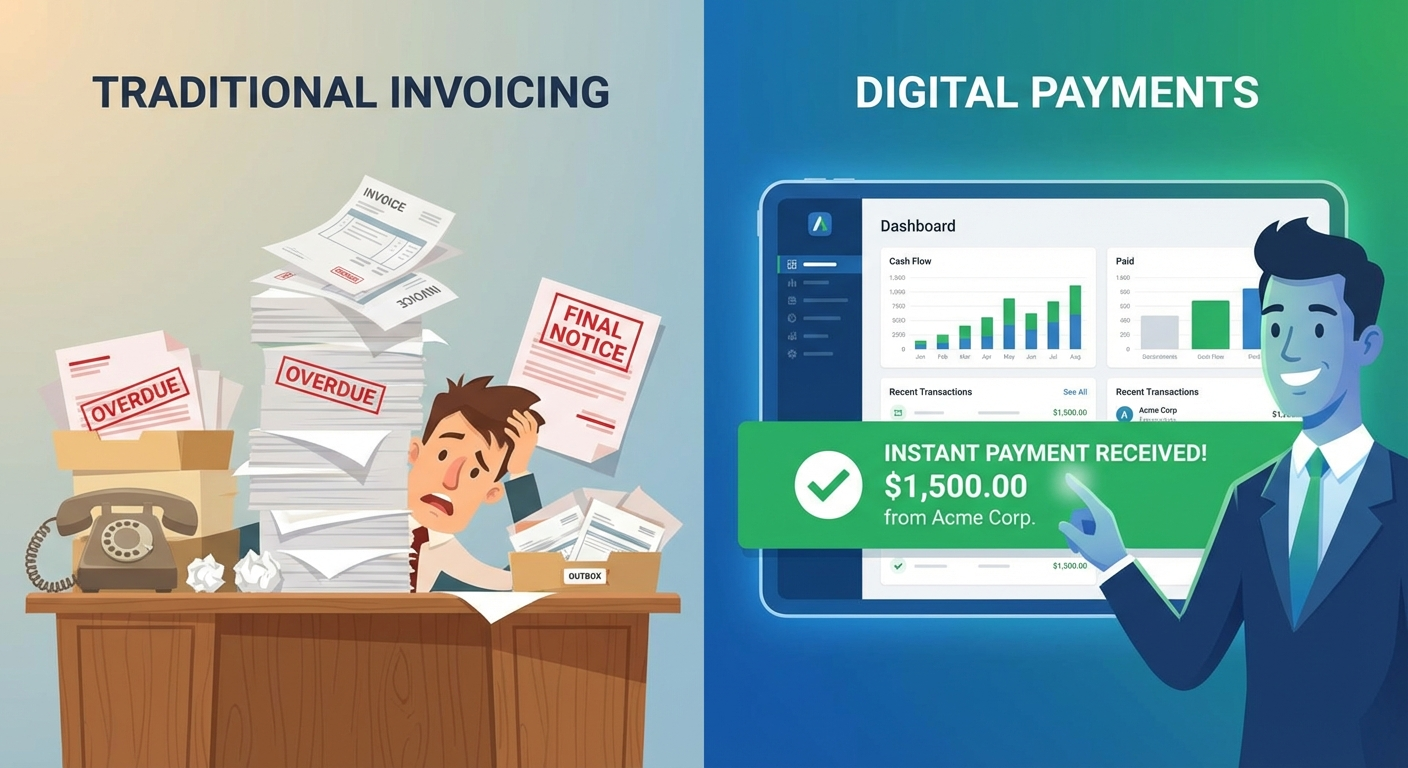
You finished the job. Did great work. The client is happy. Now you send an invoice — and then you wait. And wait. You send a follow-up email a week later. Then another. Then an awkward phone call. A month goes by before you finally get paid.
For most small business owners, late payments aren’t an occasional headache — they’re a structural problem. According to QuickBooks, 60% of invoices sent by small businesses are paid late, and the average small business is owed over $84,000 in outstanding receivables at any given time. That’s not just inconvenient. It’s a cash flow crisis that limits hiring, stalls growth, and creates constant stress.
The fix isn’t chasing payments harder. It’s building a system that chases them for you.
The Real Cost of Manual Invoicing
Before exploring solutions, it helps to quantify what manual invoicing actually costs — because most owners dramatically underestimate it.
Time costs:
- Creating invoices manually: 15–30 minutes per invoice
- Following up on late payments: 2–5 hours per week
- Reconciling payments in your books: 1–3 hours per week
- Disputes and corrections: 30–60 minutes each
For a business sending 20 invoices per month, that’s easily 10–15 hours of owner time every single week — time that could go toward revenue-generating work or simply going home on time.
Financial costs:
- Average days to payment (manual): 28–45 days
- Average days to payment (automated): 10–15 days
- The gap represents weeks of cash sitting in someone else’s account
Relationship costs:
- Following up on invoices feels uncomfortable and damages client relationships
- Late payments often signal a broken or unclear payment process on your end
- Inconsistent billing erodes the professional image you’ve built
Automation doesn’t just solve an admin problem. It solves a cash flow problem, a time problem, and a relationship problem all at once.
What Invoice Automation Actually Looks Like
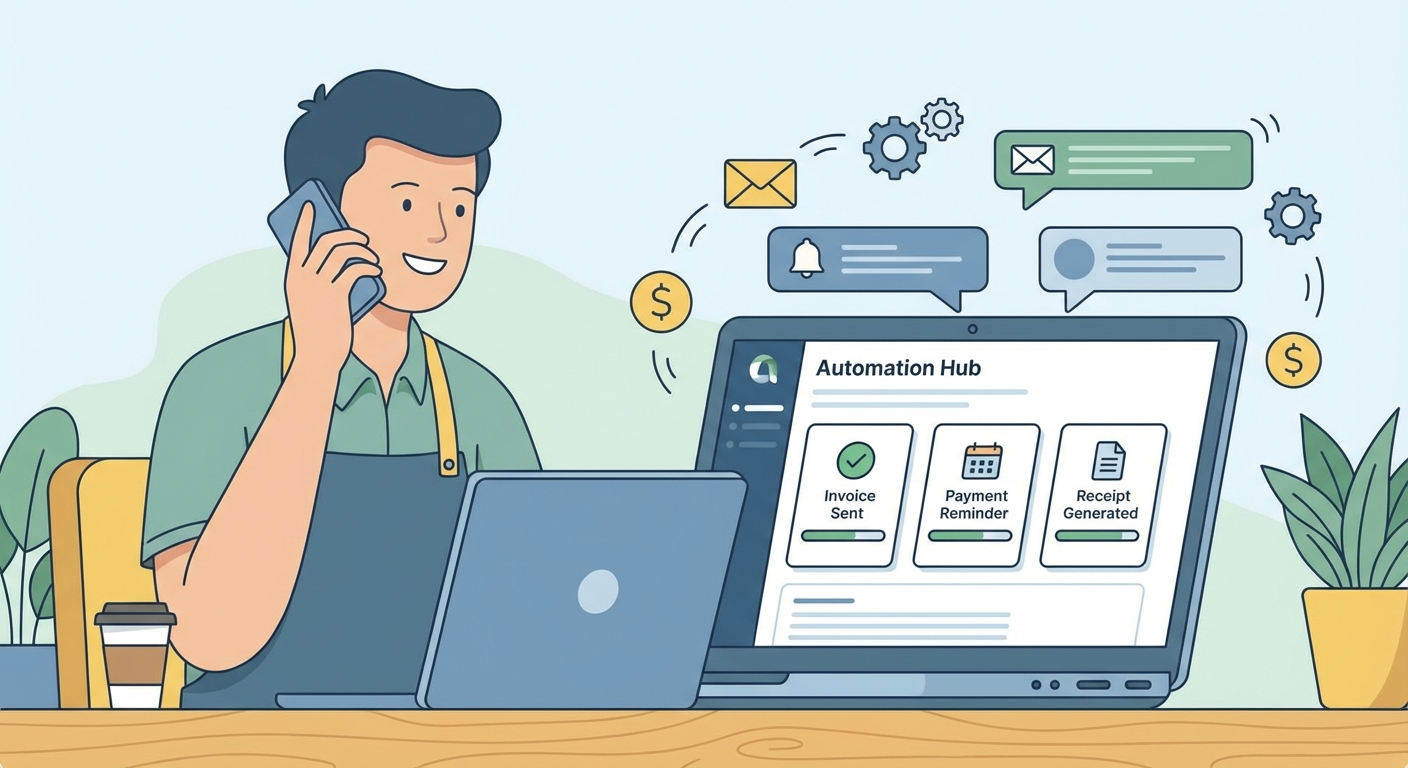
Invoice automation isn’t one thing — it’s a chain of connected automations that cover the entire billing lifecycle. Here’s what a fully automated invoicing workflow does:
1. Invoice creation and delivery When a job is completed or a milestone is hit, an invoice is generated automatically (pulled from your project management, time tracking, or CRM data) and sent to the client via email — no manual entry required.
2. Payment page access Instead of waiting for a check or bank transfer, clients receive a direct link to a professional payment page where they can pay by card, ACH, or bank transfer in under two minutes.
3. Automated reminders If the invoice isn’t paid within a set timeframe — say, 3 days before due — the system sends a polite reminder automatically. Another reminder goes out on the due date, and again at 3, 7, and 14 days overdue. No awkward phone calls from you.
4. Receipt and record keeping When payment lands, the system immediately sends a receipt to the client and updates your accounting software. The transaction is categorized, and your books stay current without lifting a finger.
5. Reporting and alerts You get a dashboard view of what’s paid, what’s outstanding, what’s overdue, and what’s at risk — without digging through emails or spreadsheets.
This isn’t futuristic. Every piece of this workflow exists today in tools that cost less than $100/month.
Tools That Make It Possible
You don’t need to build this yourself. Several platforms have made automated invoicing accessible and affordable for small businesses:
QuickBooks Online
The most widely used small business accounting platform integrates invoicing directly with your books. Automated reminders, online payments, and automatic reconciliation are all built in. If you’re already using QuickBooks for accounting, activating automated invoicing is the logical next step.
Best for: Businesses that need invoicing tied tightly to their accounting Starting price: ~$35/month
FreshBooks
Purpose-built for service businesses and freelancers. FreshBooks makes recurring invoices, late payment reminders, and online payment collection simple. Its time tracking integration is particularly strong for project-based businesses.
Best for: Service businesses billing hourly or by project Starting price: ~$19/month
HoneyBook
Popular among creative service providers (photographers, designers, consultants, event planners). HoneyBook combines proposals, contracts, invoicing, and payments in a single platform, reducing the number of tools needed.
Best for: Service businesses with a proposal-to-payment workflow Starting price: ~$19/month
Jobber
Built specifically for home service businesses — HVAC, plumbing, landscaping, cleaning, electrical. Jobber handles scheduling, quoting, job management, and invoicing in one platform. When a job is marked complete, an invoice goes out automatically.
Best for: Field service businesses with crew scheduling needs Starting price: ~$49/month
Stripe Invoicing
If you want maximum flexibility and control — or you need to integrate invoicing into a custom workflow — Stripe’s invoicing tools offer powerful automation via API. Stripe also handles subscriptions, recurring billing, and pay-by-link features.
Best for: Tech-savvy businesses or those with custom integration needs Starting price: 0.4% per paid invoice
Zapier or Make (for custom automation)
If your invoicing tool doesn’t talk to your CRM or project management system natively, Zapier or Make can bridge the gap. You can trigger invoice creation when a job is marked complete in Jobber, Asana, or Monday.com — no code required.
Best for: Businesses with existing tools that need to be connected
Setting Up Your Automated Invoicing Workflow
Regardless of the tool you choose, the setup process follows the same pattern. Here’s how to approach it:
Step 1: Map your current billing process Before automating, document how billing currently works. When does an invoice get created? What triggers it? Who sends it? How are reminders handled? Writing this down reveals inefficiencies and clarifies what you want to automate.
Step 2: Choose a platform that fits your business model If you’re a trades business with job scheduling, Jobber or ServiceTitan may fit best. If you’re a solo consultant, FreshBooks or HoneyBook. If you’re already in QuickBooks, stay there and activate the payment features. Avoid switching accounting software just for invoicing — the cost is rarely worth it.
Step 3: Set your payment terms — and stick to them Automation reinforces whatever payment terms you establish. Net-30 with reminders at day 25, 30, and 37 is a common structure. Net-15 is increasingly common for small businesses with good client relationships. Whatever you choose, make it explicit on every invoice and communicate it before the work begins.
Step 4: Build your reminder sequence Most platforms let you configure automated reminders with custom messaging. A proven sequence:
- Day -3 (before due): “Just a reminder — invoice #1042 is due Friday. Pay online here: [link]”
- Day 0 (due date): “Your invoice is due today. Pay securely in 2 minutes: [link]”
- Day +3: “Invoice #1042 is now 3 days past due. Please pay at your earliest convenience.”
- Day +7: “We haven’t received payment on invoice #1042. Please contact us if there’s an issue.”
- Day +14: Escalation (personal outreach or late fee applied, depending on your policy)
The tone stays professional at every stage. The system handles the awkward part so you don’t have to.
Step 5: Enable online payment This is the single highest-impact change most small businesses can make. Businesses that accept online payments get paid an average of 8 days faster than those relying on checks or bank transfers. Every friction point removed — having to write a check, find a stamp, mail something — accelerates payment.
Step 6: Integrate with your accounting software If your invoicing tool and accounting software are different, connect them so payments auto-reconcile. Most platforms have native integrations with QuickBooks, Xero, and Wave. When this is working, your books stay current automatically.
Recurring Billing: The Ultimate Cash Flow Stabilizer
If your business offers any kind of ongoing service — monthly retainers, maintenance plans, subscription packages, or service contracts — recurring billing automation transforms your cash flow from unpredictable to reliable.
Instead of manually creating and sending invoices each month, recurring billing:
- Charges client cards or bank accounts on a set schedule automatically
- Sends receipts without any manual action
- Handles failed payments with automatic retry logic
- Notifies you of failed charges so you can follow up
For service businesses in Southwest Florida, recurring billing works exceptionally well for:
- Landscaping and lawn care maintenance
- Pool service and maintenance contracts
- HVAC preventive maintenance agreements
- Monthly cleaning services
- IT support retainers
- Bookkeeping and accounting services
- Salon membership programs
Even converting just 30% of your clients to recurring billing agreements dramatically reduces the time spent on invoicing each month — and stabilizes the cash flow swings that make seasonal businesses difficult to manage.
This connects closely to the broader benefits of customer loyalty programs and CRM automation — recurring billing isn’t just a payment tool, it’s a retention mechanism.
Handling Late Payments When Automation Isn’t Enough
Automated reminders resolve most late payments — but not all. Here’s how to handle the exceptions:
Apply late fees consistently If your contract includes a late payment clause (e.g., 1.5% per month after 30 days), enforce it through your invoicing software. Most platforms can add late fees automatically. Consistency matters — selectively applying late fees breeds resentment; applying them consistently is understood as policy.
Offer payment plans for larger invoices For clients who are genuinely struggling to pay a large invoice, offering a structured payment plan often gets you paid faster than waiting for a lump sum. Tools like HoneyBook and QuickBooks support installment payment options.
Know when to escalate For invoices more than 60 days overdue with no communication, consider:
- A certified letter outlining the outstanding balance
- Sending to collections (typically 30–35% commission on recovered amounts)
- Small claims court for amounts under your state’s limit (typically $5,000–$10,000)
The right response depends on the client relationship and the invoice amount. Automation handles the routine follow-up; you focus judgment on the exceptions.
What to Expect After Implementing Payment Automation
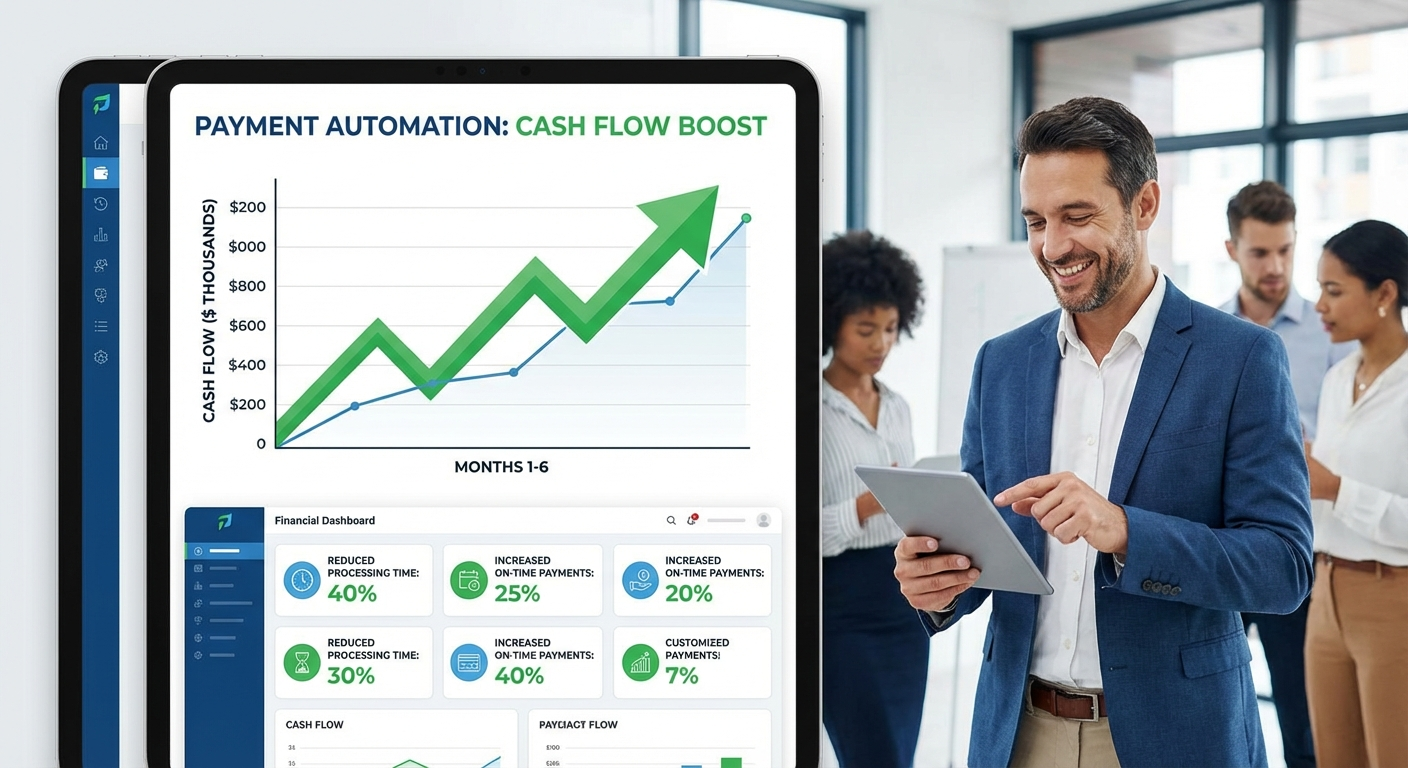
Businesses that systematically implement invoice automation typically see:
- Days to payment drops 40–60% — from 30+ days to 12–18 days on average
- Time spent on billing drops 60–80% — from 10+ hours per week to 2–3 hours
- Late payment rate drops significantly — from 60%+ to under 20% for most businesses
- Cash flow predictability improves — you know what’s coming in and when
- Client relationships improve — professional, consistent billing reflects well on your business
The biggest surprise for most business owners isn’t how much time they save — it’s how much money was silently leaking due to inconsistent follow-up and delayed billing.
Frequently Asked Questions
How long does it take to set up automated invoicing?
Most small businesses can have a basic automated invoicing workflow running in 2–4 hours. This includes choosing a platform, connecting it to your bank account for payouts, setting payment terms, and configuring your reminder sequence. More complex setups with CRM or accounting integrations may take a few days.
What if a client disputes a charge on an automated payment?
Reputable invoicing platforms include dispute management tools. You’ll be notified of any disputes and can respond with supporting documentation. For ACH payments, the dispute window is typically 60 days. For credit cards, it’s similar. Having detailed invoices with clear line items dramatically reduces the frequency of disputes.
Is it safe to store client payment information?
Yes — when using reputable platforms. QuickBooks, FreshBooks, Stripe, and similar platforms are PCI-DSS compliant, meaning they meet strict security standards for handling card data. You never actually see or store the card number yourself; it’s tokenized by the payment processor.
Can I still send custom invoices while using automation?
Absolutely. Automated invoicing handles the routine cases — standard jobs at standard prices with established clients. You still create custom invoices for unusual engagements. The goal isn’t to replace all manual billing; it’s to eliminate the 80% that’s repetitive and predictable.
What’s the best option for very small businesses or solopreneurs?
Wave Accounting offers free invoicing with built-in online payment processing (they charge a small transaction fee when clients pay). For businesses just starting out, Wave provides most of the core automated invoicing functionality at no monthly cost. FreshBooks’ entry-level plan is another strong option for solopreneurs billing up to 5 clients.
Start This Week
Getting paid faster doesn’t require a major technology overhaul. It requires picking the right tool and spending a few hours configuring a workflow that then runs on its own.
If you’re already using QuickBooks, turn on automated reminders and online payment today. If you’re still invoicing by hand or PDF, try FreshBooks or HoneyBook free for 30 days and run your existing invoices through their system.
The goal is simple: stop being your own collections department. Build a system that handles routine follow-up automatically, so you only spend time on the exceptions.
When your clients can pay in two clicks and your reminders go out without you thinking about them, you get paid faster — and you spend that recovered time on work that actually grows your business.
Ready to automate more of your business operations? Explore how small business automation can extend beyond invoicing into scheduling, follow-ups, and customer communication. Or contact our team to get a custom automation plan built for your specific workflow.