Website security is the practice of protecting your website, customer data, and business reputation from cyber threats. It includes implementing SSL certificates, strong authentication, regular backups, and software updates. In 2026, even small businesses are targets—43% of cyberattacks target small businesses, and the average cost of a data breach exceeds $150,000.
Your website isn’t just a digital brochure anymore. It’s where customers share personal information, schedule appointments, and make payments. One security breach can destroy years of trust-building in an instant.
Whether you’re a local service business in Southwest Florida or an aesthetic practice managing patient data, this guide covers the security essentials every business owner needs to implement—without requiring a tech degree.
Why Website Security Matters for Small Businesses
Many small business owners assume they’re too small to be targeted. The opposite is true. Hackers specifically target small businesses because they typically have weaker security than large enterprises but still hold valuable data.
The real costs of a security breach:
- Financial loss — Direct theft, ransom payments, and recovery costs
- Customer trust — 65% of customers lose trust in a business after a data breach
- Legal liability — HIPAA violations, GDPR fines, and PCI compliance penalties
- Business disruption — Downtime while recovering from an attack
- Reputation damage — Negative reviews and lost referrals
For aesthetic practices handling patient health information, the stakes are even higher. A single HIPAA violation can result in fines up to $1.5 million per incident category.
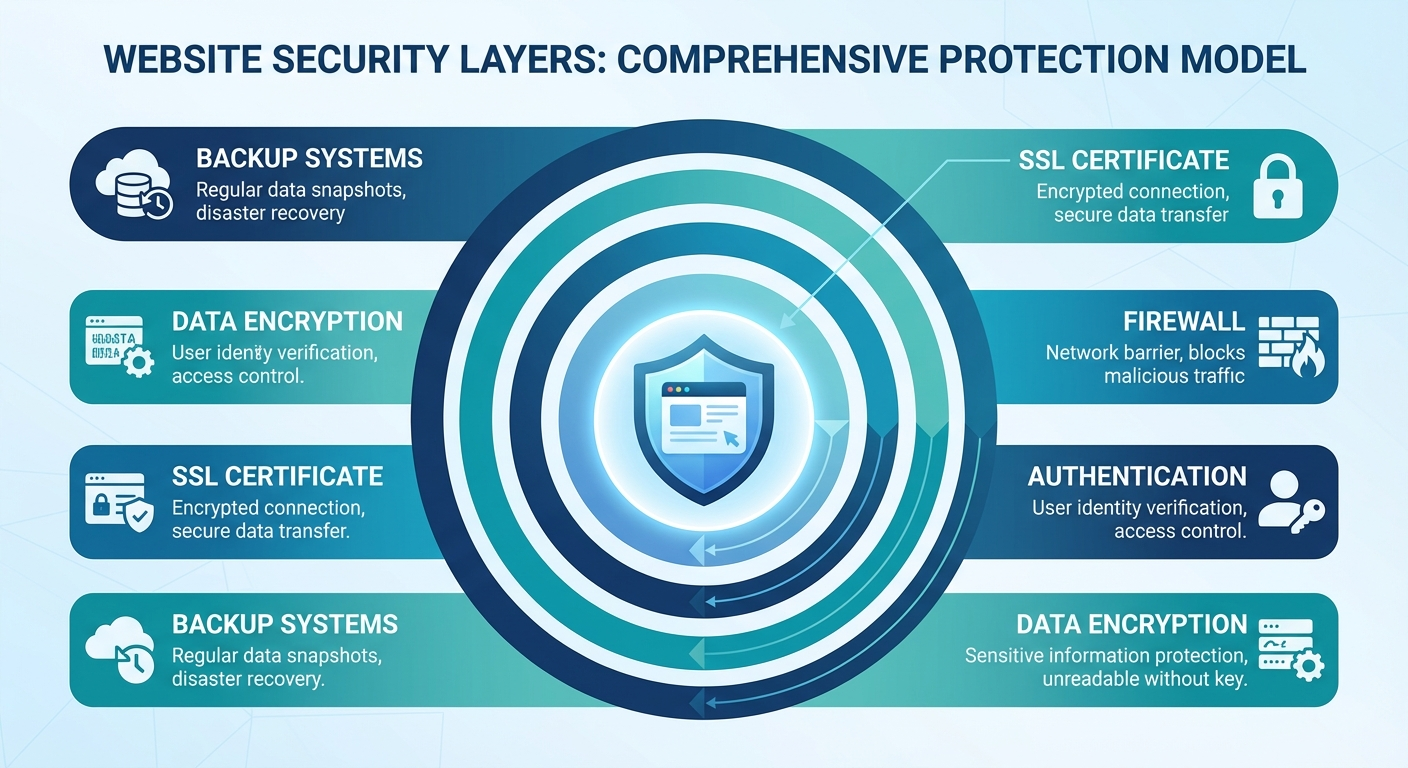
Essential Security Measures Every Website Needs
1. SSL Certificate (HTTPS)
An SSL certificate encrypts data between your website and visitors’ browsers. That little padlock icon in the address bar tells customers their information is protected.
Why it matters:
- Google penalizes non-HTTPS sites in search rankings
- Modern browsers display “Not Secure” warnings for HTTP sites
- Payment processors require SSL for credit card transactions
- Customers increasingly check for the padlock before sharing information
Implementation: Most web hosts include free SSL certificates via Let’s Encrypt. If yours doesn’t, SSL certificates cost $10-100/year. For e-commerce or medical sites, consider Extended Validation (EV) certificates that display your business name.
2. Strong Password Policies
Weak passwords remain the number one cause of security breaches. “password123” and “admin” are still among the most commonly used credentials.
Minimum password requirements:
- 12+ characters mixing letters, numbers, and symbols
- Unique passwords for each system
- Password manager for secure storage (1Password, Bitwarden)
- Two-factor authentication (2FA) on all admin accounts
For local businesses: Even if you can use a smartphone, you can use a password manager. It takes 10 minutes to set up and prevents the most common attack vector.
3. Regular Software Updates
Outdated software is the digital equivalent of leaving your front door unlocked. WordPress plugins, themes, and core software require regular updates to patch security vulnerabilities.
Update strategy:
- Enable automatic updates for minor WordPress releases
- Review and apply major updates within 48 hours
- Update plugins weekly (test on staging first if possible)
- Remove unused plugins and themes completely
The risk: 56% of website hacks exploit known vulnerabilities with available patches. The fix existed—the site owner just didn’t apply it.
4. Website Firewall (WAF)
A Web Application Firewall filters malicious traffic before it reaches your site. Think of it as a security guard checking IDs at the door.
Options by budget:
| Solution | Cost | Best For |
|---|---|---|
| Cloudflare (Free) | $0 | Basic protection, CDN included |
| Sucuri | $199/year | WordPress sites, malware cleanup |
| Cloudflare Pro | $20/month | Advanced rules, image optimization |
| Wordfence | $119/year | WordPress-specific protection |
Recommendation: Start with Cloudflare’s free tier. It blocks common attacks, speeds up your site, and costs nothing.
5. Regular Backups
When everything else fails, backups are your safety net. Without them, a ransomware attack or server failure means starting from zero.
Backup best practices:
- Daily backups of database and files
- Off-site storage (never only on the same server)
- Retention period of at least 30 days
- Regular testing — actually restore a backup quarterly
For aesthetic practices: HIPAA requires maintaining retrievable exact copies of patient records. Ensure backups are encrypted and stored with a HIPAA-compliant provider.
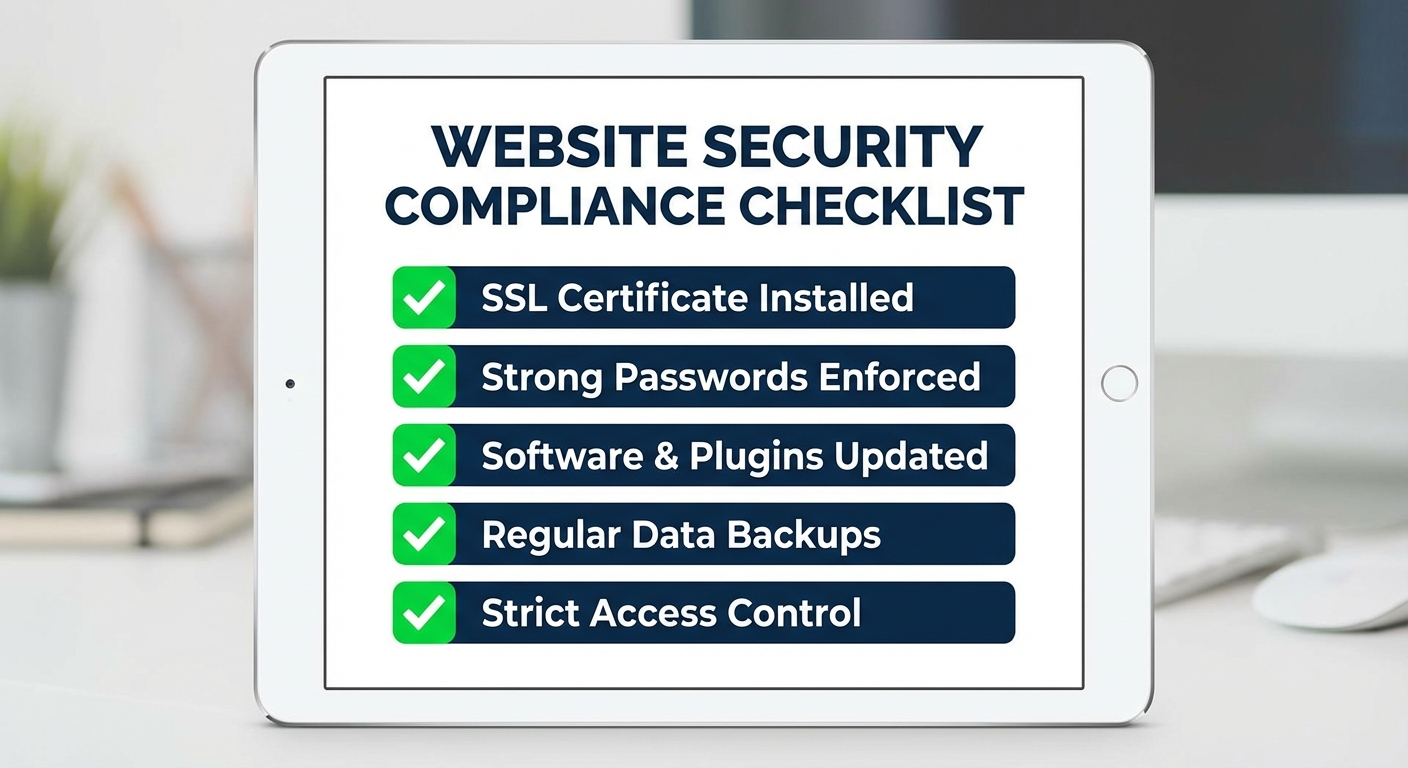
Advanced Security for Sensitive Data
If your website handles payments, health information, or other sensitive data, basic security isn’t enough.
HIPAA Compliance for Medical Practices
Aesthetic practices and medical spas must implement additional safeguards:
- Business Associate Agreements (BAAs) with all vendors handling PHI
- Encrypted forms for patient intake and communication
- Access logging to track who views patient data
- Staff training on security policies and procedures
Our work with aesthetic practices shows that HIPAA-compliant automation actually improves security while reducing administrative burden. Automated systems are more consistent than manual processes.
PCI Compliance for Payment Processing
If you accept credit cards, PCI DSS compliance isn’t optional:
- Use hosted payment forms (Stripe, Square) to reduce scope
- Never store credit card numbers on your server
- Maintain a firewall and updated antivirus
- Restrict data access on a need-to-know basis
Simplest approach: Use Stripe or Square’s embedded payment forms. They handle PCI compliance, and you never touch the card data.
Common Security Threats and How to Prevent Them
Phishing Attacks
Attackers impersonate trusted entities to steal credentials. Your employees might receive emails appearing to be from Google, your bank, or even “IT support.”
Prevention:
- Train staff to verify sender addresses carefully
- Never click login links in emails—navigate directly to the site
- Implement email filtering (Google Workspace, Microsoft 365)
- Use 2FA so stolen passwords aren’t enough
Brute Force Attacks
Automated scripts try thousands of password combinations to break into admin accounts.
Prevention:
- Limit login attempts (3-5 failures before lockout)
- Use non-obvious usernames (not “admin”)
- Implement CAPTCHA on login forms
- Consider hiding the WordPress login URL
Malware Injection
Hackers exploit vulnerabilities to inject malicious code that steals data or redirects visitors.
Prevention:
- Keep all software updated
- Use reputable plugins from official sources only
- Scan files regularly with security plugins
- Monitor for unexpected file changes
SQL Injection
Attackers insert malicious code into form fields to access your database.
Prevention:
- Use parameterized queries (your developer should know this)
- Validate and sanitize all user inputs
- Use a WAF that blocks common injection patterns
- Keep database software updated
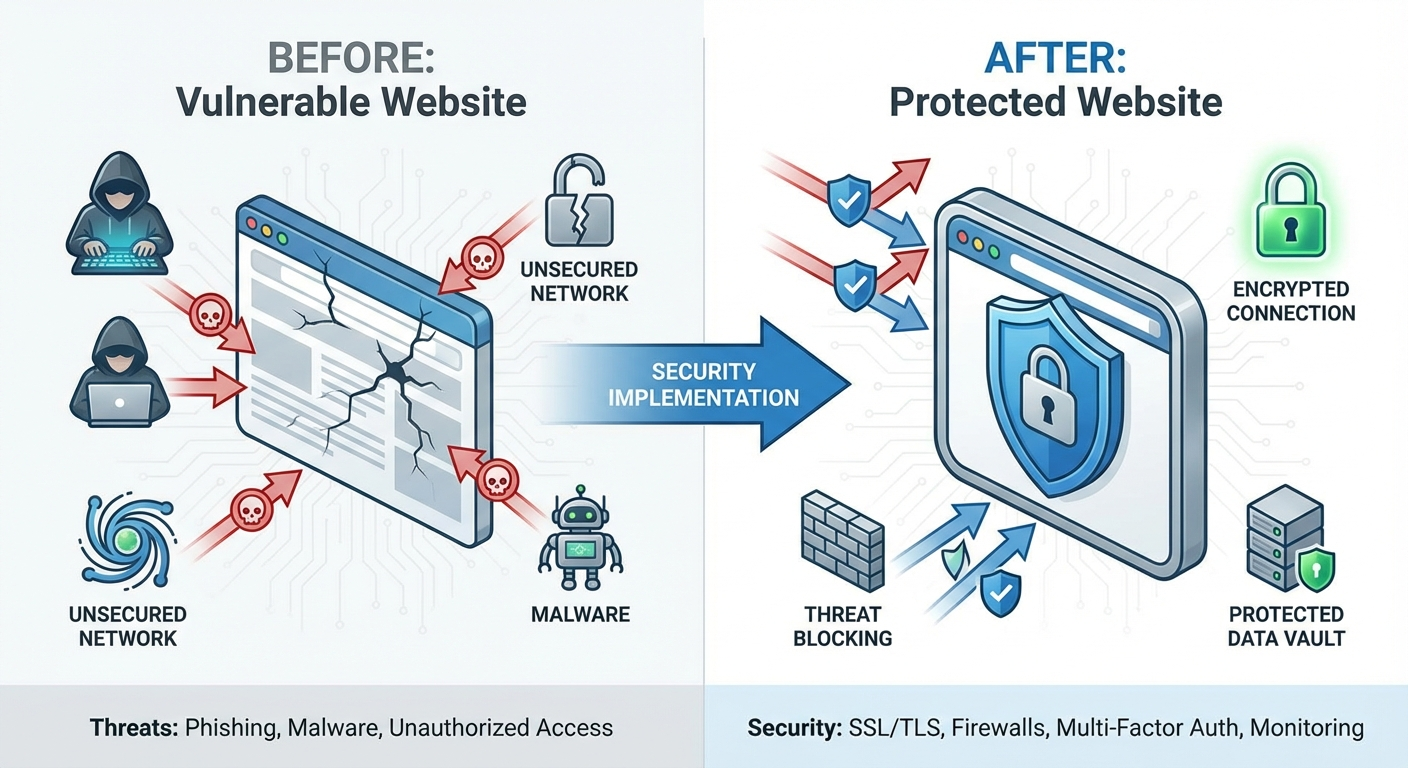
Your Monthly Security Checklist
Security isn’t a one-time project. Build these habits into your routine:
Weekly Tasks
- Check for and apply software updates
- Review login attempts and user activity
- Verify backup completion
Monthly Tasks
- Review user accounts and remove inactive ones
- Check security plugin reports
- Update any expiring credentials
- Review Google Search Console for security issues
Quarterly Tasks
- Test backup restoration
- Review and update security policies
- Check SSL certificate expiration
- Conduct basic vulnerability scan
Annual Tasks
- Full security audit
- Penetration testing (for sensitive data sites)
- Staff security training refresh
- Review and update incident response plan
What to Do If You’ve Been Hacked
If you suspect a breach, act immediately:
- Take the site offline — Prevent further damage
- Change all passwords — Admin accounts, FTP, database, hosting
- Scan for malware — Use Sucuri SiteCheck or Wordfence
- Restore from clean backup — If available and uncompromised
- Identify the vulnerability — How did they get in?
- Patch the hole — Update software, change configurations
- Notify affected parties — Legal requirement for data breaches
- Monitor closely — Attackers often return
For HIPAA-covered entities: Data breaches involving PHI must be reported to HHS within 60 days. Consult legal counsel immediately.
Frequently Asked Questions
How much does website security cost for a small business?
Basic website security costs $0-200/year. Free SSL certificates, Cloudflare’s free plan, and a security plugin like Wordfence provide solid protection. For businesses handling sensitive data, budget $500-1,500/year for premium solutions, monitoring, and professional audits.
Do I need a professional to secure my website?
Not for basic security. SSL, strong passwords, updates, and backups are manageable by most business owners. However, for HIPAA compliance, PCI requirements, or after a security incident, professional help is worth the investment to avoid costly mistakes.
How often should I update my website software?
Apply security updates within 48 hours of release. Check for updates weekly at minimum. Enable automatic updates for minor releases if your site doesn’t have custom modifications that might break with updates.
What’s the most important security measure for local businesses?
SSL certificates and strong password policies with two-factor authentication. These prevent the most common attacks and take less than an hour to implement. After that, regular backups ensure you can recover from any incident.
Is cloud hosting more secure than traditional hosting?
Cloud hosting from reputable providers (AWS, Google Cloud, major hosts like WP Engine) includes security features difficult for small businesses to implement independently: DDoS protection, automatic backups, and managed firewalls. For most small businesses, managed WordPress hosting offers the best security-to-effort ratio.
Getting Started This Week
Don’t let security overwhelm you. Start with these three actions:
- Verify SSL — Visit your site and check for the padlock. If missing, contact your host.
- Enable 2FA — Add two-factor authentication to your website admin, email, and hosting accounts.
- Confirm backups — Ask your host or check your backup plugin. Know where backups are stored and how to restore them.
For Southwest Florida businesses handling sensitive customer data, proper security isn’t just about protection—it’s about building the trust that drives referrals and customer retention.
Need help implementing website security for your business? Our team specializes in web development that prioritizes both performance and protection. Contact us for a security assessment.