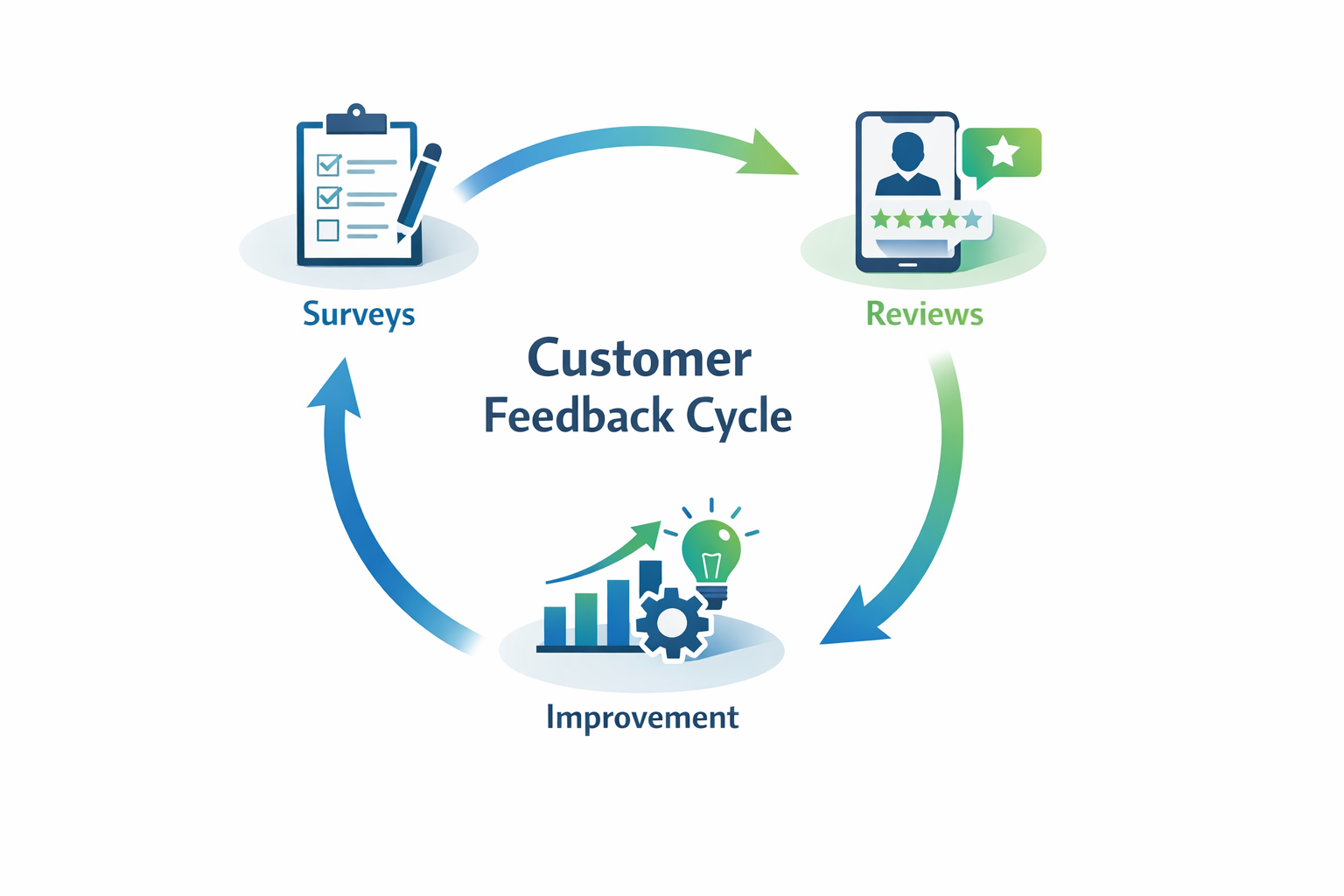
Customer feedback loops are systematic processes for collecting, analyzing, and acting on customer insights to continuously improve your products and services. Unlike one-time surveys, feedback loops create an ongoing cycle where customer input directly drives business improvements—and customers see the results of their feedback.
Most businesses collect feedback. Few actually close the loop. That’s the difference between companies that grow and those that stagnate wondering why customers leave.
Here’s how to build feedback loops that transform customer insights into real business growth—whether you’re running a local service business or a medical practice.
Why Feedback Loops Matter More Than Ever
In 2026, customer expectations are higher than ever. A single bad experience shared on Google or social media can cost you dozens of potential customers. But here’s what most business owners miss: the same customers who complain publicly would have told you privately—if you’d asked.
The numbers tell the story:
- 96% of unhappy customers don’t complain directly—they just leave
- Companies that act on feedback see 25-40% higher customer retention
- Businesses with strong feedback systems generate 60% more revenue from existing customers
The difference between a feedback collection system and a feedback loop is action. Collection without action is just data gathering. A true loop closes the circle by implementing changes and communicating those changes back to customers.
The Four Stages of an Effective Feedback Loop
Every successful feedback loop follows the same pattern: Ask, Analyze, Act, and Announce. Miss any stage, and the loop breaks.
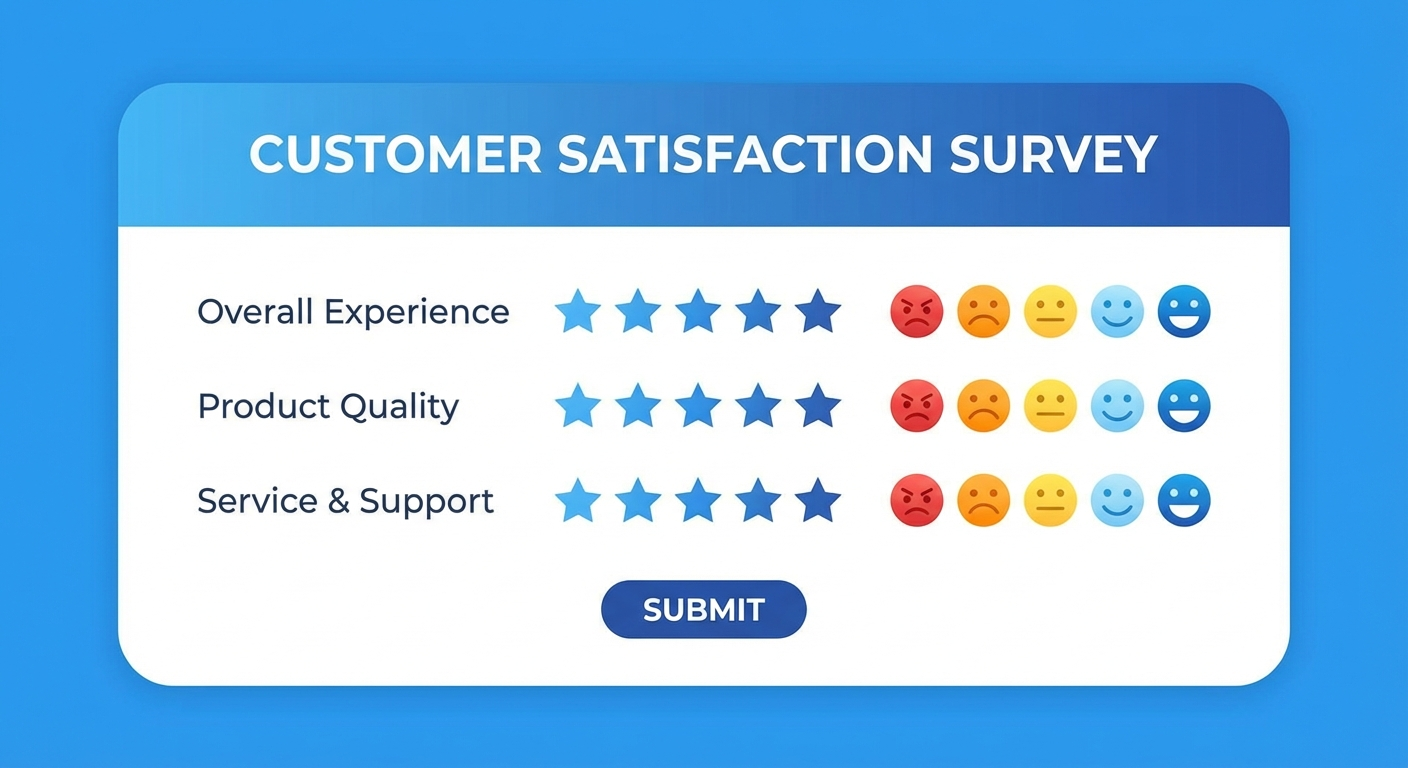
Stage 1: Ask — Collecting Feedback Strategically
The key to useful feedback isn’t asking more questions—it’s asking the right questions at the right time.
Timing matters more than you think:
- Post-service surveys: Send within 2 hours while the experience is fresh
- Relationship surveys (NPS): Quarterly for ongoing customers
- Exit surveys: Immediately when a customer cancels or doesn’t return
- Milestone surveys: After key moments (first purchase, 90 days, anniversary)
What to ask:
Keep surveys short. Three questions can tell you more than thirty if they’re the right three:
- Rating question: “How would you rate your experience?” (quantifiable data)
- Open-ended question: “What could we have done better?” (qualitative insights)
- Intent question: “How likely are you to recommend us?” (NPS score)
For local businesses, focus on operational feedback:
- Was the technician on time?
- Was the work completed to your satisfaction?
- How was the communication throughout?
For aesthetic practices, focus on experience and outcomes:
- How comfortable did you feel during your consultation?
- Did we address all your questions and concerns?
- How satisfied are you with your results?
Collection channels:
- SMS surveys: 45% response rate (highest for local businesses)
- Email surveys: 15-25% response rate (better for detailed feedback)
- In-app/website surveys: Great for immediate post-service feedback
- Review requests: Combine feedback collection with review generation
Stage 2: Analyze — Finding Patterns That Matter
Raw feedback is noise. Analyzed feedback is insight. The goal isn’t to read every response—it’s to identify patterns that point to systemic improvements.
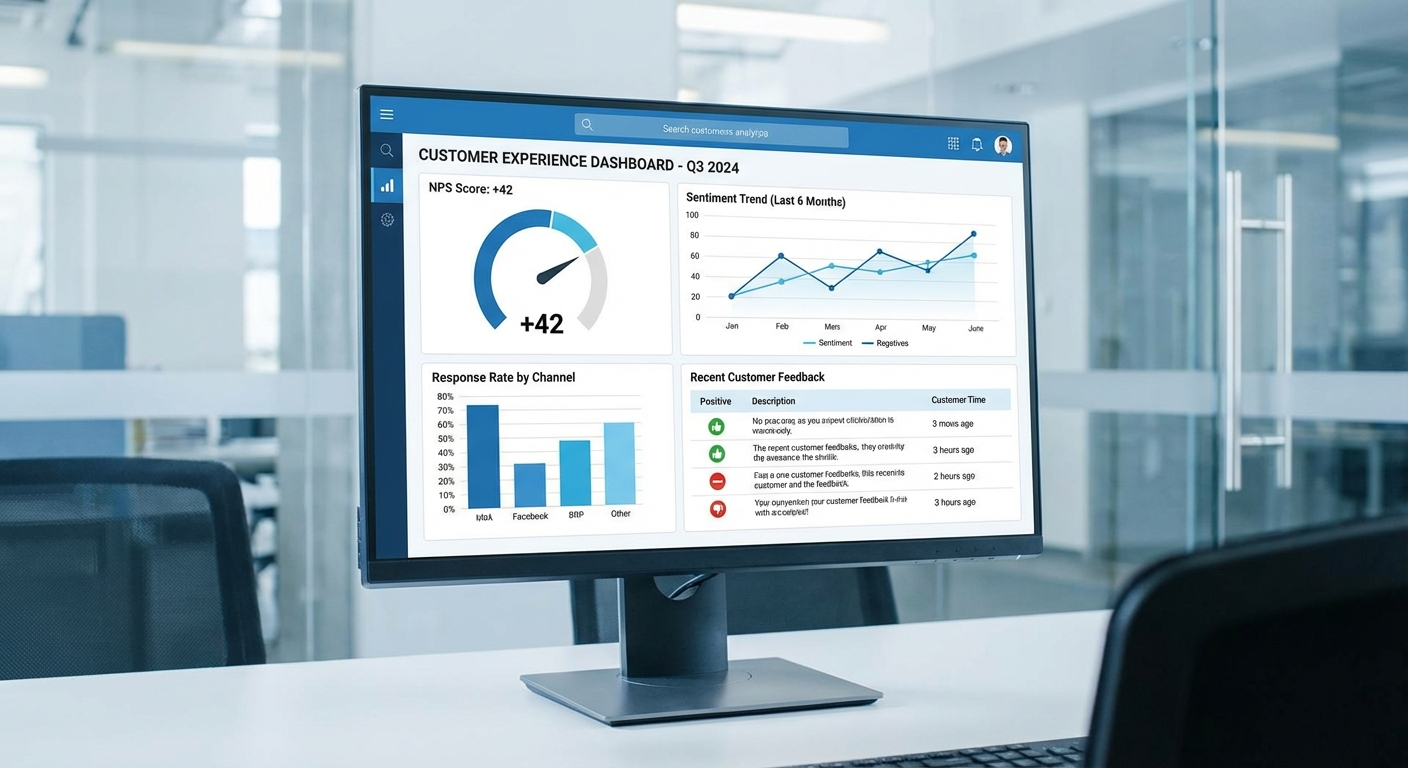
Key metrics to track:
| Metric | What It Measures | Target |
|---|---|---|
| Net Promoter Score (NPS) | Customer loyalty | 50+ is excellent |
| Customer Satisfaction (CSAT) | Experience quality | 80%+ satisfied |
| Customer Effort Score (CES) | Ease of doing business | Lower is better |
| Response Rate | Survey engagement | 20%+ for email |
Pattern analysis techniques:
- Categorize responses: Group feedback into themes (communication, quality, pricing, timeliness)
- Track trends: Is the same issue appearing repeatedly? That’s a systemic problem.
- Segment by customer type: New vs. returning customers often have different pain points
- Compare to benchmarks: How do you stack up against industry averages?
Pro tip: Use AI-powered sentiment analysis tools to process large volumes of open-ended feedback. Tools like MonkeyLearn or even ChatGPT can categorize hundreds of responses in minutes.
Stage 3: Act — Implementing Changes That Count
This is where most businesses fail. They collect data, maybe even analyze it, then… nothing happens. The feedback sits in a spreadsheet while the same problems continue.
The 3-tier action framework:
Tier 1: Quick Wins (Implement within 48 hours)
- Individual service recovery (reach out to unhappy customers)
- Small process tweaks (changing a confusing form, updating hold music)
- Staff communication (sharing positive feedback, addressing specific issues)
Tier 2: Short-term Improvements (Implement within 30 days)
- Training updates based on recurring feedback
- Policy changes that address common complaints
- Tool or technology additions to solve friction points
Tier 3: Strategic Changes (Implement within 90 days)
- Service offering modifications
- Major process overhauls
- Staffing or structural changes
Prioritization matrix:
| Impact | Effort | Priority |
|---|---|---|
| High | Low | Do immediately |
| High | High | Plan and schedule |
| Low | Low | Delegate or batch |
| Low | High | Reconsider or skip |
Example in practice:
A Southwest Florida HVAC company noticed repeated feedback about difficulty scheduling appointments. The quick win was adding text message scheduling within a week. The short-term fix was implementing automated appointment reminders. The strategic change was adopting a full CRM with online booking—which increased bookings by 34%.
Stage 4: Announce — Closing the Loop
This is the “loop” in feedback loop. Customers need to know their input led to real changes. Otherwise, why would they bother giving feedback again?

Ways to close the loop:
-
Individual follow-up: For negative feedback, reach out personally. “We heard your concern about X, and here’s what we’ve done…”
-
Public announcements: Share improvements on social media, in newsletters, or on your website. “You asked, we listened” posts perform exceptionally well.
-
Update messaging: Change your marketing to highlight improvements. If customers complained about wait times and you fixed it, advertise your new faster service.
-
Feedback acknowledgment: Even a simple “Thank you for your feedback” email increases future response rates by 20%.
For medical practices: HIPAA considerations apply. Never reference specific patient feedback publicly without explicit consent. Instead, share aggregate improvements: “Based on patient feedback, we’ve reduced consultation wait times by 15 minutes.”
Automating Your Feedback Loop
Manual feedback collection doesn’t scale. Here’s how to automate each stage:
Automated Collection
- Trigger-based surveys: Send automatically after appointments, purchases, or service calls
- Review request sequences: Positive respondents get directed to Google/Yelp; negative ones get direct outreach
- NPS automation: Quarterly surveys sent automatically with follow-up sequences
Automated Analysis
- Sentiment scoring: AI tools automatically categorize feedback as positive, negative, or neutral
- Keyword alerts: Get notified when specific terms appear (competitor names, specific complaints)
- Dashboard reporting: Real-time visibility into feedback trends
Automated Response
- Instant acknowledgment: Auto-reply thanking customers for feedback
- Escalation routing: Negative feedback automatically flagged for manager review
- Recovery sequences: Unhappy customers entered into service recovery workflow
Tools like Typeform, Medallia, or even email marketing automation platforms can handle most of this without custom development.
Common Feedback Loop Mistakes
1. Asking too many questions Long surveys kill response rates. Keep it under 3 minutes.
2. Ignoring negative feedback Every complaint is a gift—it’s free consulting on how to improve.
3. Surveying too frequently Once per transaction or quarterly is enough. Don’t annoy customers.
4. Not acting on patterns If you keep hearing the same feedback and doing nothing, stop asking.
5. Making feedback collection the end goal Collection is step one. Action is the point.
Measuring Success
How do you know your feedback loop is working? Track these indicators:
- Feedback response rate: Should increase over time as customers see action
- NPS trend: Should improve as you address systemic issues
- Customer retention rate: The ultimate measure of satisfaction
- Repeat business revenue: Happy customers spend more
- Review ratings: Public scores should improve alongside private feedback
A well-implemented feedback loop typically shows measurable improvements within 90 days. If you’re collecting feedback but metrics aren’t moving, the loop is broken somewhere—usually at the “Act” stage.
Getting Started This Week
You don’t need complex systems to start. Here’s a simple three-step launch:
- Pick one feedback touchpoint: Post-service email or SMS survey
- Ask three questions: Rating, improvement suggestion, likelihood to recommend
- Commit to weekly review: Every Friday, review feedback and identify one action item
That’s it. One touchpoint, three questions, weekly action. Build from there.
The businesses that thrive in 2026 and beyond will be those that listen systematically and act decisively. Your customers are already telling you how to serve them better—you just need to build the system to hear them.
Ready to build customer feedback loops that drive growth? At Monsoft Solutions, we help businesses automate feedback collection and turn customer insights into competitive advantages. Get in touch to see how we can help your business grow through better customer understanding.
Frequently Asked Questions
What is a customer feedback loop?
A customer feedback loop is a systematic process for collecting customer input, analyzing patterns, implementing improvements based on that input, and communicating changes back to customers. Unlike one-time surveys, feedback loops create continuous improvement cycles that directly connect customer insights to business actions and measurable results.
How often should I survey my customers?
Survey frequency depends on your business type and customer relationship. For transactional businesses, survey after each interaction. For ongoing relationships, quarterly NPS surveys work well. The key is consistency without over-surveying—if response rates drop below 10%, you’re asking too often.
What’s a good Net Promoter Score (NPS)?
NPS ranges from -100 to +100. Scores above 0 are positive, above 30 are good, and above 50 are excellent. However, benchmarks vary by industry—medical practices average 38 while home services average 45. Focus more on improving your score over time than hitting a specific number.
How do I get customers to actually respond to surveys?
Keep surveys short (under 3 minutes), send them at the right time (within 2 hours of service), use SMS for higher response rates, and most importantly—show customers that their feedback leads to real changes. When customers see action, they’re 60% more likely to provide feedback again.