Your customers are already on WhatsApp. Over 2 billion people use it globally, and in markets like Latin America, Southeast Asia, and parts of Europe, it is the primary way people communicate — with businesses included. Even in the United States, usage has climbed steadily, and small businesses that figured this out early are quietly outperforming competitors who keep relying solely on email and phone calls.
The numbers are hard to argue with: WhatsApp messages average a 98% open rate compared to around 20% for email. When someone texts your business, they fully expect a quick reply — and if they get one, trust builds fast. If they don’t, they move on.
WhatsApp Business is the free tool Meta built specifically for this opportunity. This guide covers everything you need to get started: what the app does, how to set it up properly, the best ways to use it for customer communication and marketing, and when it makes sense to upgrade to the API for more powerful automation.
What WhatsApp Business Actually Is
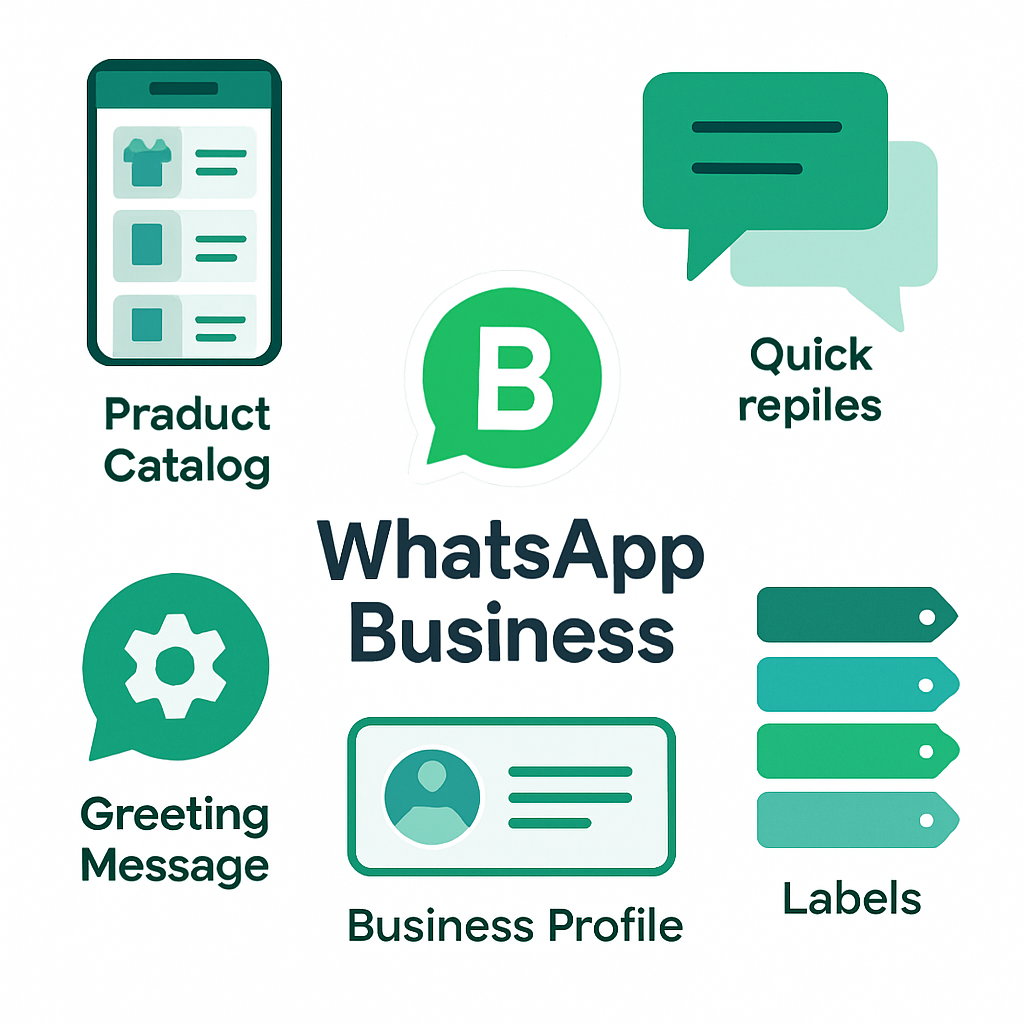
WhatsApp Business is a separate app from regular WhatsApp, designed specifically for companies. It’s free to download and use for small businesses. Here’s what it adds that the standard app doesn’t have:
Business Profile: You set up a public-facing profile with your business name, category, address, website, hours, and a short description. Customers can see this before they even message you, which builds credibility instantly.
Product Catalog: You can create a digital catalog directly inside the app — photos, names, descriptions, and prices. Customers can browse your catalog without leaving the chat, making it easy to ask about specific items.
Quick Replies: Save your most common responses as keyboard shortcuts. Type a slash followed by a keyword and the full pre-written message sends automatically. Cuts response time from minutes to seconds.
Automated Messages: Set up a greeting message for new contacts, and an away message for when you’re outside business hours. Customers get an immediate response even when you can’t reply personally.
Labels: Color-coded labels let you organize conversations — “New Lead,” “Pending Order,” “Follow-up Needed,” “Loyal Customer.” Keeps your inbox manageable when volume picks up.
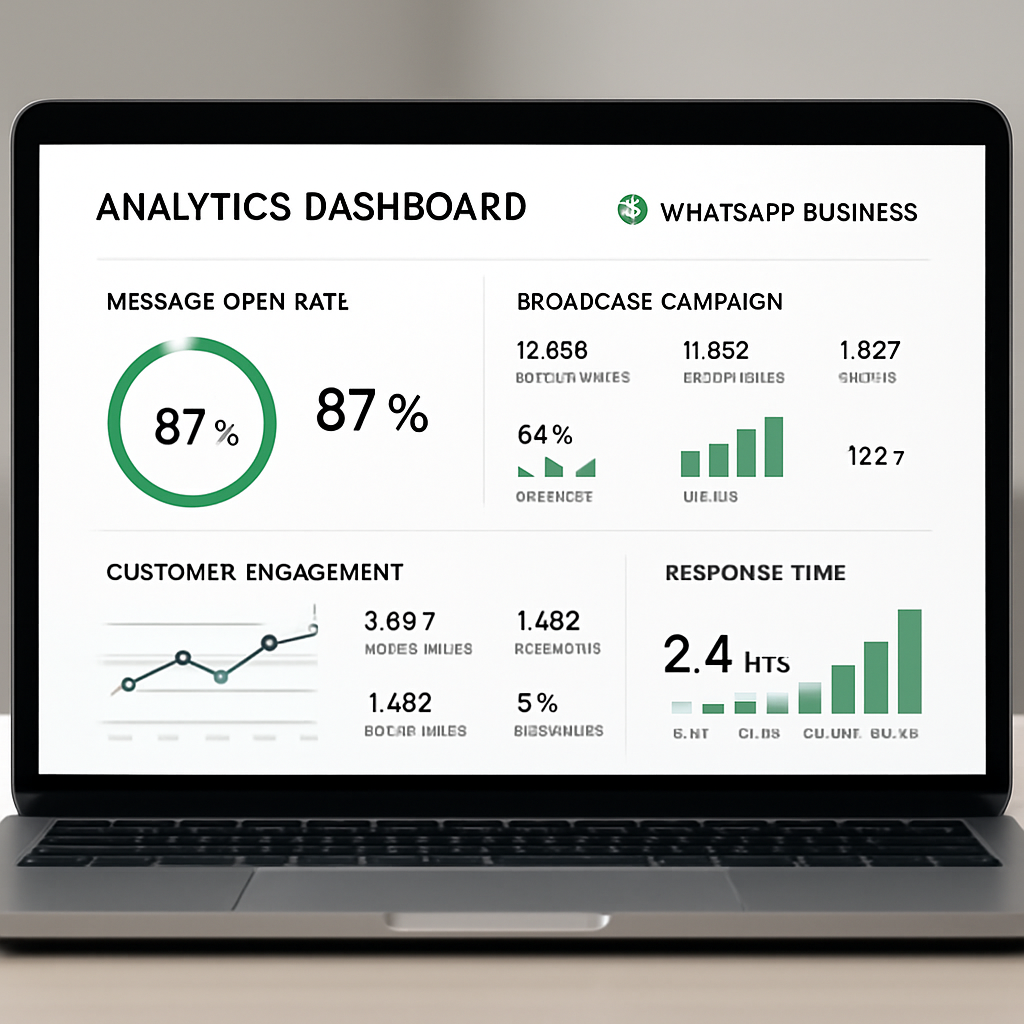
Statistics: Basic analytics on messages sent, delivered, read, and received. Good enough to track whether your communication strategy is working.
Setting Up Your WhatsApp Business Profile Right
First impressions matter, and your business profile is what customers see before they decide whether to message you. Don’t skip the details.
Choose your number carefully. WhatsApp Business requires a unique phone number — it can’t be the same number used on a personal WhatsApp account. Many small businesses use a dedicated business cell number or a Google Voice number. You can use a landline number if you verify it by call instead of SMS.
Fill out your profile completely. Set a clear profile photo (your logo or a professional photo of the business). Write a short description that tells people exactly what you do and who you serve. Include your address if you’re a local business — this matters for appearing in local searches.
Set your business category. WhatsApp uses categories to help customers find businesses. Pick the most specific one that fits what you do.
Configure your hours. Set accurate open hours so the away message fires correctly. There’s nothing worse than telling a customer you’re “currently unavailable” when you’re open.
Write your greeting and away messages thoughtfully. Your greeting is the first thing a new contact sees. Make it warm, specific, and include a clear next step: “Hi! Thanks for reaching out to [Business Name]. What can we help you with today?” Your away message should set expectations: “We’re currently closed but we’ll get back to you first thing tomorrow morning!”
Set up Quick Replies. Sit down and think about the 10 questions you get asked every single day. Write clean, complete answers for each one and save them as quick replies. Common ones: pricing, location/hours, how to book, what services you offer, whether you’re accepting new clients.
Using WhatsApp Business for Customer Service
This is where the immediate payoff lives. Customers who can reach you easily on WhatsApp convert better and churn less.
Respond Faster, Win More Business
Speed is the variable customers care most about. Studies consistently show that businesses responding to inquiries within five minutes are dramatically more likely to convert than those responding an hour later. WhatsApp makes fast response easy — most people have it open on their phone all day already.
Turn on WhatsApp Business notifications on your phone. Assign a team member to monitor incoming messages during business hours. Use your saved quick replies for the routine questions so you can respond in seconds, not minutes.
Create Conversation Templates for Common Flows
Think through the journeys customers take:
- Booking: greeting → ask for service and preferred date/time → confirm appointment → send reminder
- Product inquiry: greeting → send catalog link → answer questions → close the sale
- Post-service follow-up: thank them → ask for feedback → invite them to review
Map these out and build quick replies for each step. You’re not automating the relationship — you’re removing friction from it.
Use Labels to Stay Organized
As volume grows, labels are what keep you from dropping balls. Create a system and stick to it. Something like:
- 🟡 New Inquiry — hasn’t been responded to yet
- 🔵 In Progress — active conversation happening
- 🟢 Booked/Sold — converted
- 🔴 Needs Follow-Up — promising but went cold
- ⚫ Closed — resolved, no action needed
Review your labeled conversations every morning. Your “Needs Follow-Up” list is where revenue is hiding.
WhatsApp Business for Marketing: What Actually Works
WhatsApp isn’t just a customer service channel — it’s one of the highest-performing marketing channels available to small businesses, if you use it right.
Build an Opt-In List
This is the foundation. Before you can market via WhatsApp, customers have to opt in — and not just technically (they added your number), but genuinely (they want to hear from you). Build that permission through real value:
- Add a WhatsApp contact button to your website
- Offer a discount or freebie for customers who message you first
- Ask at checkout: “Would you like updates on new arrivals/specials via WhatsApp?”
- Include your WhatsApp number on printed receipts, business cards, and signage
Never purchase contacts or add people without consent. Not only does it violate WhatsApp’s terms, it destroys the trust you’re trying to build.
Broadcast Lists: Reach Everyone at Once
Broadcast lists let you send a message to up to 256 contacts at once, and it arrives in each person’s inbox as a one-on-one message — not a group chat. To receive broadcasts, contacts must have saved your number. This creates natural filtering: only genuinely interested customers see your messages.
Use broadcasts for:
- New products or services
- Limited-time offers
- Event announcements
- Seasonal promotions
- Helpful tips and content relevant to your audience
Keep broadcasts infrequent and valuable. Sending too often trains people to ignore you — or block you. Two to four times per month is a reasonable baseline for most small businesses.
The Status Feature for Passive Marketing
WhatsApp Status works like Instagram Stories — it disappears after 24 hours and shows to all your contacts. It’s low-effort and keeps your business top of mind without requiring a composed message.
Post to Status regularly with:
- Behind-the-scenes content
- New arrivals or service highlights
- Before/after photos (great for aesthetics businesses, contractors, landscapers)
- Quick tips your customers would appreciate
- Flash sales or time-sensitive announcements
Status is especially effective because it doesn’t feel like advertising. It feels like staying connected with a business you already like.

WhatsApp Business API: When to Upgrade
The free WhatsApp Business app has real limits. The broadcast limit is 256 contacts. You can only use the app on one device at a time (though multi-device support has been improving). Automation options are limited to basic greeting and away messages. If your business is growing, you’ll hit these ceilings.
The WhatsApp Business API opens up a whole different level:
- Unlimited broadcasts to opted-in contacts
- Multi-agent access — your whole team can handle conversations simultaneously
- CRM integration — messages synced directly to your CRM, full history tracked
- Chatbot automation — handle FAQs, booking, order status, and more without human intervention
- Message templates for outbound communications like appointment reminders, order confirmations, and shipping updates
Access to the API requires going through a WhatsApp Business Solution Provider (BSP). Popular options include Twilio, MessageBird, Respond.io, and WATI. Most charge per conversation rather than per message, with rates varying by country and conversation type.
Is it worth it? For businesses with a few hundred or more active customers who prefer WhatsApp communication, usually yes. The automation alone — appointment reminders that get a 90%+ read rate, order status updates that cut inbound “where’s my order” calls in half — typically pays for itself quickly.
WhatsApp and HIPAA: What Healthcare and Aesthetics Businesses Need to Know
If you’re operating a medical spa, aesthetic practice, or any health-adjacent business, you need to think carefully about what information you exchange over WhatsApp. Standard WhatsApp and WhatsApp Business are end-to-end encrypted, which is good — but Meta does retain certain metadata, and the platform is not formally HIPAA-compliant.
The safe rule: don’t use WhatsApp for Protected Health Information (PHI). Appointment scheduling, promotions, and general questions are generally fine. Treatment details, lab results, diagnoses, and anything that falls under PHI should flow through a HIPAA-compliant platform.
For aesthetics practices using WhatsApp for general communication and marketing while using a separate system for clinical documentation, this works fine. Just make sure your team knows the distinction and doesn’t blur it.
Measuring What’s Working
Basic analytics in the WhatsApp Business app give you message delivery and read rates. That’s useful but limited. To measure business impact, you need to track:
Lead source. When a new customer messages you, ask how they found you. Track whether WhatsApp contacts came from your website button, social media, referrals, or in-store signage.
Conversion rate. Of the conversations that start in WhatsApp, what percentage convert to bookings, orders, or sales? This is the clearest signal of whether your communication approach is working.
Response time. How quickly are you typically getting back to people? Track this honestly. If your average response time is creeping up, you need to address it — either with better quick replies, a dedicated person monitoring the inbox, or API-level automation.
Broadcast engagement. When you send a broadcast, how many people respond or follow up? High engagement means your list is healthy and your content is resonating. Low engagement means it’s time to revisit what you’re sending and how often.
WhatsApp Business in Southwest Florida: Why It’s Especially Worth It Here
If you’re running a small business in Naples, Fort Myers, Cape Coral, or the surrounding SWFL region, WhatsApp has a specific advantage worth noting. The area has a significant Spanish-speaking population, and WhatsApp is overwhelmingly the preferred communication app in Hispanic communities. Offering WhatsApp as a contact option removes a genuine friction point for a large segment of your potential customer base.
Beyond that, SWFL’s tourist economy means a lot of your customers are seasonal — from out-of-state, or international visitors from Canada, Latin America, and Europe. WhatsApp is genuinely global. A Canadian snowbird or a Brazilian tourist doesn’t have iMessage set up for your number. They do have WhatsApp on their phone.
Adding a WhatsApp number to your website and Google Business Profile costs you nothing and opens your business to people who prefer to communicate that way. It’s one of the easiest, cheapest expansions of your customer accessibility you can make.
Getting Started This Week
You don’t need weeks to set this up. Here’s a practical action plan:
Day 1: Download WhatsApp Business, verify your number, fill out your complete business profile.
Day 2: Write and save your 10 most common Quick Replies. Set up your greeting and away messages.
Day 3: Build your product or service catalog if applicable. Add a WhatsApp button to your website.
Day 4: Start an opt-in list. Post to WhatsApp Status for the first time. Reach out to your 5–10 best customers and let them know they can reach you here.
Week 2: Send your first broadcast to your opt-in list with something genuinely useful — a tip, a special offer, a new service announcement.
Month 2: Evaluate your response times and conversion rate. Decide whether the app is sufficient or whether an API solution makes sense.
WhatsApp Business isn’t a magic customer acquisition machine. It’s a communication layer that makes you more accessible to people who prefer messaging over phone calls. That preference is only growing. The small businesses that meet customers where they already are — in this case, a messaging app they check dozens of times a day — will keep winning.
Want help setting up WhatsApp Business automation or integrating it with your CRM and booking system? Contact Monsoft Solutions — we build custom communication workflows for small businesses across Southwest Florida.