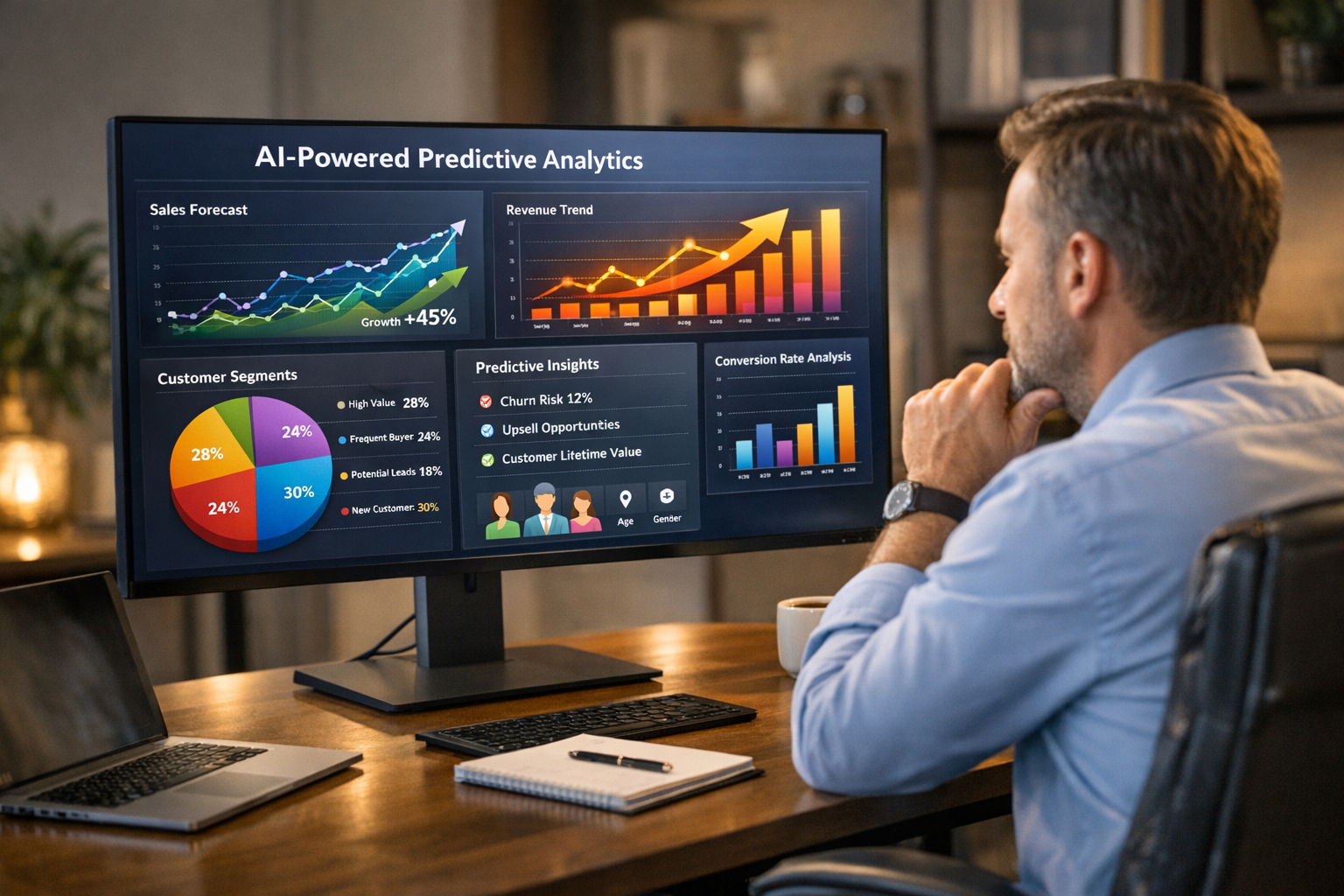
You already know more about your customers than you realize. Every purchase, every website visit, every unanswered email is a data point — and those data points tell a story about what your customers will do next.
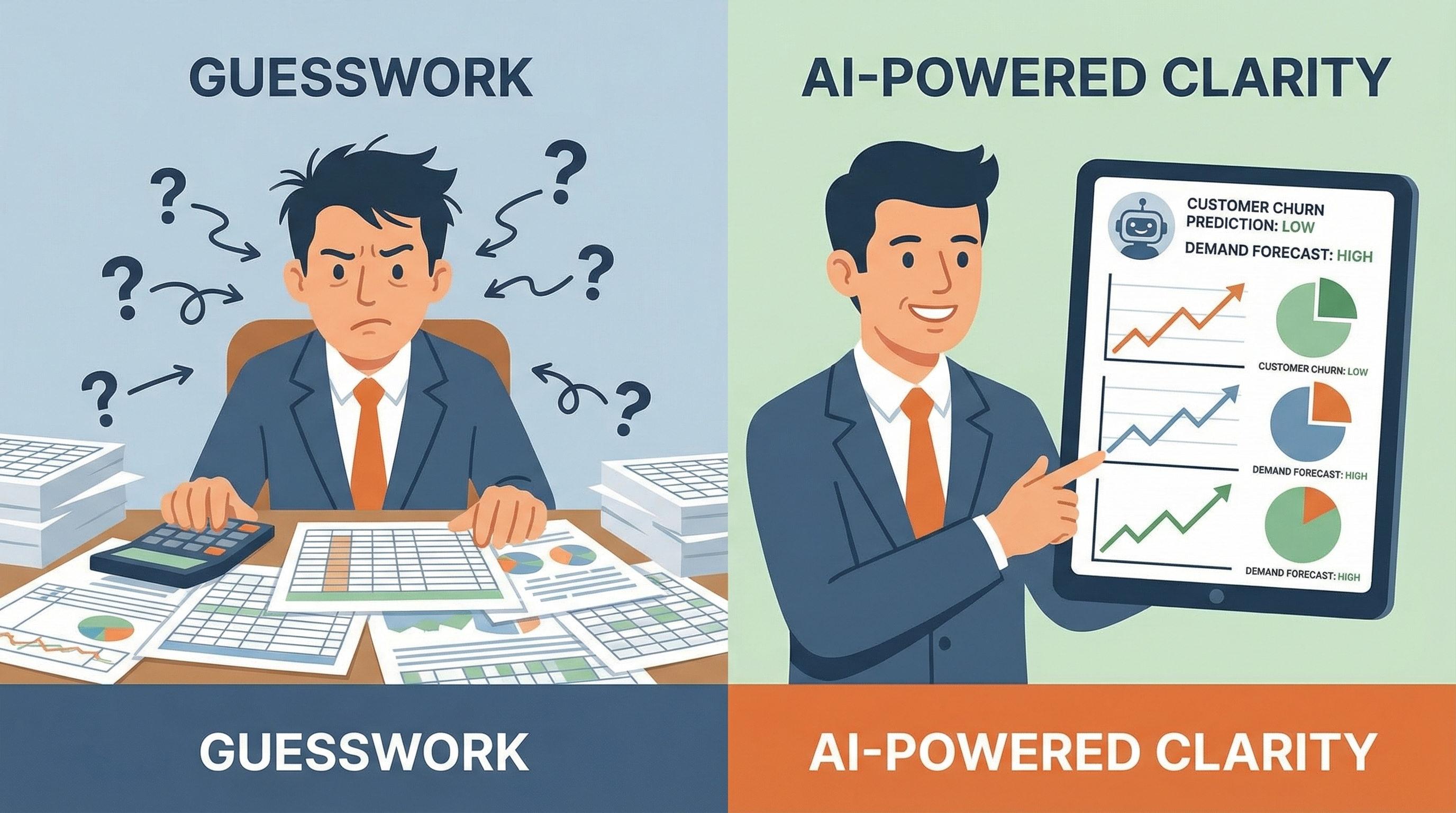
The problem is that most small business owners don’t have the time or tools to read that story. They make decisions based on gut feeling, last month’s numbers, or whatever their busiest competitor seems to be doing. It works, until it doesn’t.
Predictive analytics changes that. It uses AI to turn your historical data into forward-looking forecasts: which customers are about to leave, which products will sell out next quarter, which leads are most likely to convert this week. You don’t need a data science team. You don’t need a statistics degree. You need the right tools and a basic understanding of what to look for.
Here’s how it works — and how to start using it in your business.
What Predictive Analytics Actually Means
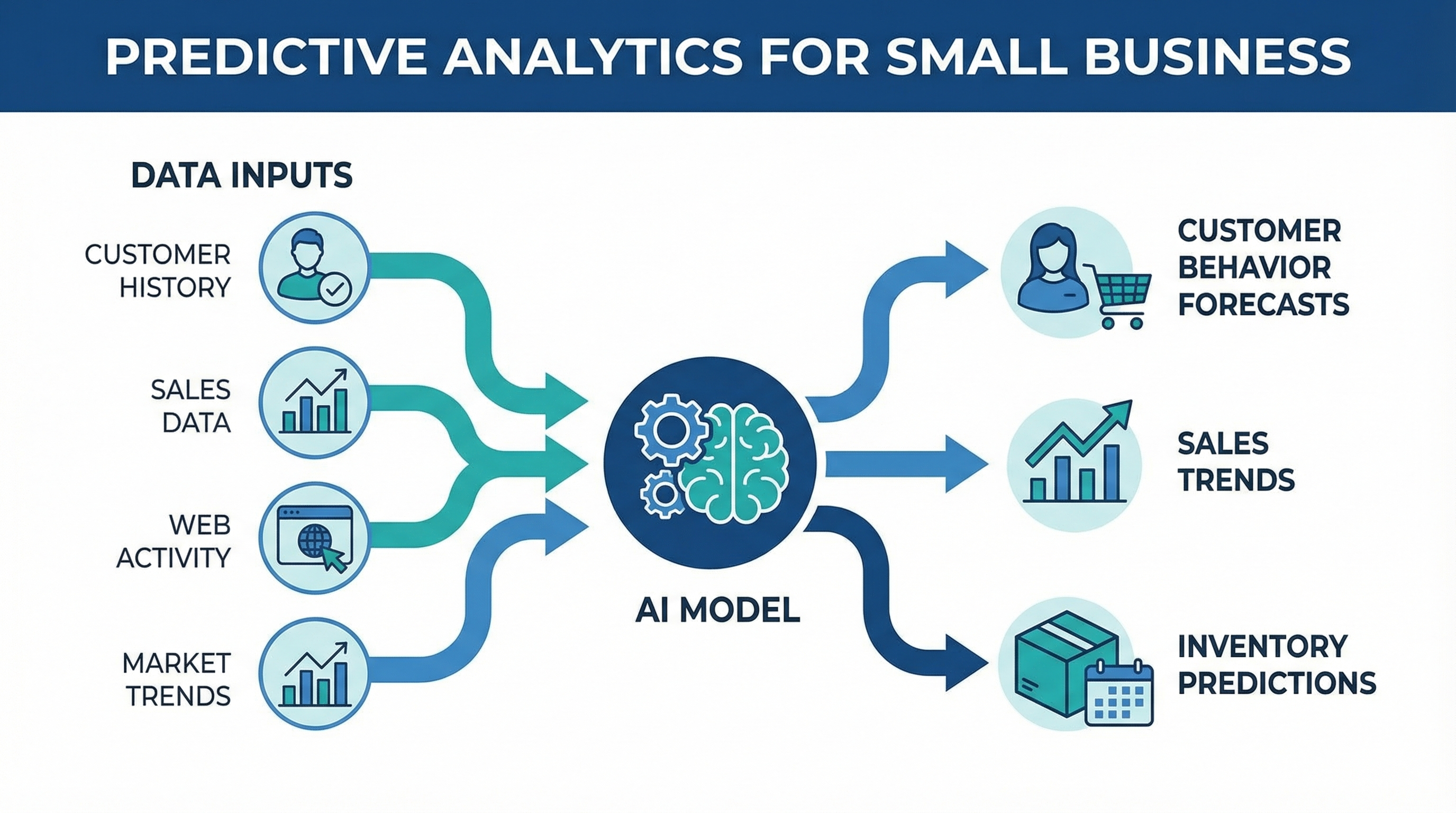
Predictive analytics is the use of historical data, statistical algorithms, and machine learning to identify the likelihood of future outcomes. In plain terms: it looks at patterns in your past data and makes educated guesses about what comes next.
It’s not magic, and it’s not perfect. But it’s consistently more accurate than human intuition at scale — especially when you’re managing hundreds or thousands of customers at once.
For small businesses, predictive analytics typically shows up in a few practical forms:
- Customer churn prediction — identifying customers who are likely to stop buying before they actually do
- Demand forecasting — predicting what you’ll need in inventory or staffing based on historical trends
- Lead scoring — ranking prospects by their likelihood to convert based on behavior and profile data
- Customer lifetime value modeling — estimating how much a customer will spend over their relationship with you
- Next-best-offer recommendations — predicting which product or service a customer is most likely to want next
Each of these is actionable. Knowing a customer might leave gives you a window to reach out. Knowing demand will spike in six weeks lets you order inventory now. That’s the real value — not the prediction itself, but what you do with it.
Why This Is a Small Business Game-Changer
Enterprise companies have been using predictive analytics for decades. Amazon’s recommendation engine, Netflix’s content suggestions, airline dynamic pricing — all of it is built on predictive models running at massive scale.
Small businesses assumed this was out of reach. Too expensive, too technical, too dependent on having enormous datasets. That assumption made sense in 2015. It’s wrong in 2026.
Three things changed:
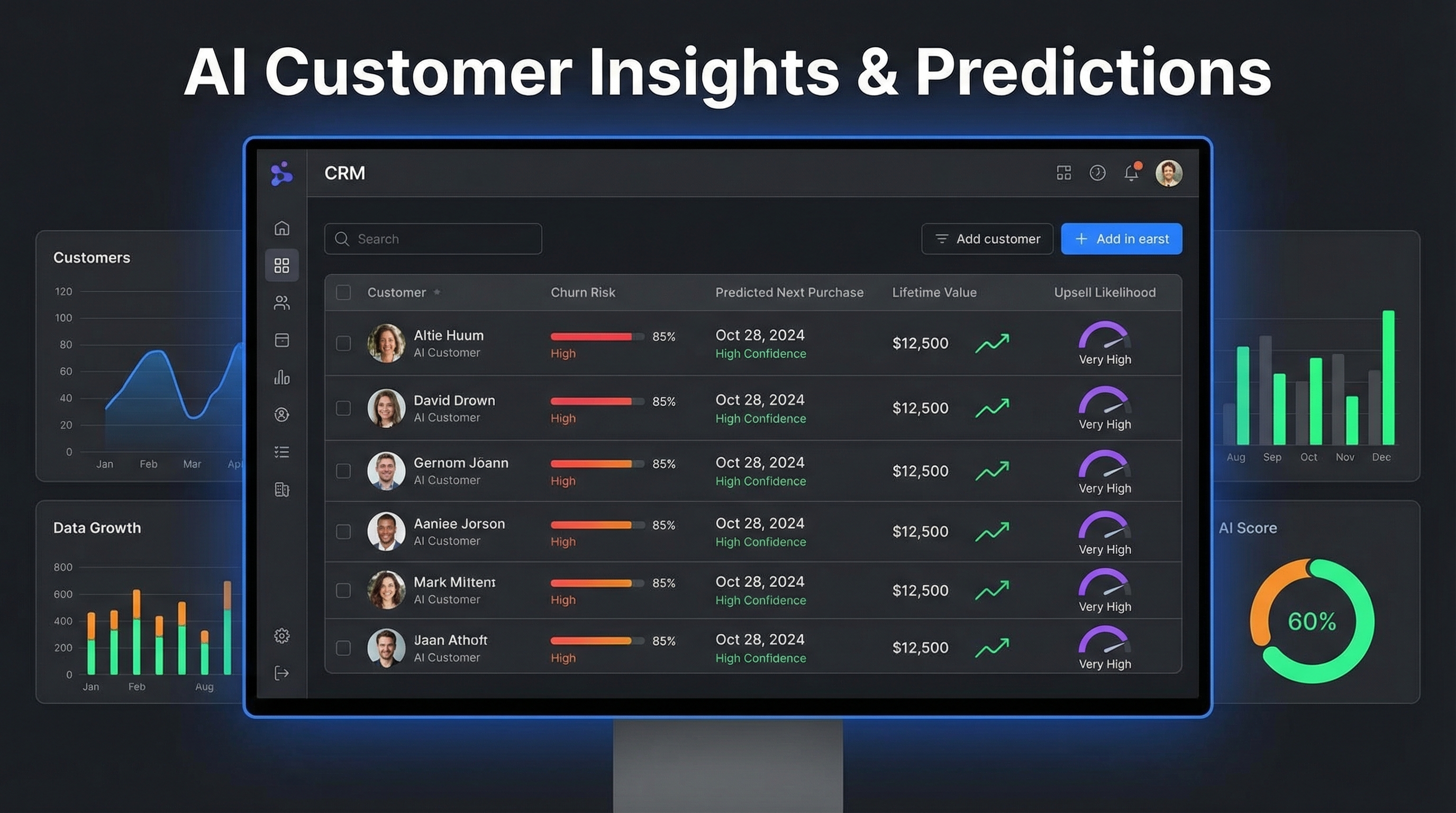
1. AI made it accessible. Tools like HubSpot, ActiveCampaign, and even basic CRM platforms now bake predictive features directly into their interfaces. You don’t configure a model — you just see a “churn risk” score next to each contact.
2. Cloud computing made it affordable. The infrastructure that used to cost millions to build now costs a subscription fee. Startups and SMBs can access the same computational power that Fortune 500 companies pay premium rates for.
3. Your data got good enough. A few years of customer purchase history, email engagement data, and website behavior is enough for modern AI to find meaningful patterns. You don’t need billions of records.
For businesses in competitive markets — home services in Naples, retail in Fort Myers, healthcare practices across Southwest Florida — predictive analytics is becoming a practical edge, not a luxury. The businesses using it are making faster, more accurate decisions. The ones ignoring it are still running on instinct.
The Four Predictions That Matter Most
Not all predictions are equally useful. Here are the four areas where predictive analytics delivers real ROI for small businesses:
1. Churn Prediction
Customer churn — people who stop buying from you — is one of the most expensive problems a small business faces. Acquiring a new customer typically costs 5–7x more than retaining an existing one. If you can identify at-risk customers before they leave, even saving 20% of them has a significant impact on your bottom line.
Predictive churn models look at signals like:
- Days since last purchase
- Decline in email open rates
- Drop in website visits
- Reduction in average order value
- Unresolved support tickets
When these signals appear together, the model flags the customer as high churn risk. That triggers an automated re-engagement campaign — a personalized offer, a check-in call, a loyalty reward — before they’ve mentally moved on.
This is especially powerful for service businesses where relationships matter. A plumber, a hair salon, a med spa — when a loyal customer goes quiet, a timely outreach can recover that relationship. Without predictive analytics, you often don’t notice until they’ve already given their business to someone else.
2. Demand Forecasting
If your business has any inventory, staffing variability, or seasonal patterns, demand forecasting is one of the fastest ways to reduce waste and capture missed revenue.
Demand forecasting models analyze:
- Your historical sales by day, week, and month
- Seasonal patterns (Florida businesses are acutely aware of snowbird season and summer slowdowns)
- Promotional lift from past campaigns
- External signals like local events, weather, and regional trends
The output is a demand forecast — essentially a calendar showing when you’re likely to be busiest and slowest, with specific predictions for product categories or service types.
For a home services company in Cape Coral, that might mean knowing three weeks in advance that HVAC service calls will spike as temperatures climb — allowing you to schedule extra labor before the surge hits. For a restaurant in Naples, it might mean forecasting a 40% increase in covers during Artisan Festival weekend and ordering accordingly.
3. Lead Scoring and Conversion Prediction
Not every lead is worth the same effort. If you’re generating 50 inquiries per month, some of those people are ready to buy today, and others are just browsing. Treating them all the same is a waste of your sales team’s time and causes your best prospects to fall through the cracks.
Predictive lead scoring assigns each new inquiry a conversion likelihood score based on:
- Website pages visited (pricing page visits are a strong signal)
- Form fields submitted
- Email engagement after initial contact
- Match to your ideal customer profile
- Speed of engagement (fast responders tend to convert faster)
This integrates directly with most modern CRMs. When a lead hits the top of your scoring range, they get immediate follow-up. When they’re cold, they go into a nurture sequence. You’re not ignoring anyone — you’re just prioritizing correctly.
This is closely related to AI lead scoring for small business, which covers how to set up scoring systems in tools your business is probably already using.
4. Customer Lifetime Value Forecasting
CLV forecasting predicts how much total revenue a customer will generate over their relationship with your business. This sounds like an enterprise metric, but it’s surprisingly actionable at the small business level.
When you know which customer segments have the highest predicted CLV, you can:
- Invest more in acquiring customers who look like them — adjust your ad targeting to skew toward the profile of your highest-value customers
- Prioritize service levels — high CLV customers get white-glove treatment because you know the math works
- Design loyalty programs around retention — focus reward structures on the behaviors that predict repeat purchase
High-CLV customers often aren’t who you’d expect. They might be moderate first-time spenders who engage heavily with your content and refer others. CLV modeling surfaces those patterns in ways gut feeling never could.
Tools That Make This Practical
You don’t need to build custom models. Here are the tools that deliver predictive analytics in a form small businesses can actually use:
HubSpot (CRM + Marketing Hub)
HubSpot’s AI features include lead scoring, deal close probability, and email engagement predictions. If you’re already using HubSpot as your CRM automation platform, you’re already sitting on top of data that HubSpot’s AI can act on. The Predictive Lead Scoring feature, available on Professional and Enterprise tiers, automatically ranks your contacts based on conversion likelihood.
Best for: Businesses with 100+ active leads who need contact prioritization.
ActiveCampaign
ActiveCampaign’s predictive sending and win probability features use machine learning to optimize email timing and forecast deal outcomes. The predictive sending feature alone — which learns the optimal send time for each individual contact — can meaningfully improve open rates without any manual configuration.
Best for: Email-heavy businesses looking for automated optimization.
Google Analytics 4
GA4’s predictive audiences include purchase probability, churn probability, and predicted revenue — built directly into the platform and free. If you’ve been running GA4 for more than 28 days, you may already have enough data for Google’s models to generate predictions. These audiences can be synced directly to Google Ads for remarketing.
Best for: Businesses running paid advertising who want to target high-intent visitors.
Klaviyo
For e-commerce or product-based businesses, Klaviyo’s predictive analytics features are among the most accessible on the market. Expected date of next order, predicted CLV, and churn risk scores are displayed directly on each customer profile. You can build automated flows that trigger when a customer’s churn risk crosses a threshold.
Best for: Product-based businesses with repeat purchase patterns.
Zoho Analytics
For businesses that want deeper reporting across multiple data sources, Zoho Analytics includes AI-driven forecasting and anomaly detection. It can pull data from your CRM, accounting software, and website analytics into a unified dashboard with predictive overlays.
Best for: Businesses that want cross-department insights beyond just marketing data.
How to Get Started Without Overcomplicating It
The common mistake is treating predictive analytics as a project — something that requires a defined rollout plan, IT involvement, and executive buy-in. For small businesses, that framing leads to paralysis.
A better approach: start with one prediction in one tool you’re already using.
Step 1: Pick your highest-value problem. Churn? Demand spikes? Lead prioritization? Pick one. Don’t try to solve everything at once.
Step 2: Audit your existing tools. Check whether the tools you’re already paying for have predictive features you haven’t activated. HubSpot, ActiveCampaign, and GA4 all have AI-powered predictions that many users have never enabled.
Step 3: Ensure your data quality. Predictions are only as good as the data behind them. Make sure your CRM records are clean, your email lists are segmented, and your website tracking is firing correctly. This isn’t glamorous, but it’s the foundation.
Step 4: Set up one automated action tied to a prediction. The prediction only has value if something happens when it fires. A churn risk score that sits in a dashboard and nobody acts on is useless. Connect it to a workflow: when churn risk is high, trigger a re-engagement email or a task for a follow-up call.
Step 5: Review results monthly. Check whether the customers flagged as high churn risk actually churned at a higher rate. Did your demand forecast match reality? Refine from there.
This is how marketing automation for small businesses actually compounds over time — each layer of data makes the next prediction more accurate.
What Good Looks Like: A Practical Example
Consider a home services company in Fort Myers running HVAC, plumbing, and electrical. They have three years of job history in their CRM, a list of 2,400 past customers, and a team of six technicians.
Before predictive analytics: They send a seasonal email blast in April (tune-up season) and hope the phones ring. They’re reactive to slow weeks and scramble to fill the schedule.
After implementing demand forecasting and churn prediction:
- Their GA4 predictions flag the 90 days before summer as their peak demand window — they start booking maintenance visits in late February to fill the schedule before competitors do.
- Their CRM churn model identifies 180 customers who haven’t booked in 14+ months and are showing low email engagement. An automated re-engagement sequence — a seasonal AC checkup offer with a time-limited discount — recovers 23 bookings in six weeks.
- Their lead scoring model learns that prospects who visit the pricing page AND call within 24 hours convert at 3x the rate of others. Those leads now get a same-day callback guarantee from the sales team.
None of this required a data scientist. It required activating features in tools they already had, cleaning up their CRM data, and connecting predictions to automated workflows.
The Competitive Reality
Here’s what’s happening in the market right now: large service companies and franchise operations are already running on predictive models. They’re using demand forecasting to staff more efficiently, CLV models to prioritize their best customer segments, and churn prediction to retain customers before independent businesses even realize those customers were unhappy.
The gap between data-driven businesses and intuition-driven businesses is growing — and it’s growing in favor of businesses that act on predictions, not gut feelings.
For small businesses in Southwest Florida and beyond, the accessibility of these tools means the playing field has actually leveled. You can access the same type of predictive intelligence that enterprise companies use, at a fraction of the cost, through platforms designed for businesses your size.
The question isn’t whether predictive analytics is relevant for small businesses. It clearly is. The question is whether you adopt it before or after your competitors do.
Frequently Asked Questions
How much data do I need before predictive analytics is useful?
Most AI tools require a minimum of six months to a year of consistent data before their predictions become reliable. Google Analytics 4 needs at least 28 days of data and a certain volume of conversions. For CRM-based predictions, 200+ contacts with interaction history is a reasonable baseline. Start collecting and cleaning data now — even if you’re not ready to act on predictions yet.
Is predictive analytics the same as business intelligence (BI)?
Not exactly. Business intelligence is primarily descriptive — it tells you what happened (last month’s sales, this year’s churn rate). Predictive analytics is forward-looking — it tells you what’s likely to happen next. Most modern analytics platforms offer both, but they serve different purposes. BI answers “what happened?” while predictive analytics answers “what will happen?”
Do I need a dedicated analyst to use these tools?
No. Most SMB-oriented tools like HubSpot, ActiveCampaign, and Klaviyo present predictions in plain language alongside your contacts and campaigns. You don’t configure models or interpret statistical outputs — you see “churn risk: high” and take action. The technical complexity is abstracted away by the platform.
What’s the biggest mistake businesses make with predictive analytics?
Treating predictions as information rather than triggers for action. A churn risk score that nobody acts on is worthless. The value isn’t in the prediction itself — it’s in the automated or manual response that happens when a prediction fires. Always connect each prediction to a specific action before you go live.
How does predictive analytics fit with automation tools I’m already using?
It integrates naturally. Predictive scores from your CRM can trigger automated follow-up sequences based on behavior patterns. Demand forecasts can inform your seasonal marketing calendar. Lead scores can route high-priority contacts directly to your sales team. Predictions feed your automation engine — they make everything downstream smarter.
Predictive analytics isn’t a technology project. It’s a decision-making upgrade. Start with one prediction, tie it to one action, and measure the result. That’s the whole playbook.
If you’re not sure where to begin — whether it’s cleaning up your CRM, activating AI features in tools you already have, or building the automation workflows that make predictions actionable — Monsoft Solutions can help. We work with small businesses across Southwest Florida to implement practical AI systems that generate measurable results.
Related reading: