You’re pouring money into online ads, but your phone isn’t ringing. The customers walking through your door? They’re not the ones you’re trying to reach. Meanwhile, your competitor down the street seems to have cracked the code.
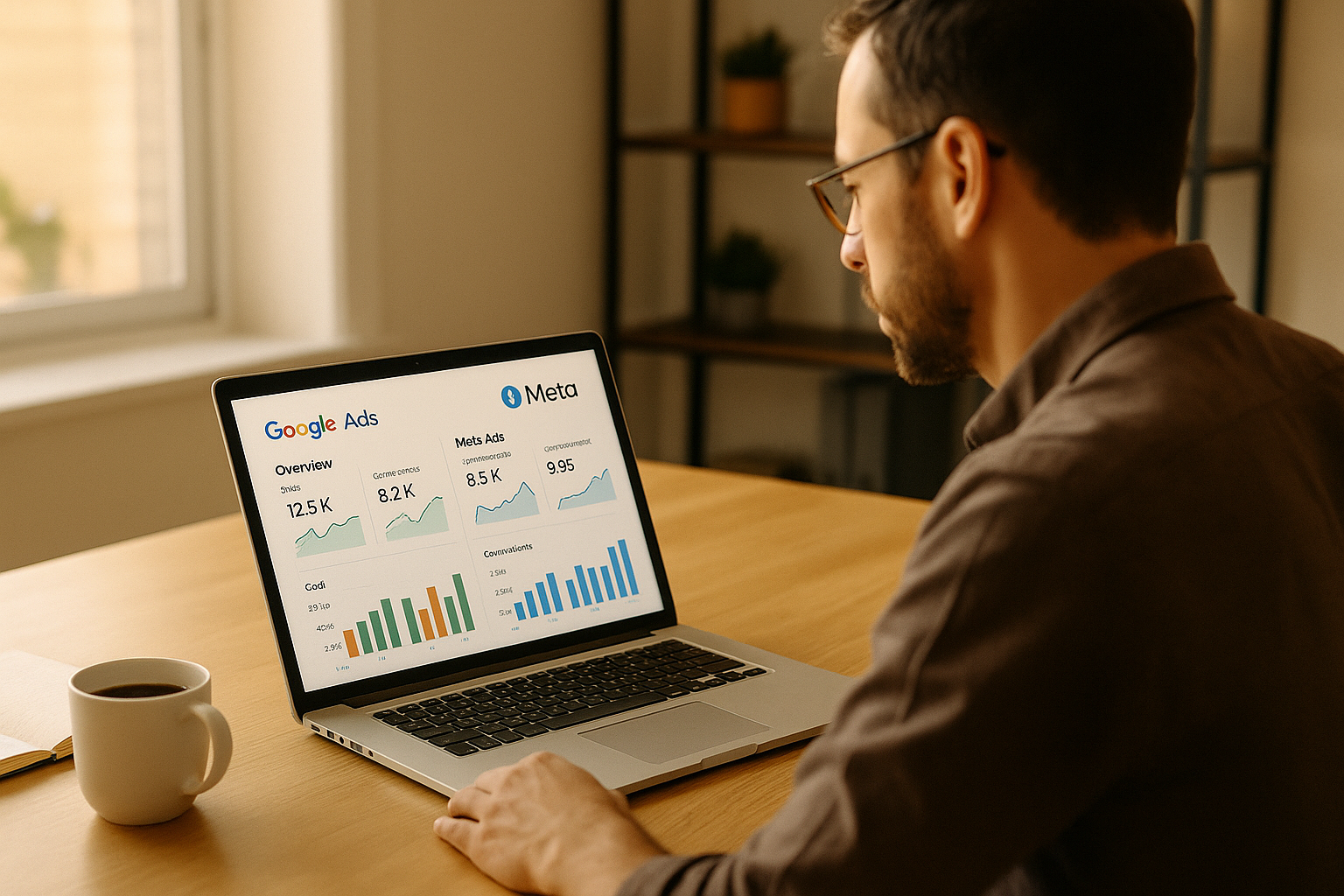
Here’s the truth most digital marketing agencies won’t tell you: running profitable local ads isn’t about having the biggest budget. It’s about understanding exactly how Google and Meta ads work differently—and using each platform for what it does best.
After managing advertising for dozens of local businesses across industries, we’ve identified the patterns that separate profitable campaigns from expensive experiments. This guide breaks down exactly how to run Google and Meta ads that actually bring local customers to your business.
Understanding the Fundamental Difference Between Platforms
Before you spend a single dollar, you need to understand what makes Google and Meta fundamentally different advertising platforms. This isn’t just academic—it directly impacts when, where, and how you should spend your budget.
Google Ads: Capturing Active Demand
Google Ads puts you in front of people who are actively searching for what you offer. When someone types “emergency plumber near me” or “best Italian restaurant downtown,” they have immediate intent. They’re not browsing—they’re buying.
This is demand capture. The customer already knows they need something. Your job is simply to be there when they search.
For local businesses, this means:
- Higher intent, smaller audience — fewer people searching, but those who do are ready to act
- Competitive bidding — you’re competing directly with other local businesses for these searches
- Immediate ROI tracking — you can tie clicks directly to phone calls and form submissions
Meta Ads: Creating New Demand
Meta (Facebook and Instagram) works completely differently. Nobody opens Instagram thinking, “I need to find a dentist today.” They’re scrolling through photos of their friends, watching reels, catching up on life.
Your ad interrupts this experience. And that’s not a bad thing—if you do it right.
This is demand creation. You’re putting your business in front of people who could use your services but aren’t actively looking. You’re planting seeds.
For local businesses, this means:
- Larger potential audience — you can reach everyone in your service area
- Lower cost per impression — showing your ad is cheaper than capturing a search
- Longer sales cycle — people need multiple touchpoints before they act
Setting Up Google Ads That Actually Convert
Most local businesses make the same mistakes with Google Ads: targeting too broadly, ignoring negative keywords, and sending traffic to their homepage. Here’s how to do it right.
Start With Search Campaigns, Not Display
For local businesses with limited budgets, start exclusively with Search campaigns. Display and Performance Max campaigns can work, but they require larger budgets and more sophisticated tracking to optimize effectively.
Search campaigns give you:
- Control over exactly which searches trigger your ads
- Clear data on what’s working and what isn’t
- Direct connection between ad spend and customer actions
Build Your Keyword Strategy Around Intent
Not all keywords are created equal. Someone searching “plumber” has very different intent than someone searching “emergency plumber 24 hours.”
Structure your keywords into three buckets:
High-intent keywords (prioritize these):
- “[service] near me”
- “best [service] in [city]”
- “[service] emergency”
- “[service] same day”
- “[service] open now”
Medium-intent keywords:
- “[specific service type]” (e.g., “kitchen faucet repair”)
- “[service] cost” or “[service] price”
- “[service] reviews”
Low-intent keywords (be cautious):
- Generic service terms without qualifiers
- “how to” searches (DIY intent)
- Research-phase queries
The Negative Keyword List That Saves Money
Every local business should maintain an active negative keyword list. These are searches where your ad should NOT appear:
- Job-related: “jobs,” “salary,” “hiring,” “career”
- DIY searches: “how to,” “tutorial,” “diy,” “yourself”
- Free seekers: “free,” “cheap,” “discount” (unless you want these customers)
- Competitor names: Unless you’re intentionally bidding on them
- Irrelevant locations: Cities outside your service area
Review your Search Terms report weekly. Every irrelevant click is money walking out the door.
Landing Pages Beat Homepages Every Time
Stop sending Google Ads traffic to your homepage. It’s the most expensive mistake local businesses make.
Create dedicated landing pages for each service category with:
- A headline that matches the search query
- Clear phone number (click-to-call on mobile)
- Service area prominently displayed
- Social proof (reviews, ratings, certifications)
- One clear call-to-action
A plumber running ads for “water heater repair” should send traffic to a page specifically about water heater repair—not a general services page where visitors have to hunt for information.
Mastering Meta Ads for Local Reach
Meta ads require a completely different mindset. You’re not capturing demand—you’re creating it. That means your creative and targeting need to work harder.
Geographic Targeting Done Right
Meta’s location targeting is powerful but often misused. Here’s how to set it up:
For service businesses (you go to customers):
- Target your actual service area by radius or zip codes
- Use “People living in this location” not “Everyone in this location”
- Consider excluding areas that are technically in range but rarely worth the drive
For storefront businesses (customers come to you):
- Tighter radius around your location (typically 5-15 miles depending on your business type)
- Include “People recently in this location” to catch workers and visitors
- Layer on demographic and interest targeting
The Creative Framework That Works
Meta is a visual platform. Your ad creative makes or breaks performance.
What works for local businesses:
- Photos of your actual location (storefront, interior)
- Real team members (builds trust and familiarity)
- Before/after transformations (especially powerful for home services, aesthetics)
- Video testimonials from local customers
- Behind-the-scenes content that humanizes your business
What doesn’t work:
- Generic stock photos
- Text-heavy images
- Corporate-feeling designs that don’t match local business vibes
- Complicated offers requiring explanation
The Retargeting Strategy You’re Missing
Most local businesses never set up Meta retargeting. This is leaving money on the table.
Install the Meta Pixel on your website. Then create these audiences:
- Website visitors (last 30 days) — People who visited but didn’t contact you
- Specific page visitors — People who viewed your services or pricing pages
- Engaged visitors — People who spent significant time on your site
Run lower-budget retargeting campaigns to these audiences. These are warm prospects who already know your business. The cost per conversion is typically 50-70% lower than cold audiences.
Budget Allocation and Realistic ROI Expectations
Let’s talk numbers. Local businesses need realistic expectations about what different budget levels can achieve.
Starting Budget: $500-1,000/Month
At this level, focus is essential. You cannot effectively run both platforms simultaneously.
If your business benefits from search intent (emergency services, specific solutions, immediate needs):
- Put 100% into Google Search campaigns
- Target your highest-intent keywords only
- Expect 15-30 qualified leads per month depending on your industry
If your business requires awareness building (new location, new service, competitive market):
- Put 80% into Meta, 20% into branded Google searches
- Focus on reach and frequency to your target audience
- Expect slower initial results but building momentum
Growth Budget: $1,500-3,000/Month
Now you can start diversifying:
- 60% Google Search — Expand keyword coverage, test new service categories
- 25% Meta prospecting — Reach new potential customers in your area
- 15% Meta retargeting — Convert warm traffic efficiently
At this budget, you should be tracking cost per lead and cost per customer acquired. If you’re not measuring these metrics, you’re flying blind.
Scale Budget: $5,000+/Month
With larger budgets, you gain access to more advanced strategies:
- Google Performance Max campaigns — Let Google’s AI optimize across channels
- Lookalike audiences on Meta — Find new customers similar to your best existing ones
- Video campaigns — Build brand awareness at scale
- Seasonal and promotional pushes — Capitalize on peak demand periods
What ROI Should You Expect?
Realistic benchmarks for local businesses:
| Industry | Target Cost Per Lead | Target Cost Per Customer |
|---|---|---|
| Home Services | $25-75 | $150-400 |
| Medical/Dental | $30-80 | $200-500 |
| Legal Services | $50-150 | $500-2,000 |
| Restaurants | $5-15 | $15-40 |
| Retail | $3-10 | $20-60 |
Your actual numbers will vary based on competition, location, and how well your campaigns are optimized. But if you’re wildly outside these ranges, something needs investigation.
Common Mistakes That Waste Ad Spend
After auditing hundreds of local business ad accounts, we see the same mistakes repeatedly. Avoid these, and you’re already ahead of most competitors.
Running Too Many Campaigns at Once
More campaigns doesn’t mean better results. Each campaign needs adequate budget to gather data and optimize. If you’re spreading $1,000 across ten campaigns, none of them have enough data to succeed.
Start with one or two focused campaigns. Add more only when your initial campaigns are performing well and you have budget to support expansion.
Ignoring Mobile Experience
Over 70% of local searches happen on mobile devices. If your website isn’t mobile-optimized, you’re wasting most of your ad spend.
Check your website on your phone right now:
- Does your phone number click to call?
- Can visitors find your address and hours immediately?
- Does the contact form work smoothly?
- Do pages load in under 3 seconds?
Setting and Forgetting
Digital ads require ongoing management. Algorithms change, competition shifts, and what worked last month might not work today.
Weekly maintenance tasks:
- Review search terms and add negative keywords
- Check ad performance and pause underperformers
- Monitor cost per lead trends
- Adjust bids based on performance
Monthly optimization tasks:
- Test new ad copy and creative
- Review landing page performance
- Analyze geographic performance
- Assess budget allocation across campaigns
Not Tracking Conversions Properly
If you can’t track phone calls and form submissions back to specific campaigns, you can’t optimize effectively.
Set up:
- Google Ads conversion tracking for calls and forms
- Meta Pixel events for key actions
- Call tracking numbers if phone calls are important (they usually are for local businesses)

Getting Started This Week
Here’s your action plan for the next seven days:
Day 1-2: Foundation
- Audit your website for mobile experience and clear contact information
- Install Google Ads and Meta conversion tracking
- Set up call tracking if phone leads matter to your business
Day 3-4: Google Setup
- Create your first Search campaign with 10-15 high-intent keywords
- Build a negative keyword list from the examples above
- Create a dedicated landing page for your primary service
Day 5-6: Meta Setup
- Install the Meta Pixel on your website
- Create a location-targeted campaign for your service area
- Design 2-3 ad creatives using real photos of your business
Day 7: Launch and Monitor
- Launch campaigns with modest daily budgets ($20-50/day each platform)
- Set up daily check-in to monitor initial performance
- Plan your first optimization review for the following week
Digital advertising isn’t magic. It’s a systematic process of reaching the right people with the right message at the right time. For local businesses, that means understanding when to capture existing demand (Google) and when to create new demand (Meta)—then executing consistently.
Start focused, measure everything, and optimize continuously. The businesses that do this well become the ones their competitors wonder about.
Ready to stop guessing and start growing? Talk to our team about building a local advertising strategy that actually brings customers through your door.