
Every small business owner knows the feeling: you open Instagram on a Tuesday morning, realize you haven’t posted in two weeks, and spend the next 45 minutes staring at a blank caption box. You’ve got a business to run. You can’t also be a full-time content creator.
But here’s the problem—social media has become the front door for most small businesses. Seventy-three percent of consumers research a business on social media before making a purchase. If your profiles look abandoned, potential customers draw their own conclusions.
AI-powered content creation tools have changed this equation. For the first time, small business owners can produce consistent, high-quality social media content without a dedicated marketing team, without burning weekends, and without sacrificing the authenticity that makes local businesses lovable in the first place.
This guide covers exactly how to use AI for social media content creation—from writing captions and generating images to building a posting schedule that practically runs itself.
Why Small Businesses Struggle With Social Media (And Why AI Changes It)
Before we dive into tools and tactics, let’s name the real problem. Social media content creation at scale requires four things most small businesses don’t have in abundance:
- Time — Consistently creating fresh content is a part-time job
- Ideas — Coming up with new angles week after week is genuinely hard
- Skills — Good copy, design, and photography require training and practice
- Consistency — Gaps in posting hurt algorithmic reach and brand perception
Traditional solutions—hiring social media managers, working with agencies, or outsourcing to freelancers—work but come with significant cost and coordination overhead. For a small business spending $1,500-3,000/month on a social media manager, the ROI calculus often doesn’t add up.
AI doesn’t eliminate the human element. It compresses the skill and time barriers so dramatically that a business owner can maintain a professional content presence in a fraction of the time. The best setups combine AI efficiency with genuine human personality—and that’s a combination traditional agencies can’t easily beat.
What AI Can Actually Do for Social Media Content
Let’s be concrete about capabilities. Here’s what modern AI tools do well—and where they need human guidance.
What AI Does Well
Caption and copy writing: AI writing tools like ChatGPT, Claude, and Jasper can produce high-quality social media captions, hooks, CTAs, and even full post series given a topic, tone, and audience description. A prompt like “Write 10 Instagram captions for a Naples, FL med spa promoting their summer Botox special, friendly and educational tone” will give you 10 usable options in seconds.
Content ideation: Stuck on what to post? AI can generate 30 days of content ideas in minutes, organized by theme, platform, and goal. Tell it your industry, audience, and content pillars, and it builds the calendar.
Repurposing existing content: Got a blog post, FAQ, or service description? AI can repurpose it into 5 different social posts across platforms, adapt the tone for each channel, and pull out shareable quotes automatically.
Image prompt generation: AI can write detailed prompts for image generation tools (DALL-E, Midjourney, Firefly), describe what visuals would work best for a given post, and even suggest color palettes and compositions aligned with your brand.
Hashtag and SEO optimization: AI tools analyze your content and suggest relevant hashtags, keywords, and optimized posting times for specific platforms.
Where AI Needs Your Input
Brand voice: AI can imitate a style, but it needs clear direction. Give it examples of your best past posts and describe how you want to sound. Without this, output can feel generic.
Local authenticity: “Naples, FL local business” is a starting point, not a complete brief. Specific details—your neighborhood, your clients’ stories, local events you participate in—make content resonate. You provide the specifics; AI structures them.
Judgment calls: Not every AI-generated caption is a winner. You’re still the editor, and your instincts about what resonates with your community matter.
Compliance and accuracy: For healthcare, finance, or legal businesses, AI output must be verified before posting. Never publish AI-generated medical claims or legal advice without review.
The 5 Best AI Social Media Content Tools for Small Businesses
You don’t need an enterprise tech stack. These tools are accessible, affordable, and built for businesses like yours.
1. ChatGPT / Claude (Writing and Ideation)
For pure content generation—captions, scripts, hooks, content calendars—ChatGPT (OpenAI) and Claude (Anthropic) are the workhorses. Both have free tiers that handle most small business needs, and paid plans ($20/month) unlock faster responses and more capacity.
Best use cases:
- Monthly content calendars
- Caption variations (write 5 versions, pick the best)
- Responding to comment themes
- Writing educational post series
Pro tip: Create a custom “system prompt” that describes your brand, audience, and tone. Save it and paste it at the start of each session—or use a paid tool that lets you save it permanently.
2. Canva AI (Visual Content)
Canva has integrated AI throughout its platform. Magic Write generates text, Magic Design creates layouts from a description, Text to Image generates custom visuals, and AI-powered background removal simplifies photo editing.
For small businesses, Canva Pro ($17/month) provides access to all AI features plus a library of templates that make consistent branded content achievable without a designer.
Best use cases:
- Creating branded post templates once, then filling them automatically
- Generating custom illustrations for services or promotions
- Batch-creating variations of promotions across sizes (feed, Stories, LinkedIn)
3. Buffer or Hootsuite with AI (Scheduling + Insights)
Scheduling platforms have added AI features that help optimize posting. Buffer’s AI assistant drafts posts from your content ideas. Hootsuite’s OwlyWriter AI generates captions and recommends optimal posting times based on your audience’s activity patterns.
For small businesses posting to 3-5 platforms, having one dashboard saves enormous time and the AI features reduce the effort of writing platform-specific variations.
Cost: Buffer starts at $6/month; Hootsuite at $99/month (more enterprise).
4. Metricool (Analysis + AI Suggestions)
Metricool combines scheduling, analytics, and AI-powered insights into an affordable platform ($22/month for most small businesses). Its AI analyzes your top-performing content and suggests what to create more of—taking the guesswork out of content strategy.
For businesses serious about improving their social performance (not just maintaining it), Metricool gives you the data loop to continuously improve.
5. Opus Clip / Descript (Video Content AI)
If your business can incorporate video—product demos, team introductions, educational content—Opus Clip and Descript dramatically lower the production barrier. Opus Clip takes a long video and automatically extracts the best 30-60 second clips for Reels and TikTok. Descript allows you to edit video by editing the transcript, and its AI features include voice cloning, background removal, and auto-captions.
Video content gets dramatically higher reach on most platforms right now, and these tools make it accessible without video editing skills.
Building Your AI-Assisted Content System
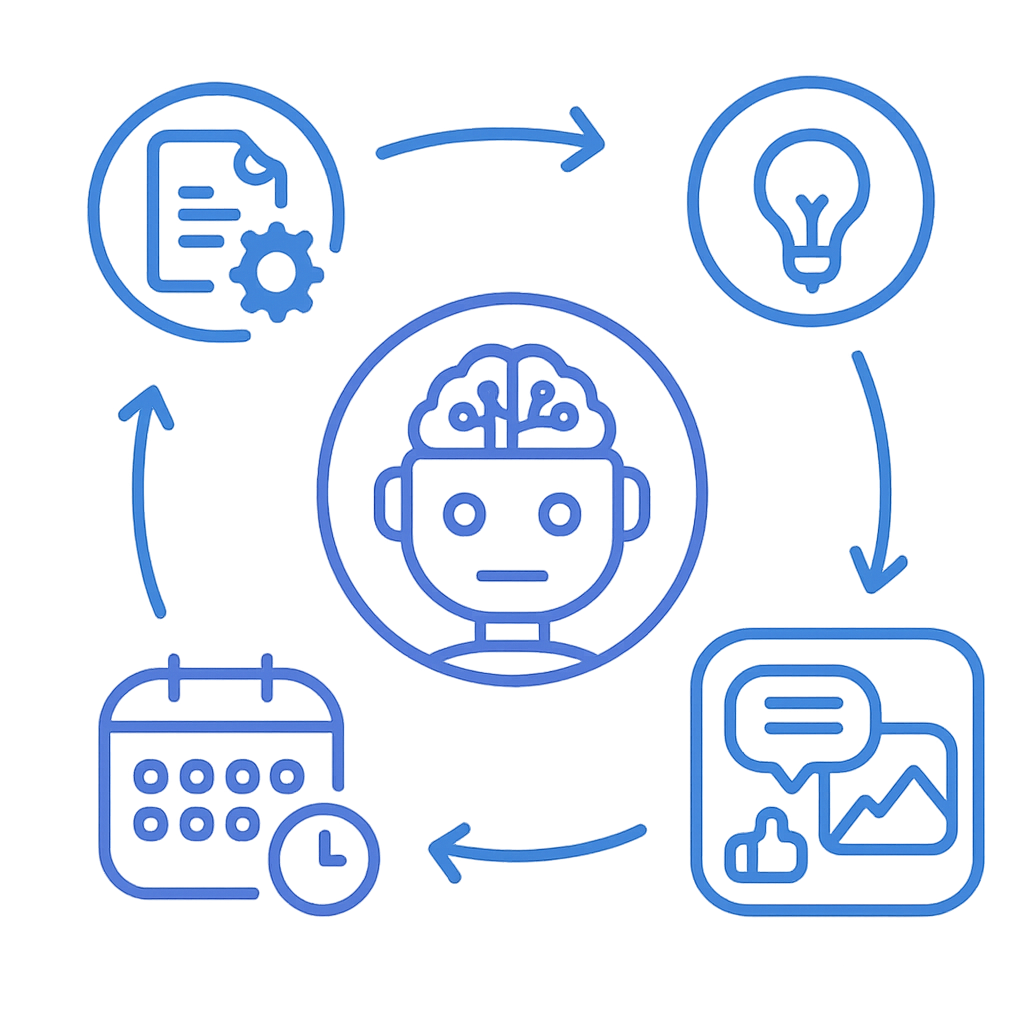
Having tools is one thing. Using them systematically is what creates consistent results. Here’s a practical system that takes about 2 hours to set up and then runs in about 30 minutes per week.
Step 1: Define Your Content Pillars (One-Time Setup, 30 Minutes)
Content pillars are the recurring themes your posts rotate through. For most small businesses, 4-5 pillars work well:
- Educational content: Tips, how-tos, FAQs (builds authority)
- Behind-the-scenes: Your team, process, workspace (builds trust)
- Social proof: Reviews, testimonials, before/afters (builds credibility)
- Promotional: Offers, services, CTAs (drives revenue)
- Community/trending: Local events, holidays, industry news (builds relevance)
Write these down. This becomes the brief you give AI tools.
Step 2: Build a Monthly Template (One-Time Setup, 1 Hour)
Pick your posting frequency—most small businesses do well with 3-5 posts per week per platform—and create a template:
| Week | Monday | Wednesday | Friday |
|---|---|---|---|
| 1 | Educational | Social Proof | Promotional |
| 2 | Behind Scenes | Educational | Community |
| 3 | Educational | Promotional | Social Proof |
| 4 | Behind Scenes | Educational | Promotional |
This removes daily decision-making and makes AI prompts specific: “Write a Tuesday educational post about [topic] for [audience].”
Step 3: Monthly Content Generation Session (2-3 Hours/Month)
Once a month, sit down and generate the month’s content in batches:
Hour 1: Use AI to generate 20-30 caption options
Prompt: “I run a [type of business] in [city]. My audience is [description]. My tone is [adjectives]. Write 8 educational Instagram captions about [topics], 6 promotional captions for [service/offer], and 6 behind-the-scenes captions I can customize with real moments.”
Select the best options and lightly edit to add specific details (your business name, local references, current promotions).
Hour 2: Create visuals
Use your Canva templates to fill in content for each selected caption. For original visuals, use Canva’s AI image generation or create text-based graphics from the caption content.
Hour 3: Schedule
Upload everything to Buffer or Hootsuite. Schedule according to your template, adjusting for known events (holidays, promotions, local events).
Result: 30 days of content, queued and ready.

Platform-Specific AI Strategies
Different platforms reward different content types. Here’s how to use AI effectively on each.
Instagram rewards visual storytelling and consistency. AI’s best use here is caption writing, hashtag research, and Reel scripting.
AI prompt for Instagram captions: “Write an Instagram caption for a [industry] business. Hook: question or surprising stat. Body: 2-3 sentences of value. CTA: ask followers to share or tag someone. Tone: warm and helpful. Include 15 relevant hashtags.”
For Reels, AI can write the full hook-to-CTA script in under 2 minutes. You still need to record it, but never starting a blank script makes a big difference.
Facebook works best for longer-form content, local targeting, and community engagement. AI excels at writing Facebook posts that feel like genuine announcements or stories rather than ads.
AI prompt for Facebook posts: “Write a Facebook post for a local [business type] in [city] announcing [offer/news]. Make it conversational, like a business owner talking to neighbors. Include a specific benefit, a real detail to make it authentic, and end with a question to encourage comments.”
For B2B businesses and professional services, LinkedIn offers significant organic reach if content teaches something useful. AI can write thought leadership posts, industry commentary, and educational content—but it needs to sound human.
AI prompt for LinkedIn: “Write a LinkedIn post about [insight/observation from your industry]. Open with a counterintuitive statement. Share 3-4 brief points. Close with what it means for [target audience]. Tone: professional but direct, not corporate-speak. 200-300 words.”
Google Business Profile Posts
Often overlooked, GBP posts improve local search visibility and can include offers, events, and updates. AI makes maintaining these trivial.
AI prompt for GBP posts: “Write a Google Business Profile post for a [business type] in [city]. Topic: [service/offer/event]. Include a specific call to action with a URL or phone number. Keep it under 300 words, clear and direct.”
Common Mistakes to Avoid
AI makes content creation easier, but it also makes it easy to make certain mistakes at scale.
Mistake 1: Posting Generic AI Content Without Personalization
The biggest tell that a business is using AI lazily is content that could have been written for any business anywhere. Phrases like “We’re passionate about helping customers achieve their goals” signal zero originality.
Fix: Always add at least one specific detail—your city, your team’s name, a real client result, or a current event. Specificity is what AI can’t generate on its own.
Mistake 2: Using AI for Every Comment and DM Response
Automating responses to comments and DMs is tempting but risky. Customers can tell, it creates brand risk if AI says something wrong, and it undermines the authenticity that makes small businesses competitive against big brands.
Use AI to draft responses, not send them. The 10-second human review makes a real difference.
Mistake 3: Ignoring Platform Formatting
AI will write a great Instagram caption—and then include it as a wall of text with no line breaks. Or write LinkedIn copy at Instagram length. Always reformat AI output for each platform.
Mistake 4: Skipping the Human Voice Audit
Run AI-generated content through a simple test: “Would I actually say this out loud to a customer?” If the answer is no, rewrite it. The goal is AI efficiency with human authenticity.
Measuring the Results of AI-Assisted Content
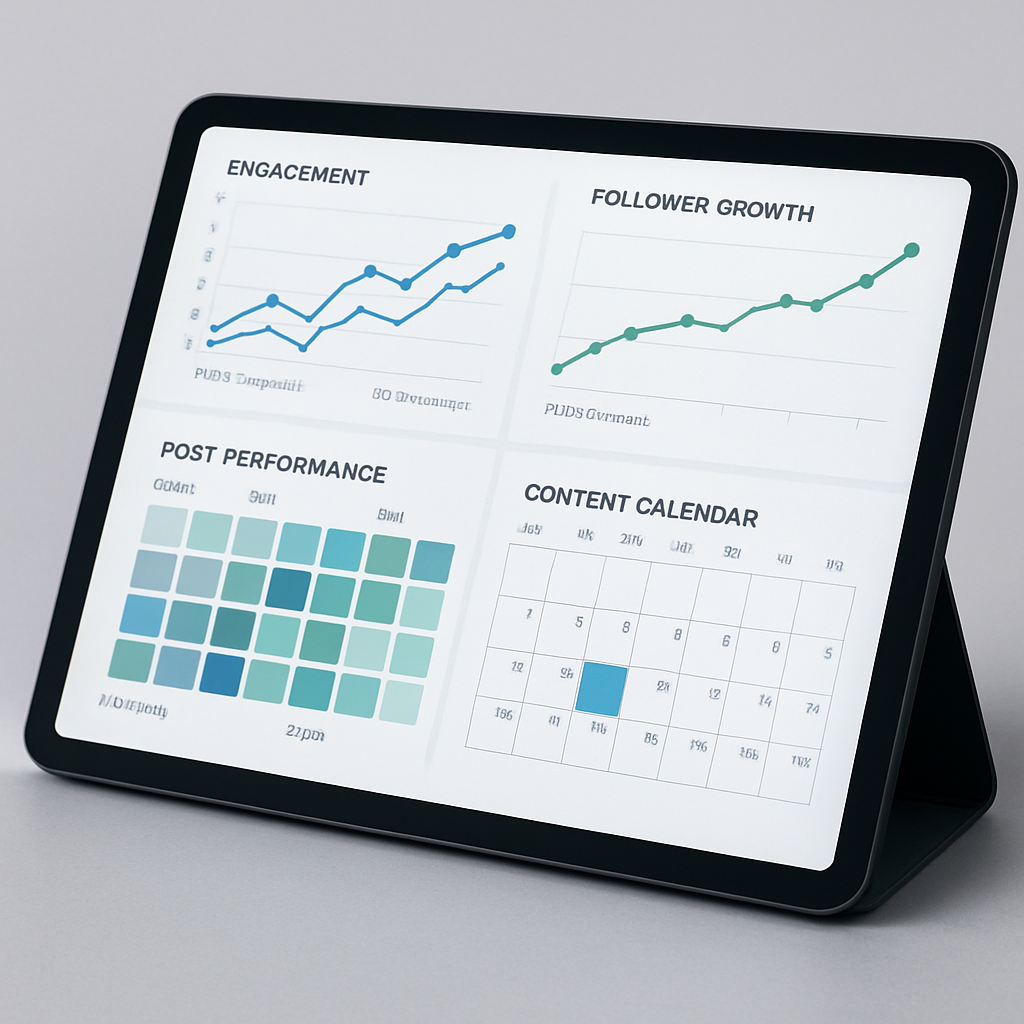
You’re investing time and potentially money in this system—measure whether it’s working.
Key metrics to track:
- Follower growth rate: Is your audience growing month-over-month?
- Engagement rate: Likes, comments, shares divided by followers (aim for 2-5% on Instagram)
- Website traffic from social: Check Google Analytics for social referral traffic
- Leads or inquiries from social: Tag leads by source in your CRM
Most scheduling tools provide basic analytics. For deeper insights, Metricool or Sprout Social offer content performance data that connects to business outcomes.
Track these metrics monthly. If a content pillar consistently underperforms, swap it out. If a certain format (video vs. image vs. text) consistently outperforms, shift your AI content generation toward that format.
Realistic Time Investment
Here’s what a sustainable AI-assisted social media system actually looks like in practice:
| Activity | Frequency | Time |
|---|---|---|
| Monthly content generation | Monthly | 2-3 hours |
| Canva visual creation | Monthly | 1-2 hours |
| Scheduling | Monthly | 30 min |
| Community management (comments, DMs) | Daily | 10-15 min |
| Performance review | Monthly | 30 min |
Total: ~4-6 hours per month for consistent, professional social media presence across 2-3 platforms.
Compare this to the average social media manager’s workload (15-20 hours/month minimum) or an agency retainer ($1,500-3,000/month), and the value of an AI-assisted system becomes clear.
Getting Started This Week
You don’t need to build the perfect system on day one. Here’s a simple starting point:
Day 1: Sign up for ChatGPT (free) and Canva (free tier). Write your content pillars and brand voice description.
Day 2: Use ChatGPT to generate captions for next week’s posts. Create 3-5 Canva graphics. Schedule them through Buffer (free plan) or post manually.
Day 3-7: Post and observe. What gets engagement? What falls flat? Let results guide your content calendar.
After 30 days, you’ll have data on what works and a repeatable process. From there, you can invest in paid tools where the ROI is clear.
The small businesses that win on social media in 2026 aren’t the ones spending the most time—they’re the ones working the most intelligently. AI gives you a lever that multiplies output without multiplying effort. The consistency it enables—showing up reliably with quality content—compounds into real brand equity over time.
Your competitors are either stuck doing this manually or not doing it at all. Either way, an AI-assisted content system puts you meaningfully ahead.
Ready to build a smarter social media strategy for your business? Talk to our team at Monsoft Solutions — we help small businesses in Naples, Fort Myers, and beyond build digital systems that work.