Hiring has always been one of the most time-consuming, high-stakes things a small business owner does. A bad hire costs money, drains team morale, and sets you back months. A great hire changes everything.
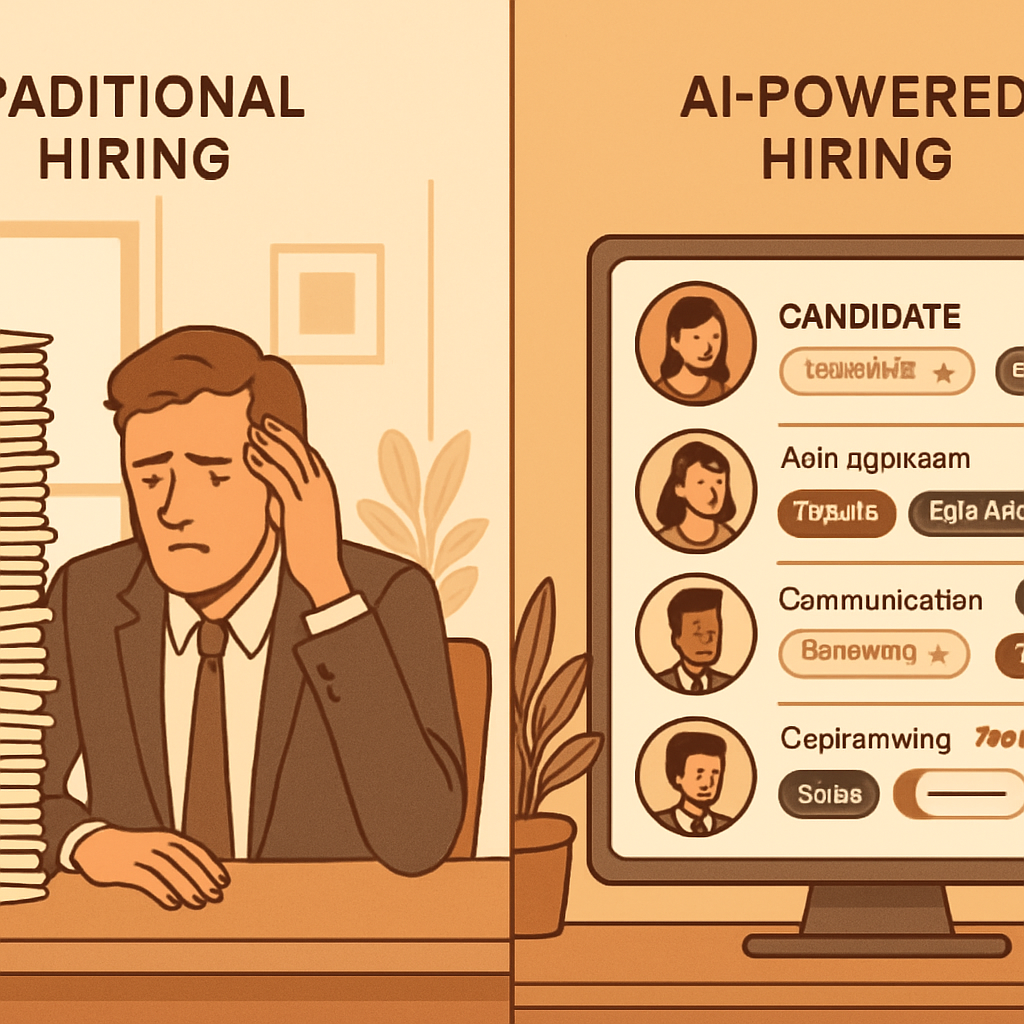
But the process of finding that great hire? Traditionally, it’s been a grind. Writing job postings, sorting through dozens of unqualified resumes, scheduling interviews that go nowhere, checking references that tell you nothing — all while running a business that needs your full attention.
AI hiring tools are changing that math for small businesses. Not by replacing human judgment about who fits your culture, but by eliminating the low-value, time-consuming steps that eat your week before you ever talk to a real candidate. The best hiring tools in 2026 do the screening, scoring, scheduling, and initial assessment automatically — so by the time you sit down with someone, you already know they’re worth your time.
This guide covers what AI hiring tools actually do, which ones make sense for small businesses, and how to use them without losing the human judgment that makes great hires possible.
Why Hiring Is Especially Hard for Small Businesses
Large companies have entire HR departments, dedicated recruiters, applicant tracking systems, and structured interview processes. When they post a job, a system handles most of the work before a person gets involved.
Small businesses usually have none of that. You post a job, applications come in, and suddenly you’re personally reading fifty resumes in between customer meetings, service calls, or whatever else is on your plate. When you finally schedule interviews, you’re guessing as much as you’re assessing. You hire on gut feel because you don’t have time for anything more structured.
This approach produces inconsistent results. Sometimes gut feel is right. Sometimes it steers you toward someone who interviews well but can’t do the job. Sometimes the best candidate gets overlooked because their resume didn’t scan well in the thirty seconds you gave it.
The cost of these mistakes is real:
- The average bad hire costs a small business $17,000–$50,000 when you factor in recruiting costs, training time, lost productivity, and replacement
- Most small business owners report spending 8–12 hours per open position on screening and scheduling alone
- Unstructured interviews — gut-feel conversations without consistent criteria — have a predictive validity of about 14%, meaning they’re barely better than random when it comes to predicting job performance
AI hiring tools address all three of these problems. They reduce the time burden dramatically, improve consistency and objectivity, and can genuinely surface better candidates than a quick resume skim would produce.
What AI Hiring Tools Actually Do
The phrase “AI hiring tools” covers a range of capabilities. Here’s what the best ones do in practice:
Intelligent Job Posting and Distribution
AI writing tools can generate job descriptions based on the role, required skills, and your company’s tone. More importantly, they can optimize postings to attract a broader and more diverse pool of applicants — avoiding the inadvertent language patterns that tend to deter qualified candidates.
Some platforms automatically post your job across Indeed, LinkedIn, ZipRecruiter, and niche job boards simultaneously, managing the logistics of multi-channel posting without you logging into each platform separately.
Resume Screening and Scoring
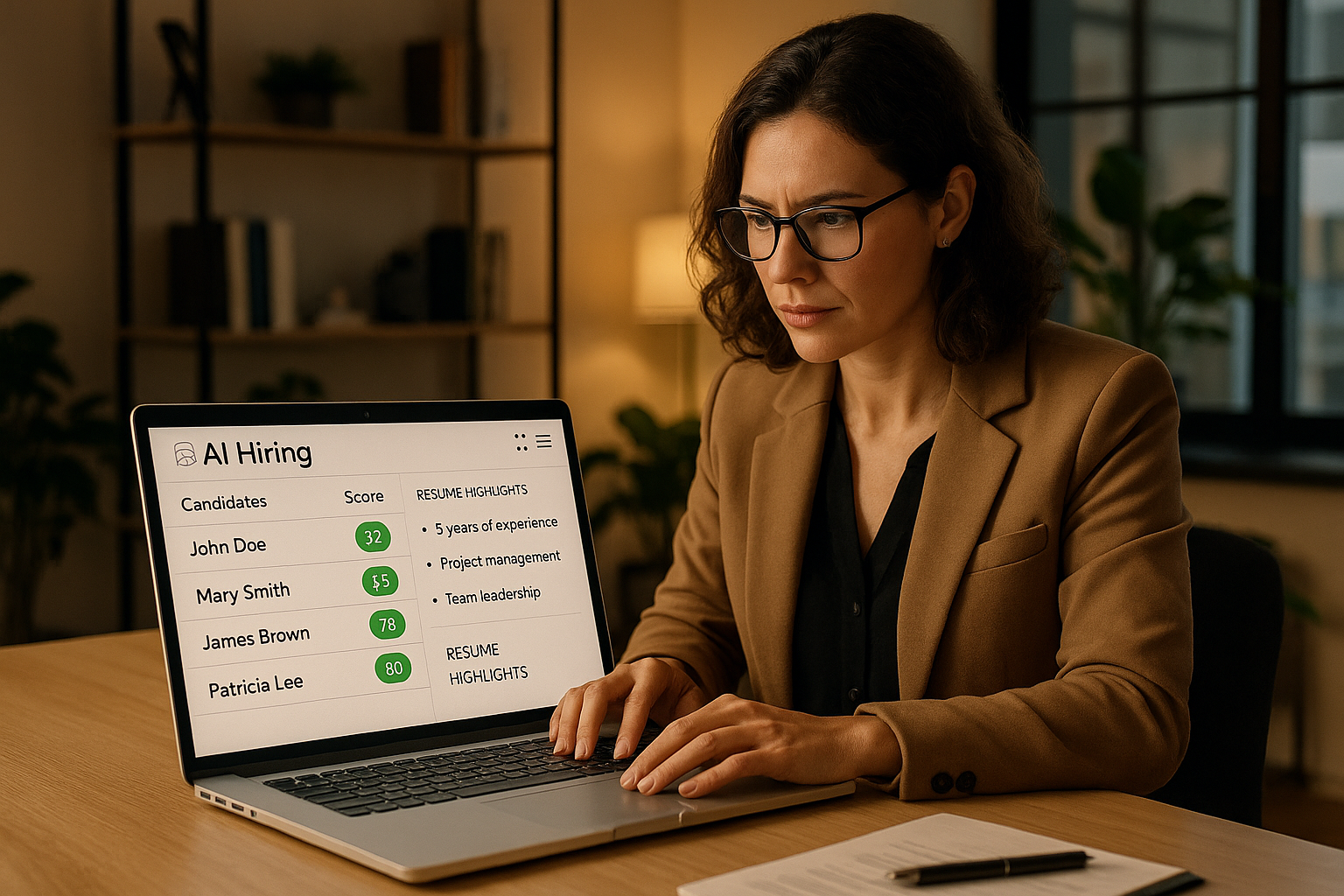
This is where AI hiring tools save the most time for small businesses. Instead of reading every resume personally, you define the criteria that matter — required skills, experience level, specific qualifications — and the AI scores each applicant against those criteria automatically.
You still make the decision. But instead of reading fifty resumes and trying to remember which ones stood out, you review a ranked list with AI-generated summaries of why each candidate scored the way they did. Your twenty-minute task becomes managing a shortlist instead of processing a firehose.
Automated Skills Assessments
Many AI hiring platforms include job-specific skills tests — for positions ranging from customer service to bookkeeping to technical trades. Candidates complete the assessment before the interview, and you see results automatically.
This answers a question that resumes never can: can this person actually do the job? A resume can say “experienced in QuickBooks.” A ten-minute assessment shows you whether that’s true.
Video Interview Screening
AI-assisted video platforms (Spark Hire, HireVue, Willo, and others) let candidates record responses to preset questions on their own schedule. You review the videos asynchronously — watching them in a batch rather than scheduling live calls for every applicant.
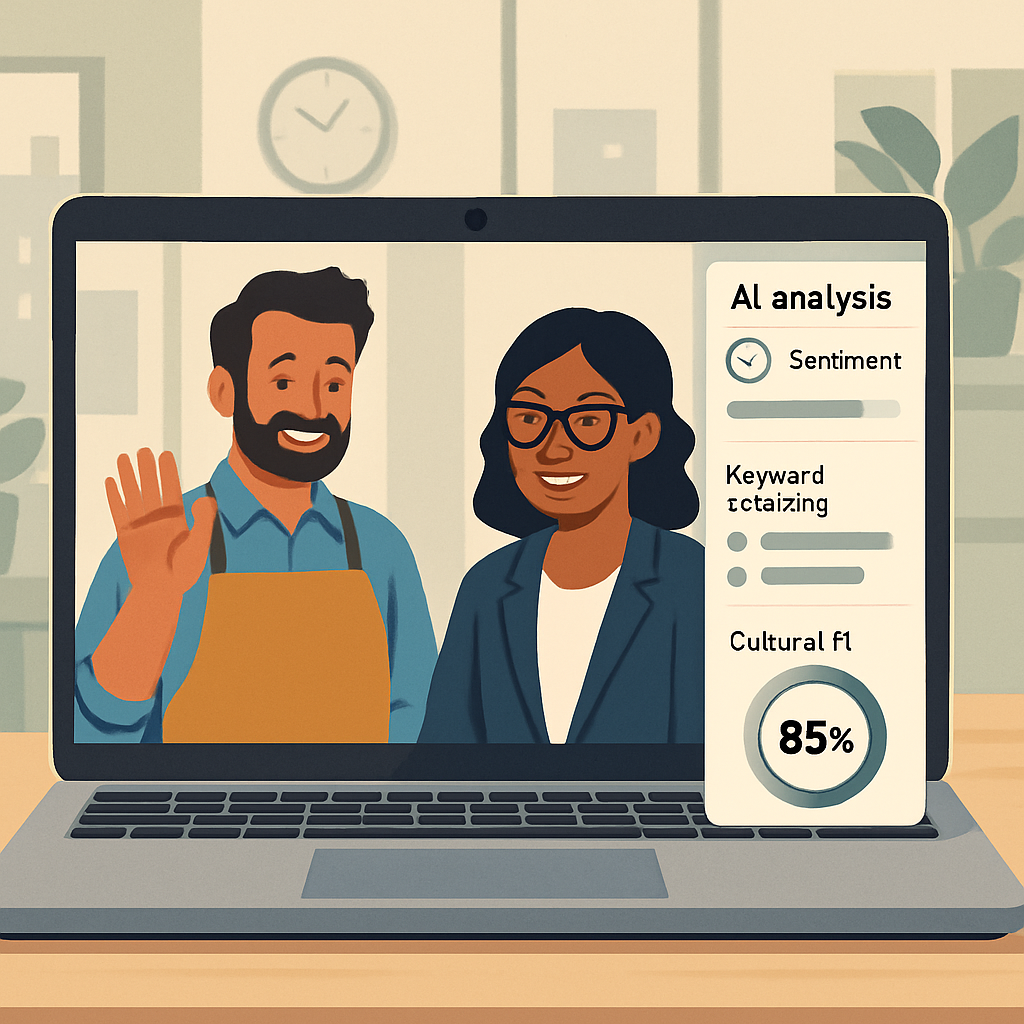
Some platforms add AI analysis: flagging candidates who seem particularly articulate or enthusiastic, noting whether responses addressed the question asked, and helping you compare candidates more systematically. Used thoughtfully, this cuts your time-to-first-interview dramatically without eliminating the human interaction entirely.
Interview Scheduling Automation
Coordinating interview schedules back and forth via email is pure administrative overhead. AI scheduling tools let candidates book directly into your calendar based on real-time availability — no back-and-forth required. When an interview needs to be rescheduled, the system handles it automatically.
Reference and Background Check Automation
Reference checks are tedious and often uninformative when done by phone — most references just say positive things regardless of actual performance. AI-powered reference check platforms send structured questionnaires to each reference and compile the results, giving you useful, comparable data instead of vague phone conversations.
Background check integrations (Checkr, Sterling, First Advantage) can trigger automatically once a candidate reaches the offer stage, reducing the manual coordination that typically delays onboarding.
The Best AI Hiring Tools for Small Businesses in 2026
Not every enterprise hiring platform makes sense for a business that hires ten people a year. Here are the tools that actually work at small business scale:
Workable
One of the most complete small-business hiring platforms. Workable includes AI-powered resume screening, a built-in candidate database, one-click job posting to 200+ boards, and structured interview kits with role-specific questions and scoring guides.
The AI sourcing tool actively searches for passive candidates who match your criteria — people not actively applying but worth reaching out to. For positions that are hard to fill, this changes the search from reactive to proactive.
Best for: Businesses hiring regularly (5+ roles per year) who want an all-in-one ATS and sourcing tool. Pricing starts around $149/month.
Breezy HR
Designed specifically for small and mid-sized businesses. Breezy includes drag-and-drop pipeline management, automated candidate communication, video interviewing, and solid AI-assisted resume parsing.
The interface is clean and approachable — you don’t need HR experience to use it. The automation features (auto-moving candidates through stages, sending status updates, scheduling interviews) reduce the administrative burden significantly.
Best for: Small businesses new to using a formal hiring system who want something that works without a learning curve. Free plan available; paid plans start around $157/month.
Greenhouse
Enterprise-grade platform with small-business pricing tiers. Greenhouse is particularly strong on structured, data-driven hiring — its interview scorecard system ensures every candidate gets evaluated against the same criteria by every interviewer, which dramatically improves consistency.
If your current hiring process suffers from “every interviewer evaluates differently,” Greenhouse solves that problem systematically.
Best for: Businesses serious about improving hiring quality and reducing bias, willing to invest time in setup for long-term results. Pricing available on request, generally higher than Workable or Breezy.
Lever
Combines ATS (applicant tracking) and CRM (candidate relationship management) in a single platform. The CRM side is useful if you’re building a talent pipeline — keeping track of strong candidates who weren’t right for this role but might be right for the next one.
Lever’s AI features include candidate scoring, nurture sequence automation for passive candidates, and detailed hiring analytics that help you understand where in the process candidates are dropping off.
Best for: Growing businesses that want to build a proactive talent pipeline, not just fill individual positions reactively.
HireVue (for video interviews)
If you want a standalone video interview tool without committing to a full ATS, HireVue is the category leader. Candidates record structured video responses to your preset questions. AI analysis flags notable responses and provides comparison tools.
Best for: Businesses that already have an ATS or simpler hiring workflow but want to add async video screening to cut time-to-interview.
Rippling (for full HR stack)
If you want hiring that connects seamlessly to onboarding, payroll, and benefits, Rippling integrates all of these in one platform. The ATS module includes AI screening and sourcing, and once someone is hired, the data flows automatically into payroll and HR records — no re-entering information.
Best for: Businesses ready to consolidate HR, payroll, and hiring into a single system.
How to Use AI Hiring Tools Without Losing the Human Element
The risk with any automation in hiring is over-relying on it. AI tools are good at pattern matching — identifying candidates who look like previous successful hires based on criteria you define. They’re not good at recognizing potential that doesn’t fit a pattern, assessing culture fit, or evaluating character.
Here’s how to get the benefits while keeping human judgment in the loop:
Define Your Criteria Thoughtfully
The AI screens for what you tell it to screen for. If you define “experience with QuickBooks” as a requirement when what you actually need is “comfort with financial software,” you’ll filter out candidates who could learn your system quickly but have only used different tools.
Before you configure any AI screening, spend twenty minutes writing down what success actually looks like in this role after six months. What does the person do? What skills are truly required versus nice-to-have? Who in your current team is excellent, and what made them excellent? Let those answers guide your screening criteria.
Treat AI Scores as One Input, Not the Verdict
Use the AI ranking to prioritize your reading, not to make the decision. The top-ranked candidate isn’t automatically the right hire. The eighth-ranked candidate might have something that the algorithm didn’t weight properly.
A good rule: review the AI summary for every candidate in the top tier, and skim the summary for everyone who wasn’t filtered out entirely. The point is efficiency, not abdication.
Keep Human Conversations at the Core
Skills assessments and video screens are useful for filtering, but they don’t replace substantive human conversations. Before any hire, you want at least one genuine conversation — ideally more — where you can hear how someone thinks, assess whether they’ll mesh with your team, and evaluate whether they’re honest about what they don’t know.
Use the time AI saves you in the screening phase to invest more deeply in the conversations that actually matter.
Audit for Bias Periodically
AI screening tools can perpetuate biases if the criteria they’re trained on reflect historical patterns that weren’t equitable. If your last five strong hires came from the same background, and you configure the AI to screen for similarity to those hires, you might systematically miss excellent candidates who don’t fit that pattern.
Review your hire data periodically: what does your applicant funnel look like at each stage? Where are candidates from different backgrounds dropping off? Use that data to adjust your criteria or introduce structured interviews earlier in the process.
A Practical Hiring Workflow for Small Businesses
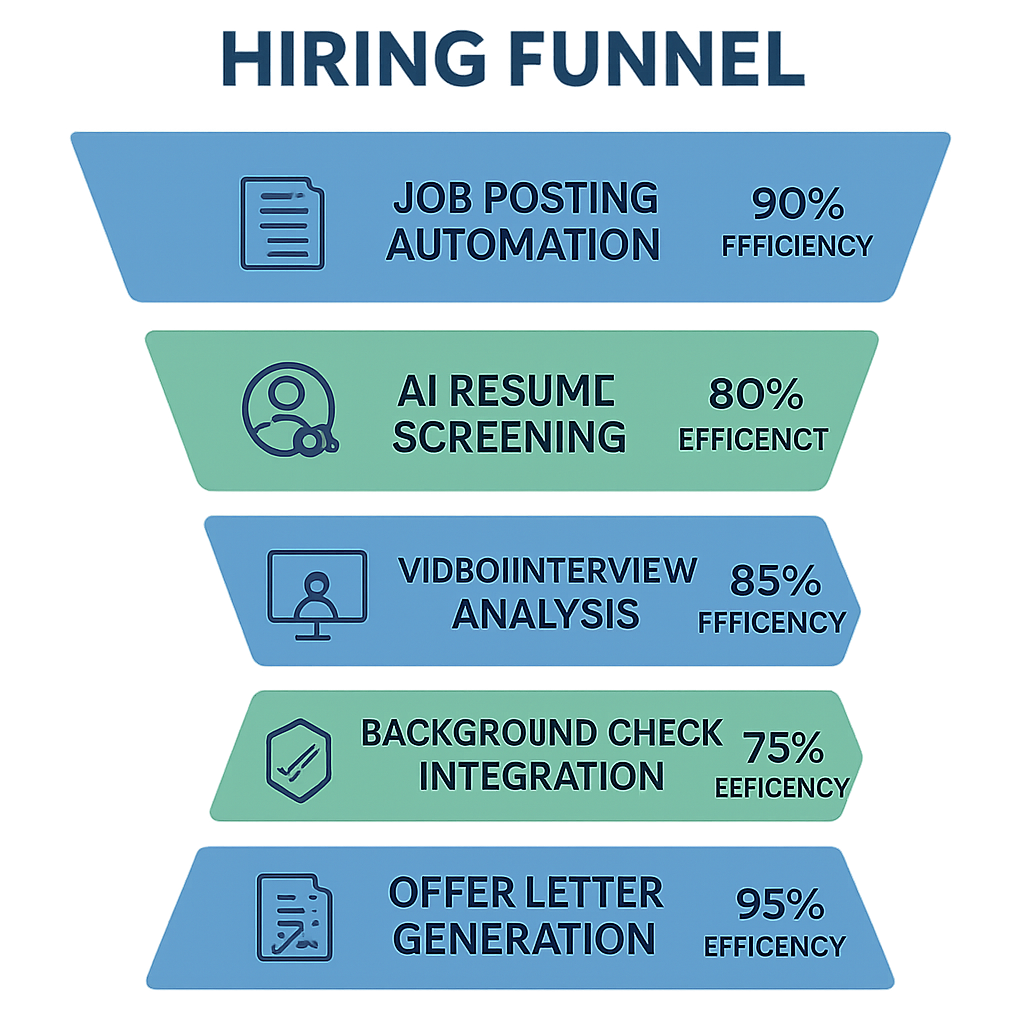
Here’s how to structure a modern small business hiring process using AI tools, from posting to offer:
Step 1: Write and Distribute the Job Post (Day 1)
Use your chosen platform’s AI writing assistant to draft the job description. Key things to include:
- Specific, concrete outcomes the role is responsible for (not just a list of tasks)
- Realistic “day in the life” detail so candidates self-select appropriately
- Honest information about compensation and growth potential
Post to your platform and let it distribute to major job boards automatically.
Step 2: Define Your Screening Criteria (Day 1–2)
Before applications start coming in, configure your screening: required skills, experience minimum, specific qualifications. Add a short questionnaire (3–5 questions) that candidates answer when applying. Good questions reveal work style and judgment, not just credentials:
- “Describe a situation where you had to manage competing priorities. How did you decide what to tackle first?”
- “What’s something you taught yourself to do in the last year?”
- “What would you want to understand about this role before accepting an offer?”
Applications that don’t answer the questions move to the bottom of the pile automatically.
Step 3: Review AI Shortlist (Days 3–7)
Once you have a reasonable number of applications, review the AI-ranked shortlist. For a typical small business role, you want to get to a phone screen shortlist of 5–8 people.
Look at the AI summary for each top candidate. Click into the full application for anyone who catches your attention. Move people who clearly don’t qualify to “not a fit” — the platform will notify them automatically.
Step 4: Skills Assessment (Days 3–7, concurrent)
If your role has specific skills requirements, send a skills assessment to your shortlisted candidates before phone screens. Most candidates complete assessments within 24–48 hours. This gives you objective data before your first conversation.
For roles where soft skills matter more than technical skills, skip the formal assessment and move directly to the next step.
Step 5: Async Video Screens (Days 7–10)
Instead of scheduling individual phone screens, send shortlisted candidates a video screen with 3–4 preset questions. Set a 72-hour deadline. Review all responses in one batch — what takes three hours of phone screens becomes 45 minutes of video review.
Invite your top 3–5 video screen candidates to a live interview.
Step 6: Structured Live Interviews (Days 10–14)
Use your ATS’s interview kit — a set of consistent questions tied to the competencies you’re evaluating, with a scoring rubric. If other team members are involved in the interview, they use the same rubric. This makes debrief conversations concrete (“on communication, I scored them a 3 because…”) rather than impressionistic.
Interview scheduling happens automatically through the platform — candidates pick a slot from your calendar.
Step 7: References, Background Check, and Offer (Days 14–18)
Send automated reference check requests to the candidate’s references. Configure a background check to trigger automatically once you’ve decided to move forward. Use a template to generate your offer letter.
What used to take 2–3 weeks of manual coordination becomes a largely automated wrap-up while you focus your attention on the final decision.
Common Questions About AI in Hiring
Will AI hiring tools create legal compliance issues?
Using AI in hiring does carry legal considerations, particularly around anti-discrimination laws. The key safeguards: use tools from reputable vendors who have invested in bias testing and compliance documentation. Configure screening criteria around skills and qualifications, not demographic proxies. Keep human decision-makers in the loop for every hire decision. Document your process.
Most established platforms (Workable, Greenhouse, Lever) have compliance teams who stay current on changing regulations. Using a reputable platform and maintaining human oversight covers the vast majority of small business scenarios.
How much do these tools actually speed up hiring?
The data from platform users consistently shows 50–70% reduction in time-to-hire when full AI workflow tools are implemented. The biggest gains come from eliminating back-and-forth scheduling and reducing resume review time from several hours to under an hour. For a business hiring two or three people per quarter, this translates to recovering several full workdays per year.
Do small businesses really need this for only a few hires per year?
Even if you’re only hiring twice a year, the cost of a bad hire justifies the investment in a better process. Most small business ATS platforms offer free plans or low-cost tiers for low hiring volume. The benefit isn’t just time savings — it’s consistency and quality. A structured process with AI-assisted screening produces better hires than an ad hoc process, regardless of volume.
What about hourly and frontline positions?
AI hiring tools work well for hourly and frontline roles. Skills assessments are often faster than interviews for these positions — you can test customer service response quality, attention to detail, or basic numeracy in a ten-minute exercise. The screening and scheduling automation is arguably even more valuable for high-volume hourly hiring than for professional roles.
Integrating Hiring With the Rest of Your Business Systems
Hiring doesn’t end at the offer letter. The transition from hired to productive is where many small businesses leave value on the table — the new person sits around for a week waiting for accounts to be set up, not knowing what to do or who to ask.
AI and automation tools extend into onboarding as well. Rippling and BambooHR, for example, can automatically provision software access, send a welcome email sequence, assign onboarding tasks, and collect paperwork — all triggered by a hire record being marked as accepted.
For the CRM side of talent — building relationships with past candidates who weren’t right for this role but might be right for the next — see our CRM automation guide for how to set up a simple pipeline that keeps warm candidates engaged.
For document-heavy onboarding processes — employment agreements, I-9s, benefits elections — AI document processing tools can automate much of the form collection and review. Our AI document processing guide covers the tools that work for small teams.
What the Best Small Business Hirers Do Differently
When you talk to small business owners who have great teams, a few patterns emerge consistently.
They hire slowly and fire quickly. They invest real time in the hiring process because they know how expensive a bad hire is. And they don’t let poor performers linger out of conflict avoidance. AI tools help with the “hire slowly” part — giving you better information earlier so you’re confident in who you bring on.
They hire for character and train for skill. The technical skills can usually be taught. Integrity, work ethic, and good judgment are much harder to develop in someone who doesn’t already have them. They weight character heavily in the interview process, which is a human judgment that no AI tool can replace.
They know what “excellent” looks like before they start. The best hirers I’ve talked to say they could describe a successful hire in detail before they posted the job. They know what outcomes they need, what behaviors matter, and what kind of person tends to do well in their environment. AI screening criteria get much better when you start from this clarity.
They sell the opportunity. Great candidates have options. The best small business owners treat the hiring process as a two-way pitch — they’re evaluating the candidate, and the candidate is evaluating them. They come to interviews ready to explain why their business is an exciting place to work, what the growth trajectory looks like, and why this role matters.
AI tools can make you dramatically more efficient. But the candidates you’re competing for are evaluating whether you’re worth their time just as much as you’re evaluating them. The tools give you the structure; the human element seals the deal.
Hiring is too important to leave to gut feel and good intentions — and too time-consuming to manage manually on top of everything else your business demands. AI hiring tools give small businesses the structure and efficiency that large companies have had for years, without requiring a dedicated HR department or an enterprise budget.
The investment is low. The upside is real. And the businesses that build better hiring processes today will have stronger teams — and a genuine competitive advantage — tomorrow.
Ready to build a hiring system that actually works for your business? Talk to Monsoft Solutions about how we help local businesses in Naples, Fort Myers, and Cape Coral put the right tools and processes in place to grow their teams with confidence.